























- Description
- Minimum Requirements
- Specifications
- Additional information
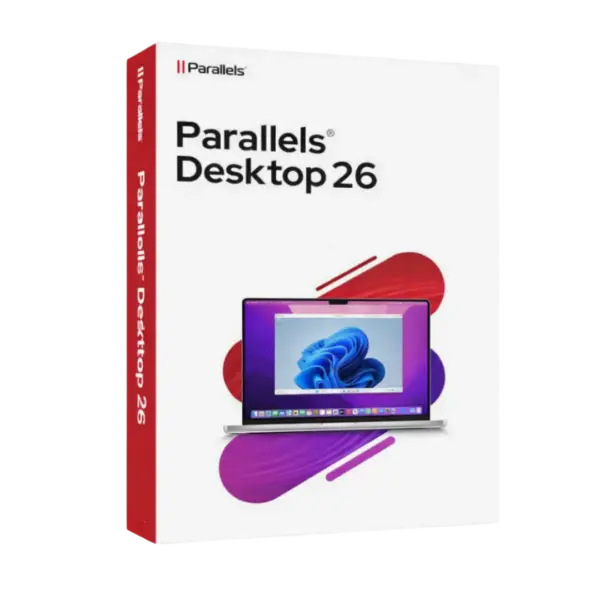
Parallels Desktop 26 Mac helps Mac users run Windows applications on Mac with speed, comfort, and control. You get instant digital delivery, flexible lifetime usage when selected, and no subscription for the lifetime option.
It is a practical choice for business users, students, developers, and home users who need Windows tools on MacOS without buying another computer.
Overview of Parallels Desktop 26 Mac
- Platform: MacOS
- License Type: Retail
- Devices: 1 Device
- License Duration: 1 Year/ Lifetime
- Activation Method: Online activation
- Delivery: Instant digital delivery via email
- Support: Email and remote assistance 24/7
- Language Support: Multi-language
- Compliance: Genuine software licenses sourced through compliant distribution channels in line with U.S. laws and industry standards
Key Features
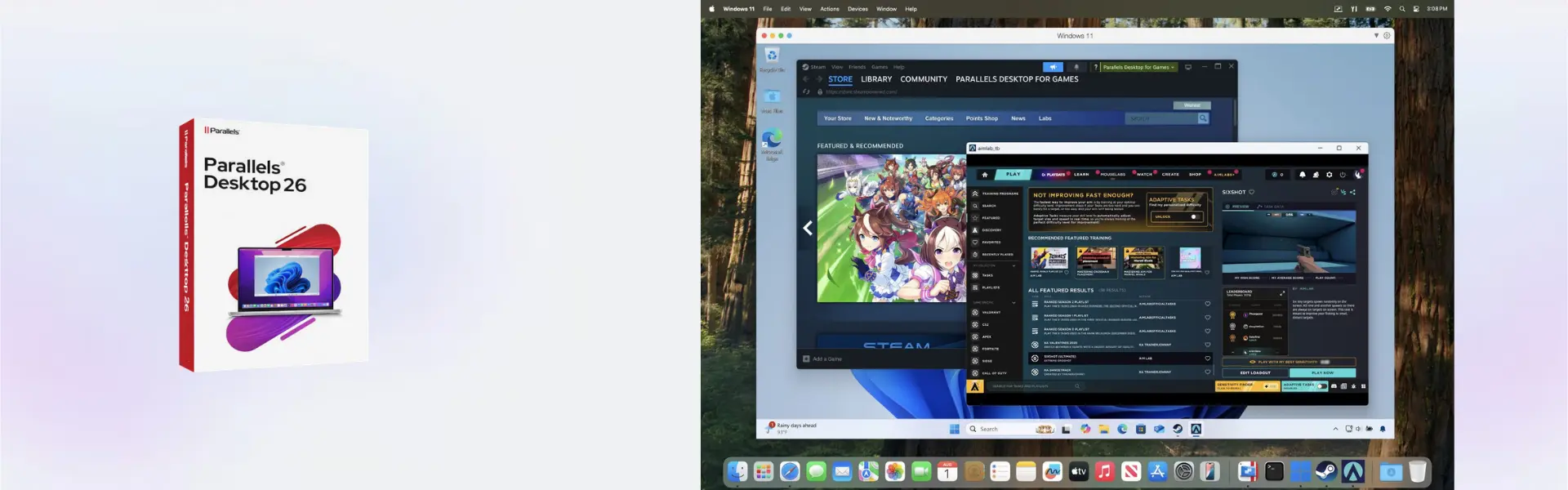
- Run Windows on Mac: Use Windows apps on MacOS, so you can work with essential software from one device.
- Smooth virtual performance: Create a responsive workspace for daily apps, business tools, and study platforms.
- Coherence Mode: Open Windows apps beside Mac apps, which keeps your workflow clean and simple.
- Easy file sharing: Move files between MacOS and Windows faster, reducing wasted time on manual transfers.
- Quick setup process: Install and activate online with clear steps, so you can start working sooner.
- Flexible usage options: Choose 1 year or lifetime usage based on your needs and budget.
- Ideal for testing: Developers and IT users can test systems and apps safely in a separate virtual environment.
Main Features Explained
Windows Application Support
Parallels Desktop 26 Mac allows users to run Windows applications on Mac. This is useful for accounting tools, office apps, business software, and school programs that are not available for MacOS.
Virtual Machines
You can create virtual machines on Mac for Windows and other supported systems. Developers, students, and IT users can test software, browse safely, or separate work environments from personal files.
Coherence Mode
Coherence Mode makes Windows apps feel like part of your Mac desktop. This helps users switch between tasks faster and work with fewer distractions.
Shared Folders
Shared folders let you access the same documents from MacOS and Windows. This matters when working with reports, spreadsheets, PDFs, or project files across different platforms.
Performance Controls
Performance controls help you adjust system resources based on your workload. This improves speed for demanding tasks or reduces system usage during lighter work.
Why Choose Parallels Desktop 26 Mac?
Parallels Desktop 26 Mac is built for users who want Windows access on Mac without leaving the Mac experience. It supports real work needs, from office productivity and remote work to education, testing, and business operations.
If you need more digital software solutions, explore our computer programs category. For users who need a more advanced professional option, Parallels Desktop 26 Pro Mac is a useful comparison.
Parallels Desktop 26 Mac vs Alternatives
Compared with Parallels Desktop 20 Pro Edition Mac, Parallels Desktop 26 Mac offers a newer Mac virtualization experience for modern users. It is better suited for customers who want current performance, smoother daily use, and updated workflow support.
Compared with free virtualization tools, Parallels Desktop 26 Mac gives users easier setup, stronger Mac integration, and a more polished experience. Therefore, it is a better choice for users who value time, stability, and comfort.
System Compatibility
Parallels Desktop 26 Mac is designed for MacOS and works on 1 device. Before installation, make sure your Mac has enough storage, memory, and system resources for the operating system and applications you plan to run.
License Type Explanation
This product includes a Retail license for 1 computer. It can be installed and activated only once on 1 device.
After activation, the license does not expire for the selected lifetime option. However, it cannot be transferred or used again on another device. If the software is uninstalled or the device is formatted, the license is lost.
Installation & Activation
- Complete your order on Digital License.
- Check your email for instant digital delivery details.
- Download and install Parallels Desktop 26 Mac on your MacOS device.
- Open the software and enter the activation details.
- Activate online and finish the setup process.
- Install Windows or another supported system if needed.
Why Buy From Us
Digital License makes software purchasing simple, secure, and reliable. You receive fast delivery, genuine licenses, and support when you need help with setup or activation.
- Instant digital delivery via email
- Genuine software licenses
- Secure payment process
- Email and remote assistance 24/7
- Compliance with U.S. laws and industry standards
Trust & Reliability
Digital License focuses on secure digital delivery, genuine software sourcing, and professional customer support. Every order is handled with care to help users activate their software smoothly and confidently.
FAQ
How do I activate Parallels Desktop 26 Mac?
You activate it online using the activation details delivered after purchase.
When will I receive my order?
Your order is delivered instantly by email after purchase confirmation.
Is Parallels Desktop 26 Mac compatible with MacOS?
Yes, it is designed for MacOS users who need to run Windows applications and virtual environments.
How many devices can I use?
This product is for 1 device only.
Can I transfer the Retail license?
No. This Retail license cannot be transferred after activation.
Does the lifetime option expire?
No. Once activated, the lifetime option does not expire.
What happens if I format my device?
If the device is formatted or the software is uninstalled, the license is lost and cannot be used again.
Is this product legal?
Yes. The license is sourced through compliant distribution channels in line with U.S. laws and industry standards.
Do you provide support?
Yes. Email and remote assistance are available 24/7 for installation and activation help.
| Component | Requirement |
| Processor | Apple silicon (M-series) chip or Intel Core i5, i7, i9, Core M, or Xeon processor |
| RAM | 4 GB minimum |
| Storage | 600 MB for Parallels Desktop installation plus at least 16 GB for a Windows virtual machine |
| Operating System | macOS Mojave 10.14.6 or later |
| Graphics | Apple silicon GPU or Intel, AMD Radeon, or NVIDIA graphics |
| Internet | Required for activation, updates, and selected features |
| Specification | Detail |
|---|---|
| Activation | Single Mac activation |
| License validity | 1 Year / Lifetime |
| Delivery method | By email within 15 minutes |
| Languages | Multilingual |
Additional information
| Subscription period | 1 Year, Lifetime |
|---|

1 – Buy
Shop securely with SSL encryption.

2 – Receive
You will receive the license key and download link.

3 – Download
Download and install the software.

4 – Activate
Enter the license key to the software.


Vmware vCenter Server 8 Standard
