Microsoft Office 365 Licenses for Flexible Productivity and Everyday Use
Microsoft Office 365, now commonly delivered through Microsoft 365 plans, is designed for users who want a subscription-based Office environment with continuous feature updates, cloud-connected tools, and flexible access across multiple devices. Unlike traditional one-time purchase Office versions, this model focuses on keeping your software current while supporting modern workflows.
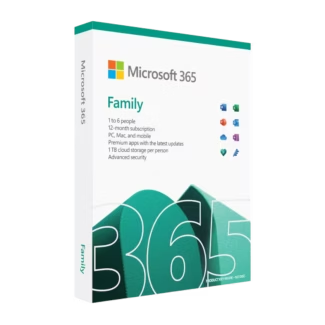
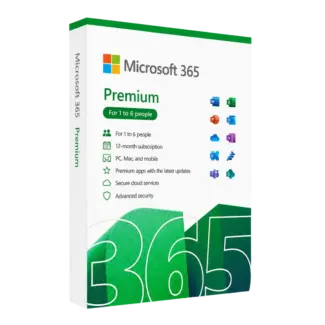
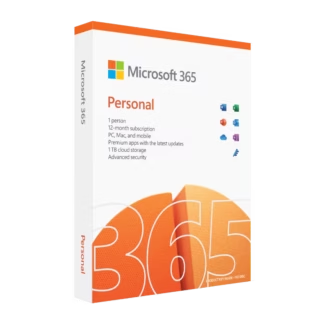
In this category, you can explore the main Microsoft Office 365 Licenses selection, compare general options in Microsoft 365, or review Microsoft 365 Family if you need a subscription designed for multiple users.
What Is Microsoft Office 365?
Microsoft Office 365 is a subscription-based Office ecosystem that includes premium applications such as Word, Excel, PowerPoint, and Outlook, along with cloud-based services depending on the plan. It is designed for users who want a connected digital workspace that evolves over time.
Who Should Choose Microsoft 365?
This solution is ideal for users who value flexibility and access across devices.
Microsoft 365 for Individuals
Individual users often choose Microsoft 365 for its multi-device accessibility and consistent access to the latest Office tools.
Microsoft 365 for Families
Microsoft 365 Family is ideal for households that need a shared subscription environment with separate user access and productivity tools.
Microsoft 365 for Everyday Work
Microsoft 365 is also suitable for users who require a flexible work setup, supporting both home and professional environments.
Why Choose Microsoft 365?
- Access to latest Office versions without manual upgrades.
- Support for multiple devices depending on the plan.
- Cloud integration for easier file access.
- A practical solution for modern remote workflows.
Choosing the Right Plan
The best option depends on your usage needs and number of users.
User-Based Selection
Single users may prefer Microsoft 365, while households benefit from Microsoft 365 Family for shared access.
Device-Based Selection
If you work across multiple devices, a cross-platform Office solution provides greater convenience than traditional licenses.
Compatibility and System Considerations
To get the best experience, it is important to use a supported operating system. You can explore compatible Operating systems, including Windows 11 for a modern ecosystem integration or Windows 10 for a stable environment.
OEM vs Retail Licenses Explained
Although Microsoft 365 uses a subscription model, many users compare it with traditional licensing types.
OEM License
Typically linked to one device, suitable for a fixed hardware setup.
Retail License
Offers more flexibility, acting as a transferable license option.
Installation and Activation Overview
Microsoft 365 setup is based on account activation rather than traditional keys.
- Select your subscription plan.
- Sign in with your Microsoft account.
- Download and install Office apps.
- Activate through your account.
Expand Your Software Environment
Microsoft 365 is often part of a broader setup that includes business infrastructure solutions such as Microsoft Server, Windows Server 2025, and Microsoft SQL Server 2022.
For additional protection and tools, explore Antivirus licenses, Kaspersky, other Computer programs, and professional software like Autodesk.
Why Choose Digital License
Choosing a trusted provider ensures access to reliable subscription services and verified software solutions.
Digital License is listed as a Microsoft Partner, providing additional confidence. Microsoft Partner ID : 7033487