Acronis True Image 2025
69.90 $
Add to cart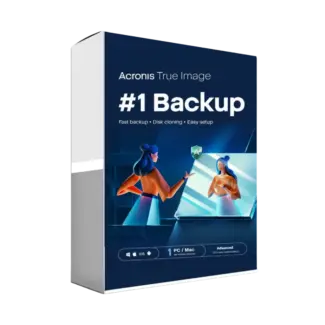
Acronis True Image Advanced
114.90 $
Add to cart
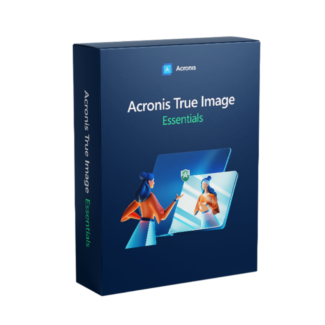
Acronis True Image Essentials is designed for users who need reliable local backup and recovery features. Acronis True Image Advanced adds additional capabilities such as cloud backup options and enhanced cyber protection, while Acronis True Image 2025 provides the latest backup technologies and compatibility with modern operating systems and devices.
Yes. If you have created a full system image backup, Acronis allows you to restore your operating system, applications, settings, and personal files after a hard drive failure or system crash. This can significantly reduce downtime compared to reinstalling everything manually.
Yes. Acronis lets you create scheduled backup plans that run automatically at intervals you choose. This helps ensure your important documents, photos, videos, and system data stay up to date without requiring manual backups every time.
Yes. Acronis includes disk cloning features in supported editions, making it easy to transfer your operating system, applications, and files from an existing drive to a new SSD or hard drive. This simplifies hardware upgrades while preserving your existing setup.
Acronis combines backup, system recovery, disk cloning, and cyber protection in a single solution. Instead of only copying files, it helps protect your entire system, recover quickly after unexpected issues, and, in selected editions, includes additional features such as ransomware protection and cloud backup capabilities.
For complete data protection, start with Acronis Licenses, choose the latest Acronis True Image 2025,
compare advanced protection with Acronis True Image Advanced, or select essential backup tools
through Acronis True Image Essentials; you can also explore broader Backup & Data Recovery software,
strengthen device security with Antivirus protection, secure sensitive files using Encryption tools,
or compare trusted alternatives from EaseUS and AOMEI.

Customise your consent preferences for Cookie Categories and advertising tracking preferences for Purposes & Features and Vendors below. You can give granular consent for each Third Party Vendor and Google Ad Tech Provider. Most vendors require explicit consent for personal data processing, while some rely on legitimate interest. However, you have the right to object to their use of legitimate interest. Additionally, please note that your preferences regarding purposes and vendors are saved in a cookie named 'euconsent' on your device and may be retained for up to 730 days to remember your choices.
Necessary cookies are required to enable the basic features of this site, such as providing secure log-in or adjusting your consent preferences. These cookies do not store any personally identifiable data.
Analytical cookies are used to understand how visitors interact with the website. These cookies help provide information on metrics such as the number of visitors, bounce rate, traffic source, etc.
Advertisement cookies are used to provide visitors with customised advertisements based on the pages you visited previously and to analyse the effectiveness of the ad campaigns.
Functional cookies help perform certain functionalities like remembering your preferences and customising your experience on the website.
This section lists the purposes for which partners process your data and the features they use. You can object to the use of legitimate interests.
This section lists third-party vendors that may process your data. You can review and manage consent for each vendor individually.