Microsoft Office 2019 Licenses for Reliable Productivity
Microsoft Office 2019 remains a trusted solution for individuals and businesses looking for a stable, non-subscription Office suite. It delivers the essential productivity tools needed for daily work without ongoing fees, making it a practical choice for users who value long-term software stability and consistent performance.
Within this category, you can explore all available options in the main Microsoft Office 2019 Licenses section or go directly to specific editions such as Microsoft Office 2019 Professional Plus, Microsoft Office 2019 Professional Plus Bind, and Microsoft Office 2019 Home & Business Mac.
What Is Microsoft Office 2019?
Office 2019 is a standalone Office suite that includes core applications such as Word, Excel, PowerPoint, and Outlook depending on the edition. It is designed for users who want reliable desktop software with full functionality and no dependency on cloud subscriptions, making it a practical offline productivity solution.
Choosing the Right Office 2019 Edition
Each Office 2019 edition is tailored to different user needs. Understanding your usage scenario helps you select the most suitable version.
Office 2019 Professional Plus
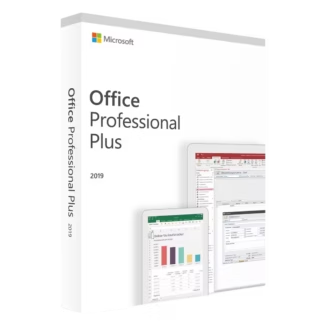
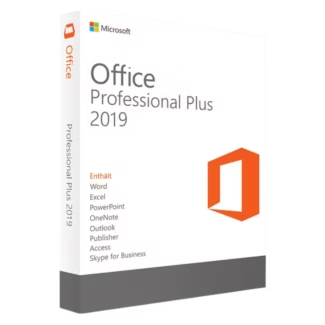
Microsoft Office 2019 Professional Plus is ideal for professionals and businesses that require a comprehensive Office environment. It supports advanced workflows, data analysis, and communication tasks.
Office 2019 Professional Plus Bind
Microsoft Office 2019 Professional Plus Bind is designed for users who need a device-linked installation setup, often chosen for dedicated workstations or fixed office environments.
Office 2019 Home & Business Mac
Microsoft Office 2019 Home & Business Mac is tailored for macOS users who need reliable Office applications for professional or personal use in a macOS-optimized workspace.
Compatibility and System Requirements
Before choosing Office 2019, it is important to verify system compatibility. Most installations are used on Windows-based systems, making the operating system a key factor.
You can explore compatible platforms in the Operating systems category. Many users prefer Windows 11 for a modern user interface, while Windows 10 remains a well-established operating system.
OEM vs Retail Licenses Explained
Understanding different licensing models helps you make an informed decision.
OEM License
OEM licenses are typically tied to one device after activation and are suitable for a single-device installation where the software remains on the same machine.
Retail License
Retail licenses allow more flexibility, offering the possibility to move the software to another device if needed. This makes them ideal for users who want a flexible software usage option.
Installation and Activation Overview
Setting up Office 2019 is straightforward when following the correct steps. Understanding the software setup process helps avoid common issues.
- Select the correct Office 2019 edition.
- Receive your license key and installation details.
- Download the appropriate Office package.
- Install the software on your device.
- Activate using your product key.
Expanding Your Software Ecosystem
Office 2019 is often part of a larger digital infrastructure. Businesses may integrate it with enterprise-grade solutions such as Microsoft Server, Windows Server 2025, and Microsoft SQL Server 2022.
For additional security and productivity, you can explore Antivirus licenses, including Kaspersky, along with other Computer programs and professional tools such as Autodesk.
Why Choose Digital License
Choosing the right provider is essential when purchasing software. Digital License offers access to dependable software licensing solutions with a focus on clarity and reliability.
Digital License is listed as a Microsoft Partner, providing additional trust and credibility. Microsoft Partner ID : 7033487