








- Description
- Minimum Requirements
- Specifications
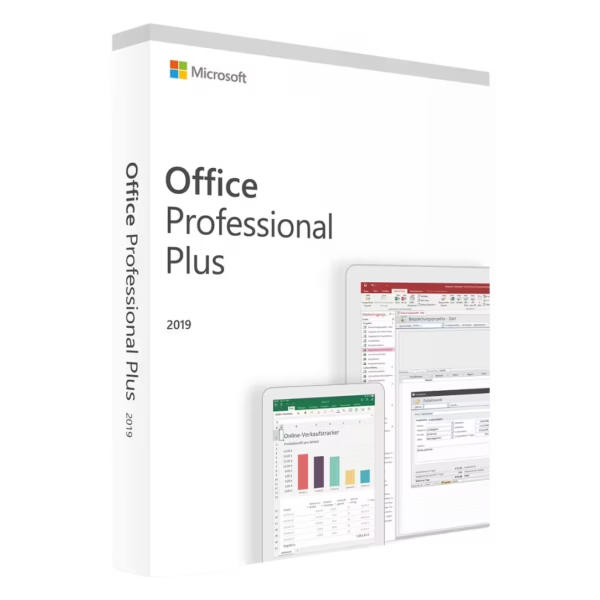
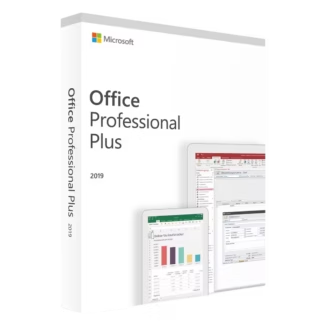
Microsoft Office 2019 Professional Plus is a complete productivity suite designed for users who need instant delivery, lifetime usage, and no subscription. It provides powerful tools for business, data management, and communication in a stable and reliable environment.
Overview of Microsoft Office 2019 Professional Plus
- Platform: Windows
- Edition: Professional Plus
- License Type: LTSC
- Devices: 1 device
- License Duration: Lifetime
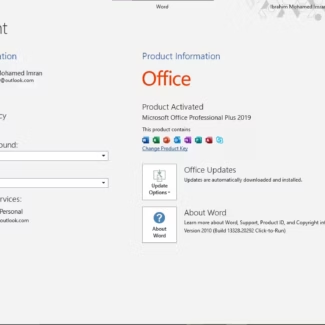
- Activation Method: Online activation
- Delivery: Instant digital delivery via email
- Support: Email and remote assistance
- Language Support: Multi-language
- Compliance: Genuine software licenses sourced through compliant distribution channels in line with U.S. laws and industry standards
Key Features
- Full Professional Toolset: Includes advanced applications for document creation, data analysis, communication, and database management, covering complex workflows.
- LTSC Stability: Built for long-term consistency, avoiding disruptive updates and maintaining predictable performance.
- One-Time Purchase: Lifetime access removes recurring subscription costs, making it a cost-efficient solution.
- Advanced Data Capabilities: Excel and Access support detailed reporting, analysis, and structured data management.
- Integrated Workflow: Seamless interaction between apps improves productivity and reduces time switching between tools.
- Offline Productivity: After activation, all applications work without continuous internet access.
- Fast Deployment: Instant delivery allows quick installation and immediate use.
Main Features Explained
Microsoft Word
Word is essential for creating structured documents such as contracts, reports, and proposals. It helps maintain consistency and professionalism in written communication across business and academic environments.
Microsoft Excel
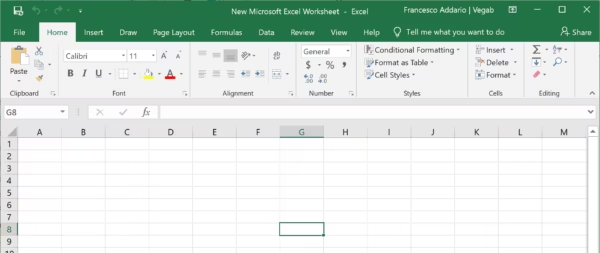
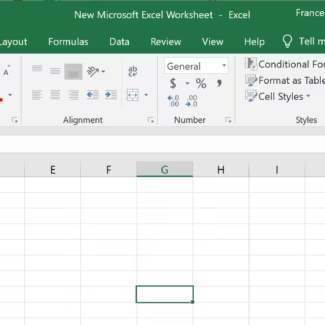
Excel enables advanced calculations, financial tracking, and data analysis. It is widely used for reporting, budgeting, and managing large datasets in professional settings.
Microsoft PowerPoint
PowerPoint allows users to create clear and impactful presentations for meetings, training sessions, and client communication, helping deliver ideas effectively.
Microsoft Outlook
Outlook manages email, calendars, and contacts in one platform, improving organization and communication efficiency in daily workflows.
Microsoft Access & Publisher
Access supports database creation and management for structured data, while Publisher enables the creation of marketing materials such as brochures and newsletters.
Why Choose Microsoft Office 2019 Professional Plus?
This version is ideal for professionals, businesses, and advanced users who require a complete and stable productivity environment. It supports everything from documentation and reporting to communication and database management.
Explore more options in the Microsoft Office 2019 licenses category to compare available editions. If you prefer account-based activation, you can review Microsoft Office 2019 Professional Plus Bind.
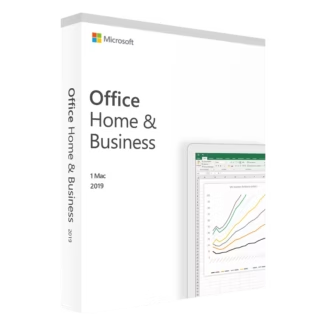
For Mac users, the Microsoft Office 2019 Home & Business Mac provides a compatible solution.
Microsoft Office 2019 Professional Plus vs Alternatives
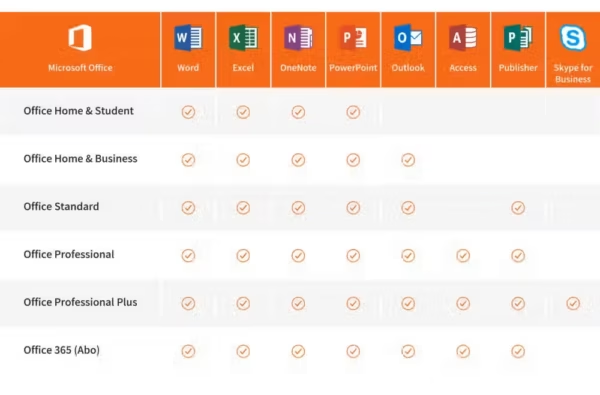
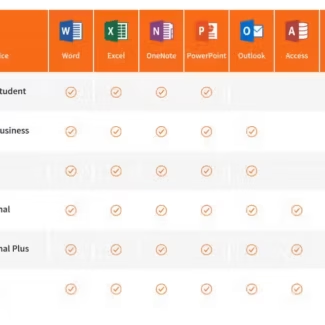
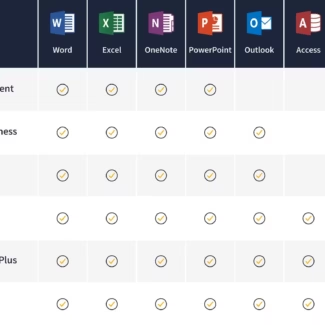
Compared to Home & Business editions, this version includes advanced tools such as Access, making it suitable for users who handle structured data and business workflows.
Unlike subscription-based Office plans, it provides permanent access without recurring payments, making it a practical long-term investment.
System Compatibility
This software is compatible with Windows devices and runs efficiently on most modern systems. It supports both everyday productivity tasks and advanced business operations.
License Type Explanation
The LTSC license ensures long-term stability without subscription requirements or frequent feature changes. It is designed for users who want a consistent working environment.
This is a one-time purchase with lifetime usage, offering full ownership and predictable costs without recurring payments.
Installation & Activation
- Receive your product details instantly via email
- Download the Office installation files
- Install the software on your device
- Enter your activation details
- Complete online activation
- Start using all applications
Why Buy From Us
We provide a secure and reliable purchasing experience with full support.
- Instant digital delivery
- Genuine software licenses
- Secure payment methods
- 24/7 customer support
- Compliance with U.S. laws and industry standards
Digital License Is a Verified Microsoft Partner
Digital License is an official Microsoft Partner
(ID: 7033487), recognized for delivering genuine software
licenses and verified solutions worldwide. You can verify our
partnership directly on the Microsoft Partner Directory. This ensures
every license you purchase is authentic, secure, and fully compliant with
Microsoft standards and applicable U.S. laws and industry standards.
FAQ
How does this version support real business workflows involving multiple tools?
This version allows seamless integration between applications. For example, Excel data can be embedded into Word reports or PowerPoint presentations, while Outlook manages communication, reducing the need for external tools.
Is this suitable for users managing both structured data and documents?
Yes. With Access for database management and Word for documentation, it provides a unified environment for handling both structured and unstructured information.
What makes this version practical for long-term use in a company?
The LTSC version ensures a stable interface and consistent functionality, which is important for training, internal processes, and long-term projects without disruption.
Can this handle complex reporting and analysis tasks?
Yes. Excel supports advanced formulas and large datasets, while Access enables structured data handling, making it suitable for reporting and analysis workflows.
Is this a good choice for users who prefer not to rely on cloud-based tools?
Yes. All applications run locally after activation, giving users full control over their data without requiring cloud services.
How does this version help reduce workflow complexity?
By combining multiple tools in one suite, it eliminates the need to switch between different software, improving efficiency and simplifying daily operations.

| Component | Requirement |
| Processor | 1.6 GHz or faster, 2-core processor |
| RAM | 4 GB RAM for 64-bit; 2 GB for 32-bit |
| Storage | At least 4 GB of available disk space |
| Operating System | Windows 10 or Windows Server 2019 |
| Graphics | DirectX 9 or later with WDDM 2.0 or higher for Windows 10 |
| Display | 1280 × 768 screen resolution |
| Specification | Detail |
|---|---|
| Activation | Single PC (one-time activation) |
| License validity | Lifetime (does not expire after activation) |
| Delivery method | By email within 15 minutes |
| Languages | Multilingual |

1 – Buy
Shop securely with SSL encryption.

2 – Receive
You will receive the license key and download link.

3 – Download
Download and install the software.

4 – Activate
Enter the license key to the software.
Microsoft Project 2021 Professional
Microsoft Visio 2019 Professional
Microsoft Office 2016 Professional Plus Bind
Microsoft Office 2019 Home & Business Mac