Windows 7 Operating System Licenses for Legacy Compatibility
The Windows 7 Operating System Licenses category is designed for users who require a consistent and proven computing environment for older systems, specialized workflows, and legacy applications. Windows 7 continues to be used in situations where stability and compatibility are more important than adopting newer operating systems.
This category includes editions such as Windows 7 Home Premium, Windows 7 Professional, and Windows 7 Ultimate, each offering different capabilities depending on your requirements.
Why Windows 7 Is Still Used
Windows 7 is often selected when long-established software environments must remain unchanged. Many users rely on it because their applications and hardware are optimized for this operating system.
- Legacy business applications
- Older hardware compatibility
- Stable and predictable system behavior
- Dedicated systems with fixed roles
Understanding Windows 7 Editions
Each edition offers different levels of feature availability and system control, making it important to choose based on your specific use case.
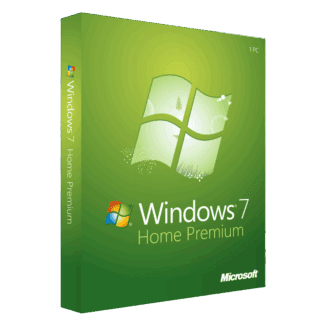
Windows 7 Home Premium
Windows 7 Home Premium is suitable for everyday personal use, including browsing and media tasks.
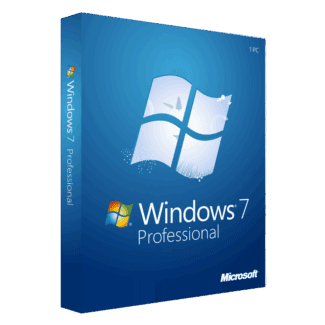
Windows 7 Professional
Windows 7 Professional is designed for work environments that require additional management features.
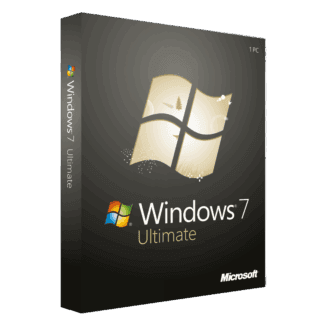
Windows 7 Ultimate
Windows 7 Ultimate provides a complete feature set for users who need flexibility and advanced functionality.
Hardware and Software Compatibility
Windows 7 offers excellent support for older devices and drivers, making it ideal for systems that cannot efficiently run newer operating systems.
Many users combine Windows 7 with productivity tools such as Microsoft Office, including Microsoft Office 2024 and Microsoft Office 2021, or integrate solutions from Microsoft Server.
License Types Explained
OEM License
OEM licenses are used for device-specific activation and remain linked to a single machine after installation.
Retail License
Retail licenses offer greater flexibility for hardware changes, making them suitable for users who upgrade systems.
Installation and Activation Process
Installing Windows 7 ensures full system usability and activation when completed correctly.
- Prepare installation media
- Install the operating system
- Enter your product key
- Connect for activation
- Install drivers and updates
Users can enhance their systems with Antivirus licenses, security tools like Kaspersky, and applications from Computer programs.
Who Benefits from Windows 7
This operating system is suitable for users needing reliable legacy system performance in specific environments.
- Users with older PCs
- Businesses using legacy applications
- Technical setups requiring specific OS support
- Controlled or isolated systems
Users may also explore solutions such as Windows Server 2025, Microsoft SQL Server 2022, professional tools from Autodesk, and bundled solutions in the Bundle category.
Trusted Software Provider
Choosing a reliable provider ensures access to verified software licensing and clear product details. Digital License focuses on delivering a transparent experience.
Digital License is listed as a Microsoft Partner. Microsoft Partner ID : 7033487