
























- Description
- Minimum Requirements
- Specifications
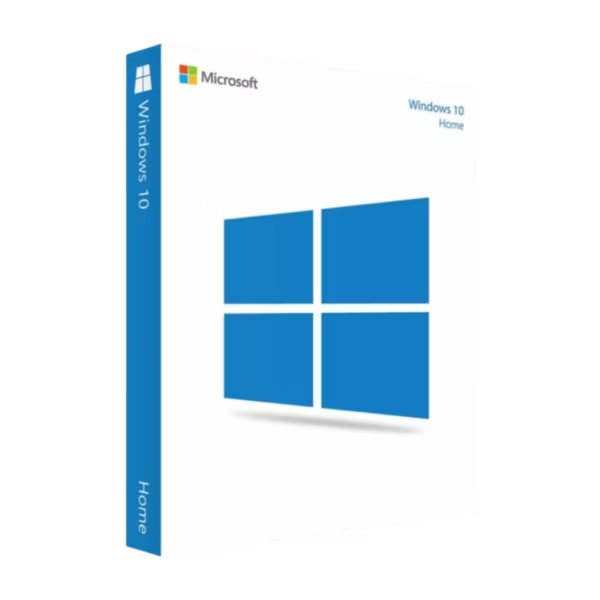
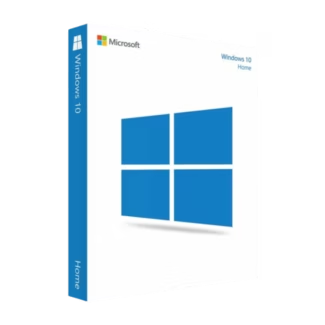
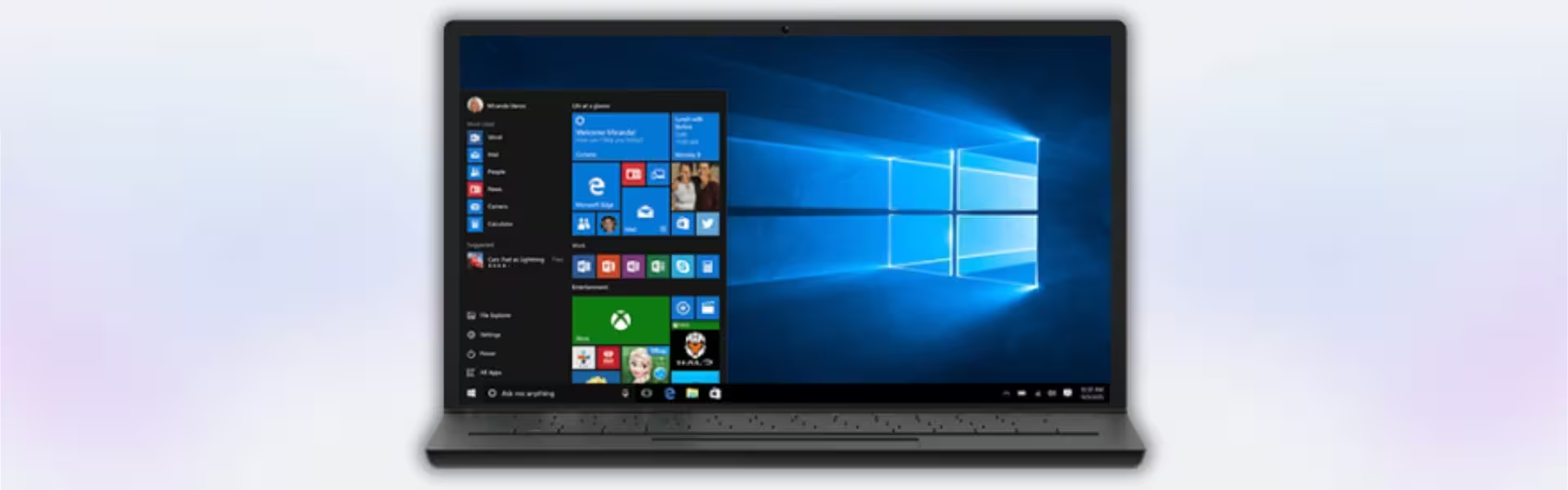
Windows 10 Home is a user-friendly operating system designed for everyday computing, entertainment, and personal productivity. It includes instant digital delivery, lifetime usage, and a one-time purchase with no subscription required.
Ideal for home users, this version delivers a smooth, familiar experience with essential features for browsing, streaming, gaming, and daily tasks.
Overview of Windows 10 Home
- Platform: Windows
- Edition: Home
- License Type: Retail
- Devices: 1 device
- License Duration: Lifetime
- Activation Method: Online activation
- Delivery: Instant digital delivery via email
- Support: Email and remote assistance
- Language Support: Multi-language
- Compliance: Genuine software licenses sourced through compliant distribution channels in line with U.S. laws and industry standards
Key Features
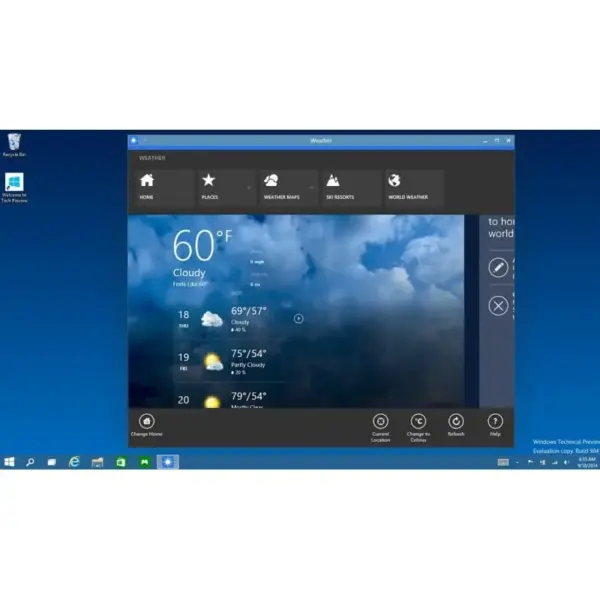
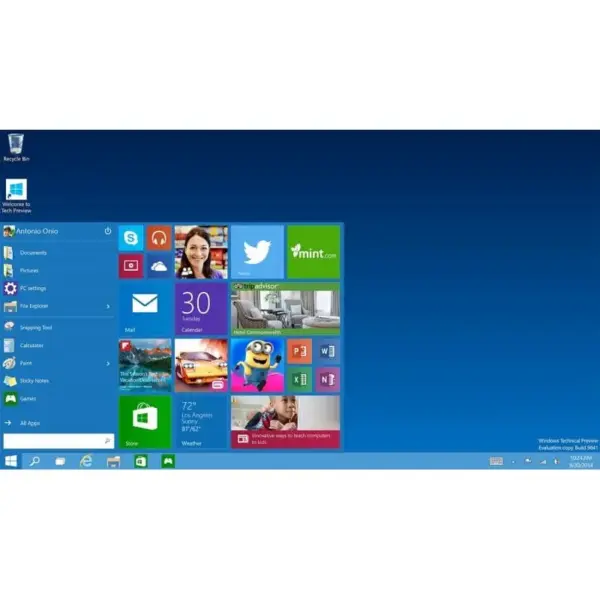
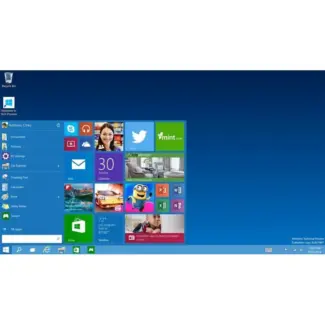
- Simple and intuitive interface: Designed for easy navigation, making it accessible for users of all experience levels.
- Microsoft Edge integration: Fast and secure browsing experience for everyday internet use.
- Windows Defender protection: Built-in security helps protect against viruses and malware without extra software.
- Regular security updates: Keeps your system protected and up to date with the latest patches.
- Gaming support: Compatible with a wide range of PC games and supports DirectX for better performance.
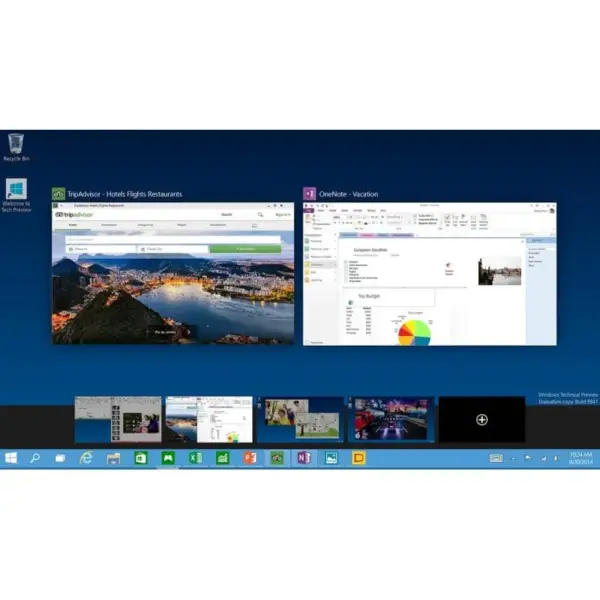
- Multi-device compatibility: Works across laptops, desktops, and tablets for flexible use.
- Efficient performance: Optimized to run smoothly on a wide range of hardware configurations.
Main Features Explained
Windows Defender
Windows Defender provides real-time protection against viruses and malware, helping keep your device safe without needing additional security tools.
Microsoft Edge
Edge offers a fast and modern browsing experience with improved performance, security features, and better compatibility with websites.
Windows Update
Automatic updates ensure your system stays secure and stable by regularly applying security patches and improvements.
DirectX Support
DirectX enhances gaming performance and graphics quality, making Windows 10 Home a solid choice for casual and mid-level gaming.
Why Choose Windows 10 Home?
Windows 10 Home is perfect for everyday users who need a reliable operating system for browsing, streaming, working from home, and gaming. It delivers a balanced experience without unnecessary complexity, making it ideal for personal devices and family use.
Explore more options in our Windows 10 operating systems category to compare available editions.
If you need advanced features such as Remote Desktop or BitLocker, consider upgrading to Windows 10 Pro for enhanced functionality.
Windows 10 Home vs Alternatives
Compared to Windows 10 Pro, the Home edition focuses on simplicity and essential features. It is ideal for personal use, while Pro includes advanced tools for business and professional environments.
Compared to newer versions like Windows 11 Home, Windows 10 Home offers broader compatibility with older hardware and a familiar interface preferred by many users.
System Compatibility
Windows 10 Home is compatible with a wide range of devices, including older PCs that may not meet Windows 11 requirements. It performs efficiently on standard hardware, making it suitable for upgrades and everyday use.
License Type Explained
This Retail license can be installed on one device and transferred to another if needed. It provides lifetime usage with a one-time purchase, offering flexibility compared to OEM licenses that are tied to a single machine.
Installation & Activation
- Complete your purchase and receive the activation key via email.
- Download the Windows 10 installation media from Microsoft.
- Install the operating system on your device.
- Enter the activation key during or after installation.
- Activate online to complete the setup.
Why Buy From Us
Digital License offers a secure and reliable way to access software solutions with fast delivery and professional support.
- Instant digital delivery via email
- Authentic and verified software licenses
- Secure payment methods
- Email and remote assistance
- Compliance with U.S. laws and industry standards
Digital License Is a Verified Microsoft Partner
Digital License is an official Microsoft Partner
(ID: 7033487), recognized for delivering genuine software
licenses and verified solutions across Europe. You can verify our
partnership directly on the Microsoft Partner Directory. This ensures
every license you purchase is authentic, secure, and fully compliant with
Microsoft standards and applicable U.S. laws and industry standards.
Frequently Asked Questions
I have an older laptop that feels slow — will installing this improve performance?
In many cases, yes. Windows 10 Home is well-optimized for older hardware and often runs more smoothly than newer operating systems. If your current system is cluttered or outdated, a clean installation can significantly improve speed and responsiveness.
I mainly use my PC for streaming, browsing, and light work — is there any reason to choose a more advanced version?
For typical home use, there is usually no need to upgrade to a more advanced edition. Windows 10 Home already includes everything required for everyday activities, and additional features in higher editions are mostly aimed at business or IT environments.
I’m buying this for a family computer — can I control what others access?
Yes. You can create separate user accounts for each family member and apply parental controls, screen time limits, and content restrictions. This makes it suitable for shared household use without compromising privacy or control.
I use apps like Zoom, Office, Netflix, and basic games — will everything run smoothly?
Yes. Windows 10 Home is fully compatible with popular applications such as Microsoft Office, Zoom, streaming platforms, and most PC games. It is designed to handle everyday software without issues.
| Component | Requirement |
| Processor | 1 GHz or faster processor or SoC with support for PAE, NX, and SSE2 |
| RAM | 1 GB for 32-bit or 2 GB for 64-bit |
| Storage | 16 GB for 32-bit or 20 GB for 64-bit |
| Operating System | Windows 10 Home |
| Graphics Card | DirectX 9 or later with WDDM 1.0 driver |
| Display | 800 × 600 resolution or higher |
| Specification | Detail |
|---|---|
| Activation | Single PC (one-time activation) |
| License validity | Lifetime (does not expire after activation) |
| Delivery method | By email within 15 minutes |
| Languages | Multilingual |

1 – Buy
Shop securely with SSL encryption.

2 – Receive
You will receive the license key and download link.

3 – Download
Download and install the software.

4 – Activate
Enter the license key to the software.
Windows 11 Enterprise IoT LTSC 2024
Windows 10 Pro for Workstations
Windows 10 Enterprise IoT LTSC 2021
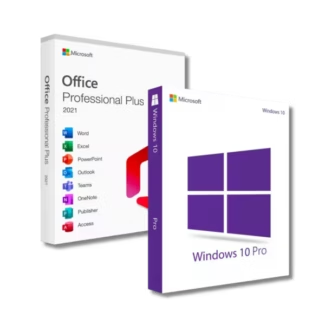
Office 2021 Professional Plus + Windows 10 Pro
