
























- Description
- Minimum Requirements
- Specifications
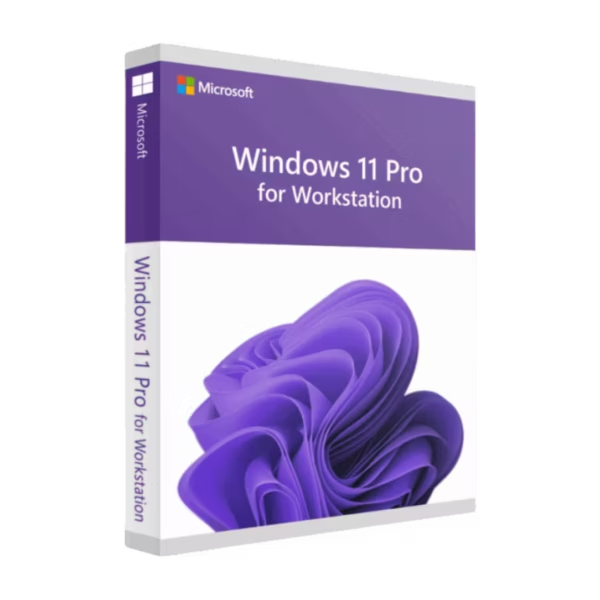
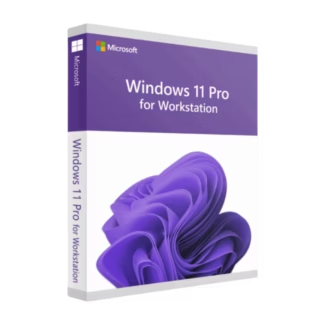
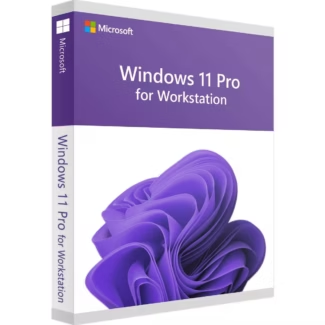
Windows 11 Pro for Workstations is the ultimate operating system designed for power users who need maximum performance, stability, and security. Enjoy instant digital delivery, lifetime usage, and a one-time purchase with no subscriptions required.
Built for demanding workloads, this advanced edition unlocks enhanced hardware support and enterprise-grade features for professionals who rely on speed and reliability every day.
Overview of Windows 11 Pro for Workstations
- Platform: Windows
- Edition: Pro for Workstations
- License Type: Retail
- Devices: 1 device
- License Duration: Lifetime
- Activation Method: Online activation
- Delivery: Instant digital delivery via email
- Support: Email and remote assistance
- Language Support: Multi-language
- Compliance: Genuine software licenses sourced through compliant distribution channels in line with U.S. laws and industry standards
Key Features
- Optimized for high-performance hardware: Supports advanced CPUs and large RAM capacities, ensuring smooth multitasking and heavy workloads.
- ReFS file system support: Protects data integrity and improves storage reliability, ideal for large datasets and professional use.
- Enhanced security with BitLocker: Encrypts your data to prevent unauthorized access and protect sensitive information.
- Remote Desktop access: Connect to your workstation from anywhere, improving flexibility and productivity.
- SMB Direct technology: Enables faster file sharing with low latency, perfect for collaborative environments.
- Advanced networking capabilities: Improves speed and stability when handling demanding network tasks.
- Professional-grade reliability: Designed to handle intensive applications such as video editing, 3D modeling, and engineering software.
Main Features Explained
BitLocker Encryption
BitLocker provides full-disk encryption to safeguard your data. This ensures that even if your device is lost or stolen, your files remain secure and inaccessible to unauthorized users.
Remote Desktop
With Remote Desktop, you can access your workstation from another device anywhere in the world. This is essential for remote work, IT management, and business continuity.
ReFS File System
The Resilient File System (ReFS) enhances data protection and automatically repairs corrupted files, making it ideal for professionals handling critical data.
SMB Direct
SMB Direct allows ultra-fast data transfers between devices with minimal CPU usage, improving performance in enterprise and high-demand environments.
Why Choose Windows 11 Pro for Workstations?
Windows 11 Pro for Workstations is designed for professionals, developers, engineers, and businesses that require powerful computing capabilities. Whether you are working with large datasets, running virtual machines, or managing complex workflows, this edition delivers unmatched performance and reliability.
If you’re exploring other operating systems, browse our full range of Windows 11 licenses to find the perfect solution for your needs.
Compared to standard editions like Windows 11 Pro, this version offers enhanced performance, better hardware utilization, and enterprise-level features tailored for demanding environments.
Windows 11 Pro for Workstations vs Alternatives
Compared to Windows 11 Pro, the Workstations edition offers superior performance optimization, support for advanced hardware, and enhanced data protection features. While Windows 11 Pro is suitable for general business use, this version is built for professionals handling heavy workloads.
Compared to enterprise-level systems, it provides many high-end features without requiring complex licensing structures, making it a cost-effective solution for power users.
System Compatibility
This operating system is compatible with modern PCs that meet Windows 11 requirements, including supported processors, TPM 2.0, and sufficient RAM and storage. It is especially optimized for high-performance workstations with advanced hardware configurations.
License Type Explained
This Retail license allows installation on one device and can be transferred to another device if needed. Unlike OEM licenses, it offers flexibility and long-term value with lifetime usage and a one-time payment.
Installation & Activation
- Purchase the product and receive your key via email instantly.
- Download Windows 11 installation files from Microsoft.
- Install the operating system on your device.
- Enter the activation key during or after installation.
- Complete online activation.
- Start using your fully licensed system.
Why Buy From Us
At Digital License, we provide secure, fast, and reliable software solutions tailored to your needs.
- Instant digital delivery via email
- 100% genuine and verified licenses
- Secure payment methods
- Dedicated customer support
- Compliance with U.S. laws and industry standards
Digital License Is a Verified Microsoft Partner
Digital License is an official Microsoft Partner
(ID: 7033487), recognized for delivering genuine software
licenses and verified solutions across Europe. You can verify our
partnership directly on the Microsoft Partner Directory. This ensures
every license you purchase is authentic, secure, and fully compliant with
Microsoft standards and applicable U.S. laws and industry standards.
Frequently Asked Questions
I work with large datasets and high-speed storage — how do ReFS and SMB Direct actually help me in real use?
ReFS (Resilient File System) protects your data by automatically detecting and repairing corruption, which is critical when working with large datasets or project files. SMB Direct significantly speeds up file transfers between systems with minimal CPU usage. Together, they ensure faster workflows, reduced downtime, and better reliability when handling demanding tasks like data analysis, video production, or engineering projects.
Is the performance difference noticeable compared to Windows 11 Pro when using professional software?
Yes, especially under heavy workloads. Windows 11 Pro for Workstations is optimized for advanced CPUs, higher RAM capacities, and intensive processes. Applications like AutoCAD, Adobe Premiere Pro, or virtualization tools run more smoothly, with improved stability and less slowdown during multitasking compared to standard Windows 11 Pro.
I often work remotely — how reliable is Remote Desktop for daily professional use?
Remote Desktop in this edition is highly reliable and secure, allowing you to access your workstation from anywhere. Combined with advanced networking capabilities, it delivers stable connections and responsive performance, making it ideal for remote work, IT administration, or accessing powerful systems while traveling.
Who should choose this version instead of a standard Windows edition?
This version is ideal for professionals who push their systems to the limit — such as engineers, developers, designers, and businesses handling complex workflows. If you regularly work with large files, run virtual machines, or rely on maximum system performance, this edition provides clear advantages in speed, reliability, and efficiency.

| Component | Requirement |
| Processor | 1 GHz or faster with at least 2 cores on a compatible 64-bit processor or System on a Chip (SoC) |
| RAM | 4 GB or more |
| Storage | 64 GB or more of available space |
| Operating System | Windows 11 Pro for Workstations |
| Graphics card | Compatible with DirectX 12 and WDDM 2.0 driver |
| Display | Minimum resolution of 720p, 9″ or larger screen |
| Specification | Detail |
| Activation | Single PC (one-time activation) |
| License validity | Lifetime (does not expire after activation) |
| Delivery method | By email within 15 minutes |
| Languages | Multilingual |

1 – Buy
Shop securely with SSL encryption.

2 – Receive
You will receive the license key and download link.

3 – Download
Download and install the software.

4 – Activate
Enter the license key to the software.
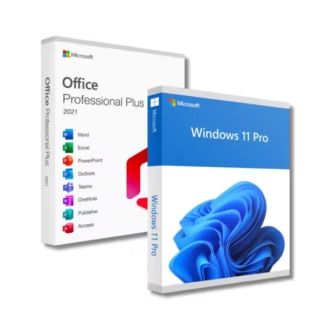
Office 2021 Professional Plus + Windows 11 Pro
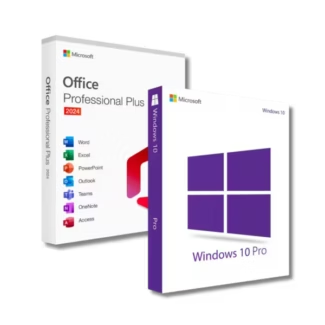
Office 2024 Professional Plus + Windows 10 Pro
