Acronis Licenses – Backup, Recovery, and Cyber Protection Software
Acronis Licenses are designed for users who want dependable protection against data loss, system failure, accidental deletion, ransomware, hardware issues, and unexpected software problems. Acronis combines backup software, recovery tools, disk cloning, cloud options, and cybersecurity features in one practical solution, making it suitable for home users, professionals, freelancers, and small businesses.
This category includes different Acronis editions for different protection levels. Whether you need a simple local backup tool or a more advanced solution with cloud storage and additional security features, Acronis helps you keep your files, applications, settings, and entire system protected.
Compare Acronis Editions
Choosing the right Acronis license depends on how much protection you need, how many devices you want to secure, and whether you prefer local backup, cloud backup, or a complete cyber protection package.
Acronis True Image Essentials is ideal for users who mainly need secure local backups and reliable recovery tools. It is a practical choice for protecting personal files, documents, photos, videos, and system images without unnecessary complexity.
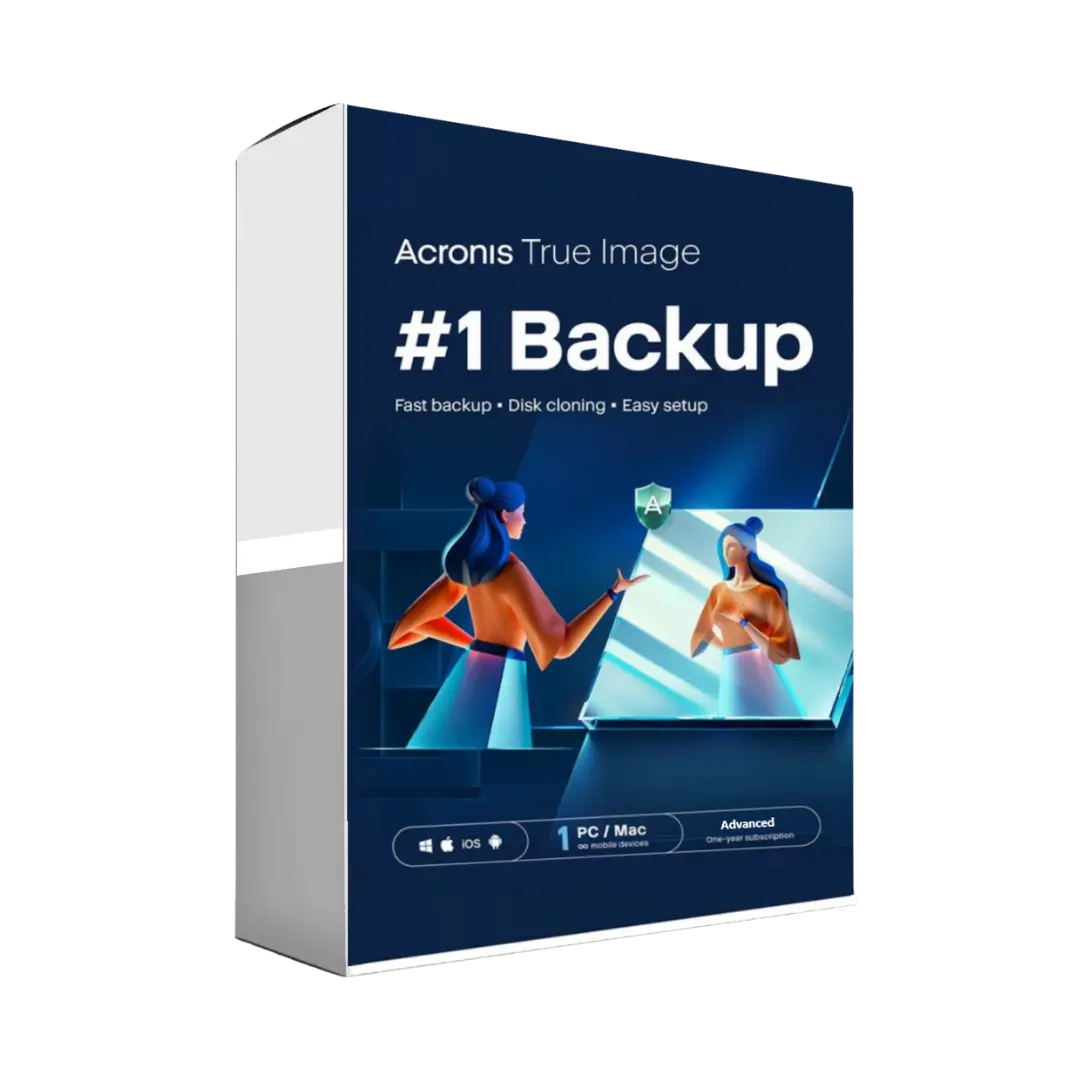
Acronis True Image Advanced is suitable for users who want a stronger backup solution with additional protection features. It is a good option for users who need more flexibility, secure cloud backup options, and enhanced protection against modern digital threats.
Acronis True Image 2025 offers modern backup and recovery features for users who want updated protection for current devices and operating systems. It is a strong choice for keeping important data safe while maintaining fast recovery options if something goes wrong.
Why Choose Acronis Backup Software?
Acronis is known for combining traditional backup tools with modern cyber protection. Instead of only saving copies of your files, Acronis helps protect your data before problems happen and restore it quickly when recovery is needed.
- Full system backup for complete device protection
- File and folder backup for important personal data
- Disk cloning for drive upgrades and migrations
- Fast recovery tools after system failure or data loss
- Cloud backup options depending on the selected edition
- Ransomware protection in supported plans
- Simple interface for home and professional users
Who Should Use Acronis Licenses?
Home Users
Home users can protect family photos, videos, personal documents, financial records, and device settings. If a computer fails or files are accidentally deleted, a backup can save time, money, and stress.
Professionals and Freelancers
For professionals, data loss can interrupt work and create serious problems. Acronis helps protect project files, invoices, client documents, creative assets, and business records with reliable backup and recovery options.
Small Businesses
Small businesses can use Acronis to protect workstations, essential files, and operational data. It is especially useful for teams that need dependable recovery after hardware failure, malware issues, or accidental deletion.
Users Upgrading Hardware
Acronis disk cloning features are useful when moving from an old hard drive to a new SSD or replacing a computer drive. This can help transfer your system, files, and settings more efficiently.
Choosing the Right Acronis License
Before purchasing, consider your backup habits and recovery needs. If you only need essential backup features, an entry-level edition may be enough. If you want cloud backup, advanced ransomware protection, or more complete security features, a higher edition may be the better choice.
Key Factors to Check
- License duration and renewal requirements
- Number of devices supported by the license
- Backup type: local, cloud, or hybrid
- Security features such as ransomware protection
- Operating system compatibility
Compatibility and Device Support
Acronis products are commonly used on Windows and macOS devices, with specific compatibility depending on the edition and version. Before choosing your license, always review the individual product page to confirm supported operating systems, device limits, activation details, and included features.
Users who manage important files across multiple devices should also consider whether they need protection for one computer or several systems. For wider backup needs, compare available editions carefully before completing your purchase.
License Types Explained: OEM vs Retail
Retail licenses are generally intended for end users who purchase software directly for personal or business use. They usually offer straightforward activation and are the most common option for customers looking for flexible software access.
OEM licenses are typically linked to specific hardware or the first device where the software is activated. They are often used in hardware-based software distribution and may offer less flexibility than Retail licenses.
For Acronis products, activation terms can vary by product and subscription. Always check the product page for the exact license type, activation method, duration, and device allowance before purchasing.
Installation and Activation Overview
Installing and activating Acronis is usually simple and suitable for both beginners and experienced users.
- Choose the Acronis edition that matches your backup needs.
- Complete your purchase securely.
- Receive your digital license or activation details by email.
- Download and install the Acronis application.
- Create or sign in to your Acronis account if required.
- Activate the software using the provided license details.
- Create your first backup plan and select where backups should be stored.
Once activated, you can configure automatic backups, create full system images, protect selected files, or prepare recovery media depending on the edition you choose.
Build a Complete Data Protection Setup
Acronis is a strong foundation for data safety, but many users combine backup software with other security tools. For broader protection, explore Backup & Data Recovery solutions, pair your backup plan with Antivirus protection, or secure sensitive files with Encryption software.
You can also compare other trusted backup and utility solutions such as EaseUS and AOMEI if you want to evaluate different recovery, migration, and system protection tools.
Why Choose Digital License?
Digital License offers genuine digital licenses, fast digital delivery, secure checkout, competitive pricing, and professional customer support. Whether you need backup software for personal files, work documents, system recovery, or device migration, this category makes it easy to compare Acronis editions and choose the right protection for your data.