







- Description
- Minimum Requirements
- Specifications
- Additional information
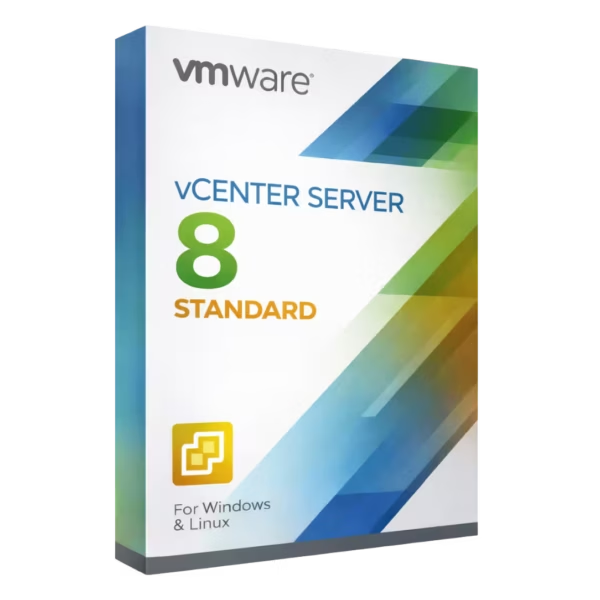
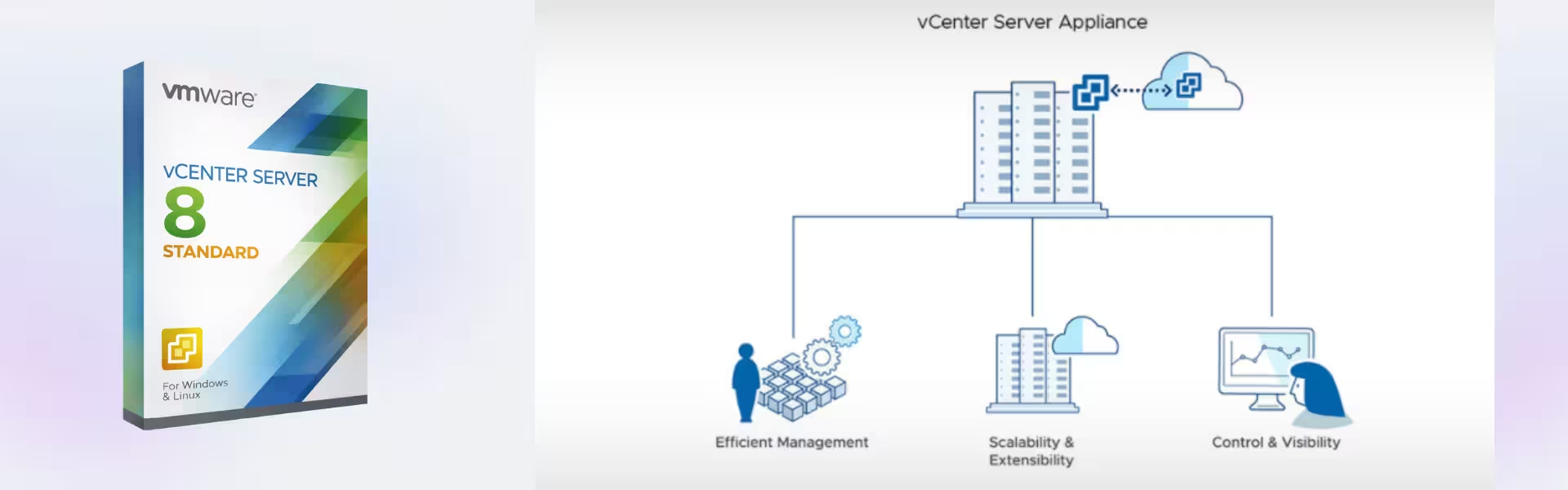
VMware vCenter Server 8 Standard is a next-generation virtualization management solution designed to simplify and optimize VMware environments. With instant delivery and lifetime usage, it eliminates the need for ongoing subscription costs while delivering powerful enterprise-level control.
Built for modern IT infrastructures, it provides centralized management, automation, and enhanced performance for businesses of all sizes.
Overview of VMware vCenter Server 8 Standard
- Platform: VMware vSphere / ESXi environments
- Edition: Standard
- License Type: Retail
- Devices: 1 / 5 / 10 Devices
- License Duration: Lifetime
- Activation Method: Online activation
- Delivery: Instant digital delivery via email
- Support: Email and remote assistance
- Language Support: Multi-language
- Compliance: Genuine software licenses sourced through compliant distribution channels in line with U.S. laws and industry standards
Key Features
- Enhanced Centralized Management: Manage all ESXi hosts and virtual machines from a single interface, reducing complexity and improving operational efficiency.
- Improved Performance Optimization: Monitor workloads in real time and optimize resource allocation to ensure consistent system performance.
- Advanced Automation: Automate provisioning, updates, and maintenance tasks, saving time and minimizing manual errors.
- Scalable Infrastructure Support: Easily scale your virtual environment as your business grows without sacrificing performance.
- Integrated Security Controls: Apply granular access permissions to protect sensitive infrastructure and maintain compliance.
- High Availability Capabilities: Maintain uptime with automated failover and recovery options for critical systems.
- Seamless VMware Integration: Integrates effortlessly with VMware tools and services for a unified ecosystem.
Main Features Explained
Centralized Virtual Infrastructure Control
This feature allows administrators to manage multiple servers and virtual machines from a single dashboard. In real-world environments, IT teams can deploy and monitor systems faster, improving efficiency and reducing operational overhead.
Real-Time Monitoring and Analytics
Track system health and performance with detailed analytics. Businesses can quickly identify issues and resolve them before they impact operations, ensuring reliability and continuity.
Automation and Task Scheduling
Automate routine processes such as VM deployment and updates. This is especially useful for companies managing large infrastructures, where automation improves consistency and saves valuable time.
High Availability and Resource Optimization
Ensure continuous operation through automatic failover and intelligent resource allocation. This reduces downtime and enhances overall system performance.
Why Choose VMware vCenter Server 8 Standard?
VMware vCenter Server 8 Standard is ideal for businesses, IT professionals, and organizations seeking efficient virtualization management. It supports scalable environments, improves productivity, and simplifies infrastructure control.
Explore more solutions in our virtualization software category to build a complete virtualization ecosystem.
For users comparing previous versions, VMware vCenter Server 7 Standard offers a stable alternative, while version 8 delivers enhanced performance and modern features.
For smaller environments, VMware vSphere 8 Essentials Plus can be a suitable option with simplified management capabilities.
VMware vCenter Server 8 Standard vs Alternatives
Compared to version 7 Standard, version 8 introduces improved performance, enhanced security features, and better scalability. While version 7 remains reliable, version 8 is optimized for modern workloads and future-ready infrastructures.
When compared to entry-level solutions, this edition provides more advanced management tools, making it suitable for growing businesses and professional IT environments.
System Compatibility
VMware vCenter Server 8 Standard is designed specifically for VMware vSphere and ESXi environments. It supports modern server hardware and integrates seamlessly with VMware tools, ensuring compatibility with current virtualization infrastructures.
Installation & Activation
- Complete your purchase and receive the product via email
- Download the VMware vCenter Server installation files
- Install the software in your VMware environment
- Enter the activation details provided
- Activate the product online
- Begin managing your virtual infrastructure
Why Buy From Us
We deliver secure, reliable, and efficient software solutions tailored to professional needs.
- Instant digital delivery
- Genuine and compliant licenses
- Secure payment options
- 24/7 customer support
- Compliance with U.S. laws and industry standards
Trust & Reliability
All products are sourced from verified distribution channels to ensure authenticity and compliance. We prioritize secure transactions and dependable support for every customer.
FAQ
How is VMware vCenter Server 8 Standard delivered?
The product is delivered instantly via email after purchase.
Is this a lifetime license?
Yes, it provides lifetime usage with no recurring subscription costs.
Is online activation required?
Yes, activation is completed online after installation.
Is it compatible with my VMware setup?
It is fully compatible with VMware vSphere and ESXi environments.
Do I get support after purchase?
Yes, 24/7 email and remote assistance are included.
Is this software legal and compliant?
Yes, all licenses are sourced through compliant distribution channels following U.S. laws and industry standards.
How many devices can I manage?
You can choose between 1, 5, or 10 device options depending on your needs.
| Component | Requirement |
| Processor | Minimum 2 vCPU (4 vCPU or more recommended for production environments) |
| Memory (RAM) | Minimum 12 GB RAM (requirements scale with the size of the environment) |
| Storage | From 250 GB up to 1 TB disk space, depending on infrastructure scale and workload |
| Operating System | VMware vCenter Server Appliance (VCSA) 8.x based on Linux |
| Platform | VMware ESXi 7.0 Update 3 or later (ESXi 8.0 recommended) |
| Networking | Stable network connection required for ESXi host and vCenter management |
| Management Access | Web-based access via vSphere Client using a modern browser (Chrome, Firefox, Edge) |
| Specification | Detail |
|---|---|
| Activation | Multiple PC (one-time activation) |
| License validity | Lifetime (does not expire after activation) |
| Delivery method | By email within 15 minutes |
| Languages | Multilingual |
Additional information
| Devices | 1 Device, 5 Devices, 10 Devices |
|---|

1 – Buy
Shop securely with SSL encryption.

2 – Receive
You will receive the license key and download link.

3 – Download
Download and install the software.

4 – Activate
Enter the license key to the software.
Ashampoo 3D CAD Architecture 10