







- Description
- Minimum Requirements
- Specifications
- Additional information
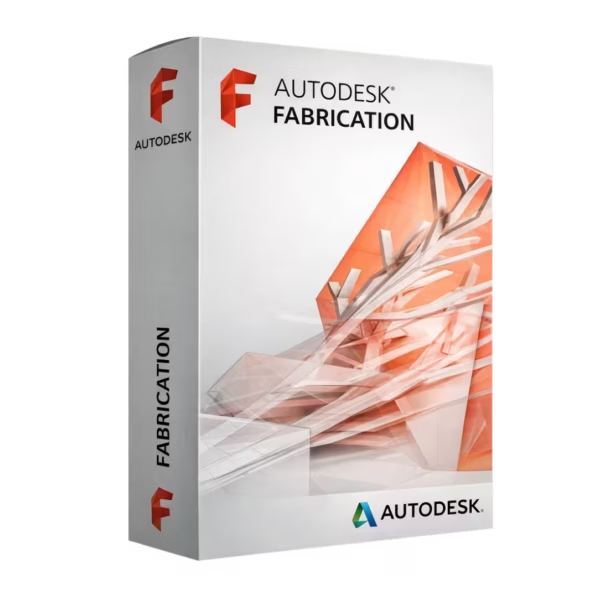
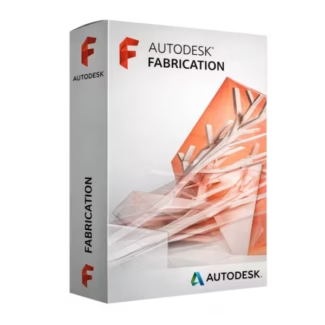
Autodesk Fabrication is a comprehensive solution for MEP detailing, fabrication, and cost estimation workflows. With instant delivery and a flexible subscription model, it provides long-term productivity and precision for professionals and students. Benefit from powerful tools designed to support efficient fabrication processes throughout your subscription period.
Overview of Autodesk Fabrication
- Platform: Windows
- Edition: CADmep / CAMduct / ESTmep
- License Type: Educational
- Devices: 1 Device
- License Duration: 1 Year / 3 Years
- Activation Method: Online activation
- Delivery: Instant digital delivery via email
- Support: Email and remote assistance
- Language Support: Multi-language
- Compliance: Genuine software licenses sourced through compliant distribution channels in line with U.S. laws and industry standards
Key Features
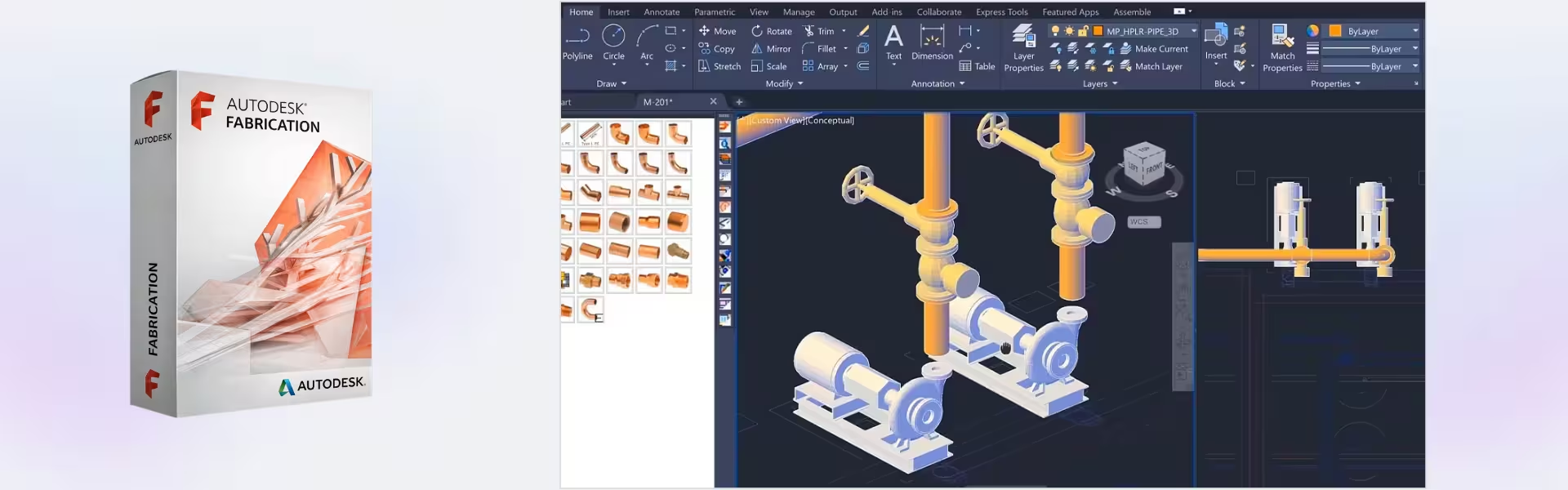
- MEP Detailing Tools: Create precise mechanical, electrical, and plumbing layouts, improving accuracy and reducing on-site errors.
- Fabrication-Ready Models: Generate detailed models ready for manufacturing, minimizing rework and increasing production efficiency.
- Cost Estimation Capabilities: Estimate materials and labor costs accurately, helping users manage budgets and improve project planning.
- Integrated Workflow: Seamlessly connect design, detailing, and fabrication processes, reducing time between project stages.
- Extensive Content Libraries: Access a wide range of fabrication components, speeding up design and ensuring consistency.
- Automation Tools: Automate repetitive tasks to increase productivity and reduce manual effort.
- Data Consistency Across Teams: Maintain accurate data sharing between teams, improving collaboration and reducing errors.
Main Features Explained
CADmep Detailing
CADmep enables users to design and detail MEP systems with precision. It is widely used by contractors and engineers to create accurate layouts that translate directly into fabrication-ready models, improving workflow efficiency.
CAMduct Fabrication
CAMduct allows users to prepare models for manufacturing by generating fabrication data and machine instructions. This is essential for producing HVAC components and ensuring accurate production processes.
ESTmep Cost Estimation
ESTmep provides tools for estimating project costs based on materials and labor. This helps businesses plan budgets effectively and make informed decisions during project development.
Fabrication Database Integration
The integrated database ensures consistent use of components and specifications across all project stages, improving accuracy and reducing discrepancies between design and fabrication.
Workflow Automation
Automation tools streamline repetitive tasks, allowing professionals to focus on design and problem-solving, ultimately improving productivity and reducing project timelines.
Why Choose Autodesk Fabrication?
Autodesk Fabrication is ideal for MEP engineers, contractors, and students who need a complete solution for detailing, fabrication, and estimation. It helps improve project accuracy, reduce costs, and streamline workflows from design to production.
Explore more professional solutions in our CAD & engineering software collection to enhance your workflow. For general drafting and design, Autodesk AutoCAD provides a strong complementary tool.
For structural detailing, Autodesk Advance Steel offers specialized capabilities, while Autodesk Revit supports BIM-based design and collaboration.
Autodesk Fabrication vs Alternatives
Compared to general CAD tools, Autodesk Fabrication focuses specifically on MEP detailing and fabrication workflows. While AutoCAD is widely used for drafting, Autodesk Fabrication provides specialized tools for fabrication-ready modeling and cost estimation, making it more suitable for contractors and manufacturers.
System Compatibility
Autodesk Fabrication is designed for Windows systems and runs efficiently on modern workstations. It performs best with sufficient RAM and processing power, ensuring smooth handling of complex MEP models and fabrication data.
License Type Explanation
This educational subscription is intended for single-device use and provides full access to all core features during the selected period. While it is not transferable between multiple users, it ensures consistent performance and access to updates throughout the subscription duration.
Installation & Activation
- Purchase Autodesk Fabrication from our website.
- Receive activation details instantly via email.
- Download the software from the official Autodesk platform.
- Install it on your Windows device.
- Log in with your Autodesk account.
- Activate using the provided credentials.
Why Buy From Us
We offer a reliable and secure way to access professional software solutions.
- Instant digital delivery via email
- Genuine software sourced through compliant channels
- Secure payment processing
- 24/7 email and remote support
- Compliance with U.S. laws and industry standards
Trusted by Professionals Worldwide
Digital License is trusted by professionals and students for delivering authentic software, fast service, and dependable support. We ensure a smooth and secure purchasing experience every time.
FAQ
How do I activate Autodesk Fabrication?
Activation is completed online using the credentials provided after purchase.
When will I receive the software?
Delivery is instant via email after payment confirmation.
Is Autodesk Fabrication compatible with Mac?
No, this version is designed for Windows systems only.
Can I install it on multiple devices?
No, it is valid for one device only.
Is this software legally compliant?
Yes, all licenses are sourced through compliant distribution channels aligned with U.S. standards.
Can the license be transferred?
This license is intended for a single user and is not transferable.
Are updates included?
Yes, updates are included during the subscription period.
Do I get support?
Yes, 24/7 email and remote assistance are available.
| Component | Requirement |
| Processor | 64-bit Intel or AMD multi-core processor 3.0 GHz or higher recommended for large MEP models |
| RAM | 16 GB RAM (minimum); 32 GB or more (recommended for complex projects) |
| Storage | 10 GB available disk space SSD strongly recommended for project files and database performance |
| Operating System | Windows 11 or Windows 10 (64-bit) |
| Graphics | DirectX 11 compatible GPU with 4 GB VRAM (minimum) Professional GPU with 8 GB+ VRAM recommended for large 3D models |
| Display | 1920 × 1080 resolution minimum 4K display recommended for detailed MEP drafting |
| Specification | Detail |
|---|---|
| Activation | Single PC (one-time activation) |
| License validity | 1 year / 3 years (renewable annually) |
| Delivery method | By email within 15 minutes |
| Languages | Multilingual |
Additional information
| Autodesk Fabrication | CADmep, CAMduct, ESTmep |
|---|---|
| Year version | 2025, 2026, 2027 |
| Subscription period | 1 Year, 3 Years |

1 – Buy
Shop securely with SSL encryption.

2 – Receive
You will receive the license key and download link.

3 – Download
Download and install the software.

4 – Activate
Enter the license key to the software.
CorelDRAW Graphics Suite - Mac