







- Description
- Minimum Requirements
- Specifications
- Additional information
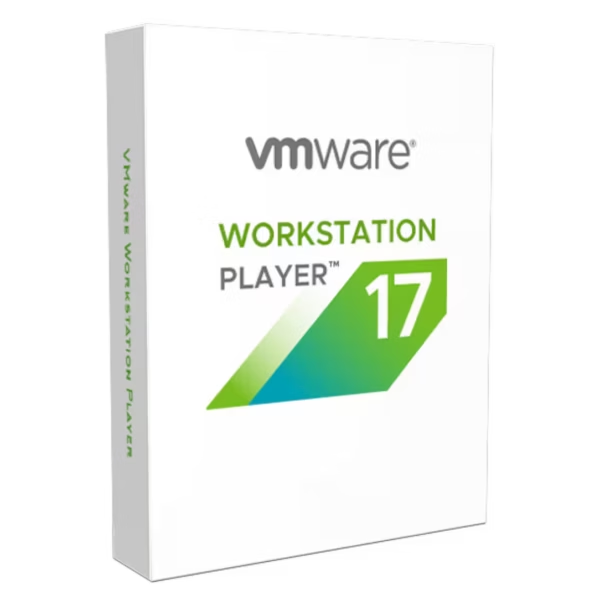
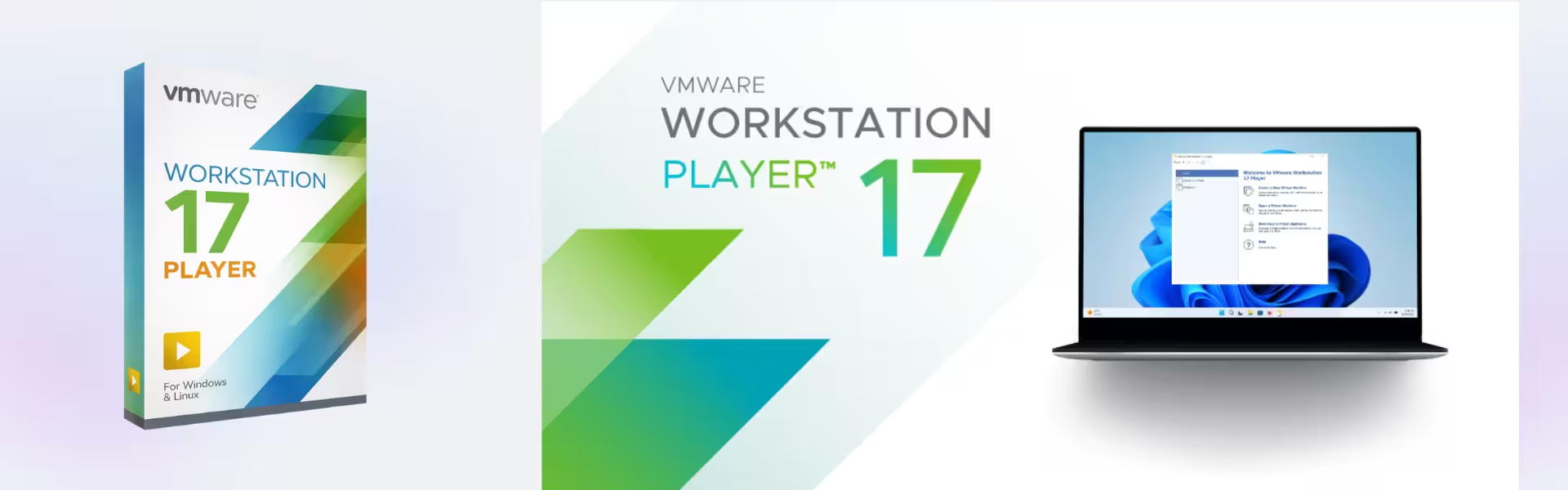
VMware Workstation 17 Player is a reliable virtualization solution designed for running multiple operating systems on a single machine. With instant delivery and lifetime usage, it offers a cost-effective alternative to subscription-based virtualization tools.
Ideal for professionals and home users alike, it enables seamless virtual machine management with powerful performance and simplicity.
Overview of VMware Workstation 17 Player
- Platform: Windows & Linux
- Edition: Player
- License Type: Retail
- Devices: 1 / 5 / 10 / 20 /Devices
- License Duration: Lifetime
- Activation Method: Online activation
- Delivery: Instant digital delivery via email
- Support: Email and remote assistance
- Language Support: Multi-language
- Compliance: Genuine software licenses sourced through compliant distribution channels in line with U.S. laws and industry standards
Key Features
- Run Multiple Operating Systems: Easily run Windows, Linux, and other OS environments simultaneously, improving productivity without requiring multiple devices.
- User-Friendly Interface: Simplified design makes it easy for beginners and professionals to create and manage virtual machines efficiently.
- High Performance Virtualization: Optimized performance ensures smooth operation of virtual machines even with demanding applications.
- Secure Isolation: Keep virtual environments isolated from the host system, enhancing security and reducing risk.
- Flexible VM Sharing: Share virtual machines across systems for collaboration or testing purposes.
- Hardware Compatibility: Supports modern hardware configurations for better performance and reliability.
- Lightweight Design: Uses fewer system resources while maintaining strong virtualization capabilities.
Main Features Explained
Virtual Machine Creation and Execution
This feature allows users to create and run multiple operating systems on one device. Developers and IT professionals can test software in different environments without needing additional hardware.
Secure and Isolated Environments
Each virtual machine operates independently from the host system. This is especially useful for testing applications or browsing safely without affecting the main operating system.
Cross-Platform Compatibility
Run different operating systems on Windows or Linux hosts. This flexibility is valuable for users who need to work across multiple platforms in development or testing scenarios.
Efficient Resource Utilization
VMware Workstation 17 Player efficiently allocates system resources, ensuring stable performance even when running multiple virtual machines.
Why Choose VMware Workstation 17 Player?
VMware Workstation 17 Player is ideal for developers, students, IT professionals, and home users who need a simple yet powerful virtualization solution. It supports software testing, development, and safe experimentation in isolated environments.
Explore more solutions in our virtualization software category to find tools that match your needs.
For advanced features like snapshots and enhanced networking, consider VMware Workstation 17 Pro, which provides additional capabilities for professional environments.
If you need updated functionality, VMware Workstation 17.5 Pro offers improved performance and compatibility.
Mac users can benefit from VMware Fusion 13 Pro Mac, designed specifically for macOS environments.
VMware Workstation 17 Player vs Alternatives
Compared to VMware Workstation Pro, the Player edition offers a simpler and more streamlined experience. While Pro includes advanced features such as snapshots and cloning, Player focuses on essential virtualization tasks with ease of use.
Compared to other virtualization tools, VMware Workstation 17 Player stands out for its performance, stability, and compatibility across operating systems.
System Compatibility
VMware Workstation 17 Player is compatible with both Windows and Linux operating systems. It supports modern hardware configurations, ensuring smooth performance across a wide range of devices.
License Type Explanation
This retail license provides lifetime usage without recurring subscription fees. It also offers transferability, allowing users to move the software between systems when needed.
Installation & Activation
- Complete your purchase and receive the product via email instantly
- Download the VMware Workstation installation files
- Install the software on your system
- Enter the activation details provided
- Activate the product online
- Start creating and running virtual machines
Why Buy From Us
We deliver secure and reliable software solutions tailored to your needs.
- Instant digital delivery
- Genuine and compliant licenses
- Secure payment methods
- 24/7 customer support
- Compliance with U.S. laws and industry standards
FAQ
How is VMware Workstation 17 Player delivered?
The product is delivered instantly via email after purchase.
Is this a lifetime license?
Yes, it provides lifetime usage with no recurring subscription fees.
Is online activation required?
Yes, activation is completed online after installation.
Is it compatible with Windows and Linux?
Yes, it is designed to run on both Windows and Linux platforms.
Do I receive support?
Yes, 24/7 email and remote assistance are included.
Is the software genuine?
Yes, all licenses are sourced through compliant distribution channels following U.S. laws and industry standards.
How many devices can I use it on?
You can choose from 1, 5, 10, or 20 device options depending on your needs.
| Component | Requirement |
| Processor | 64-bit x86 processor with at least 2 cores, supporting hardware virtualization (Intel VT-x/EPT or AMD-V/RVI) |
| Memory (RAM) | Minimum 2 GB RAM (8 GB or more recommended for running virtual machines smoothly) |
| Storage | At least 1.2 GB of available disk space for installation (additional space required for virtual machines) |
| Operating System | Windows 10 or Windows 11 (64-bit), or supported 64-bit Linux distributions |
| Graphics | DirectX 11 compatible GPU (Windows) or OpenGL 4.3 compatible GPU (Linux) |
| Display | Minimum 800 × 600 screen resolution (1920 × 1080 or higher recommended) |
| Virtualization | Hardware virtualization must be enabled in BIOS/UEFI |
| Specification | Detail |
|---|---|
| Activation | 1 / 5/ 10/ 20 devices |
| License validity | Lifetime (does not expire after activation) |
| Delivery method | By email within 15 minutes |
| Languages | Multilingual |
Additional information
| Devices | 1 Device, 5 Devices, 10 Devices, 20 Devices |
|---|

1 – Buy
Shop securely with SSL encryption.

2 – Receive
You will receive the license key and download link.

3 – Download
Download and install the software.

4 – Activate
Enter the license key to the software.
Ashampoo 3D CAD Professional 10
Ashampoo 3D CAD Professional 11
Parallels Desktop Standard 20 Mac
VMware vCenter Server 7 Standard