







- Description
- Minimum Requirements
- Specifications
- Additional information
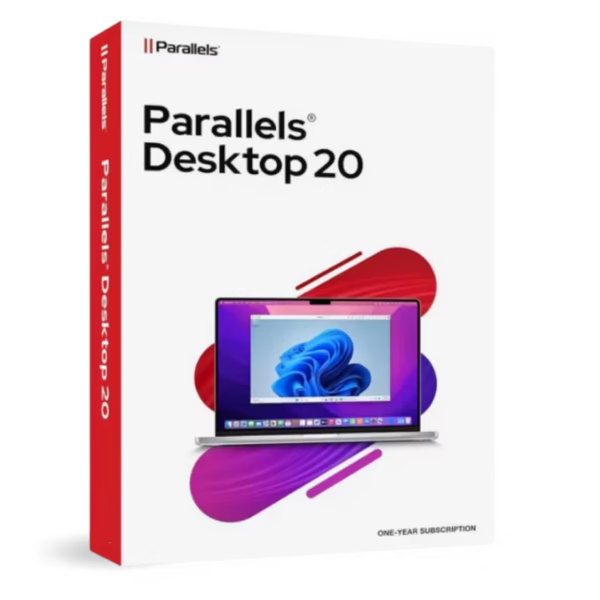
Parallels Desktop Standard 20 Mac is a reliable virtualization solution that allows you to run Windows and other operating systems directly on your Mac. With instant digital delivery and flexible options including lifetime usage or subscription, it offers seamless cross-platform performance without complexity.
Ideal for everyday users and professionals, it enables smooth multitasking between macOS and Windows environments.
Overview of Parallels Desktop Standard 20 Mac
- Platform: macOS (Apple silicon & Intel)
- Edition: Standard 20 Mac
- License Type: Retail
- Devices: 1 Device
- License Duration: 1 Year/ Lifetime
- Activation Method: Online activation
- Delivery: Instant digital delivery via email
- Support: Email and remote assistance
- Language Support: Multi-language
- Compliance: Genuine software licenses sourced through compliant distribution channels in line with U.S. laws and industry standards
Key Features
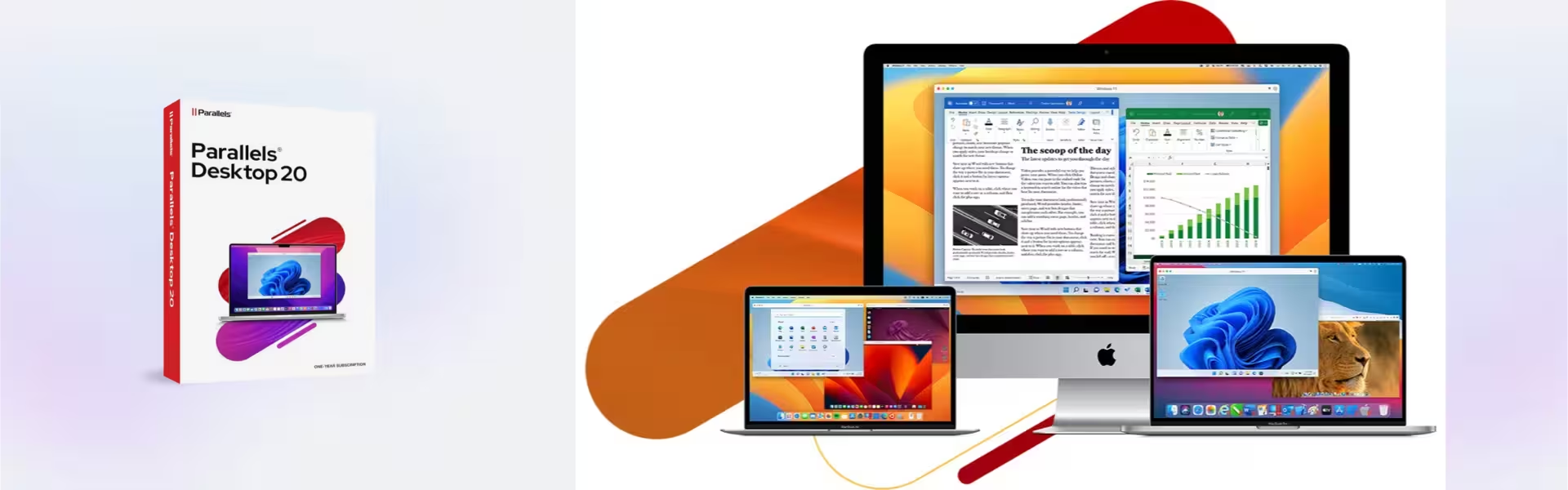
- Run Windows on Mac: Access Windows applications alongside macOS without rebooting, improving productivity and convenience.
- Seamless Integration: Use Windows apps as if they were native macOS applications, streamlining workflows.
- Optimized Performance: Efficiently run virtual machines on both Apple silicon and Intel Macs for smooth operation.
- Drag-and-Drop File Sharing: Easily transfer files between macOS and Windows, simplifying cross-platform work.
- Multiple OS Support: Run Windows, Linux, and other systems for flexible usage scenarios.
- Quick Setup Assistant: Install Windows and virtual machines quickly, reducing setup time for new users.
- Coherence Mode: Run Windows apps without displaying the full Windows interface, enhancing usability.
Main Features Explained
Virtual Machine Environment
This feature allows users to run Windows or Linux directly on macOS. It is essential for professionals who need access to cross-platform applications without switching devices.
Coherence Mode Integration
Use Windows applications seamlessly within the macOS interface. This improves productivity by eliminating the need to switch between systems.
Simple Installation Process
Set up Windows or other operating systems quickly using guided tools. This is ideal for users who want a hassle-free setup experience.
Cross-Platform File Sharing
Transfer files between operating systems with ease. This ensures efficient collaboration and workflow continuity.
Optimized Resource Usage
Balance system resources to ensure smooth performance even when running multiple applications.
Why Choose Parallels Desktop Standard 20 Mac?
Parallels Desktop Standard 20 Mac is perfect for students, business users, and professionals who need to run Windows applications on macOS without complexity. It delivers a balance between performance and ease of use, making it suitable for everyday tasks.
Explore more virtualization tools in our Parallels software collection to enhance your workflow.
Compared to Parallels Desktop 20 Pro Edition Mac, the Standard version focuses on simplicity and essential features, while the Pro edition provides advanced tools for developers and power users.
For Mac optimization and maintenance, CleanMyMac x offers powerful tools to improve system performance.
Parallels Desktop Standard 20 Mac vs Alternatives
Compared to the Pro edition, this version offers core virtualization features without advanced development tools. It is better suited for general users, while the Pro version targets developers and advanced workflows.
System Compatibility
This software supports macOS on both Apple silicon and Intel-based Macs. It is optimized for modern systems, ensuring stable performance when running virtual machines.
License Type Explanation
This retail license is available as a 1-year subscription or lifetime option for one device. The lifetime option eliminates recurring costs, while the subscription provides ongoing updates and improvements.
Installation & Activation
- Receive your product via email instantly after purchase
- Download the installation file on your Mac
- Install Parallels Desktop Standard 20 Mac
- Enter your activation details
- Complete online activation
- Start running Windows and other operating systems
Why Buy From Us
We provide a secure and reliable purchasing experience with full customer support.
- Instant digital delivery
- Genuine software licenses
- Secure payment methods
- 24/7 customer support
- Compliance with U.S. laws and industry standards
Trust & Reliability
All products are sourced through compliant distribution channels, ensuring authenticity and legal compliance. Our support team is available 24/7 to assist with installation and setup.
FAQ
How will I receive Parallels Desktop Standard 20 Mac?
You will receive your product via email instantly after purchase.
Can I run Windows on my Mac?
Yes, this software allows you to run Windows and other operating systems on macOS.
Is this a lifetime product?
Yes, a lifetime option is available alongside the 1-year subscription.
Can I install it on multiple devices?
No, this license is valid for one device only.
Is internet required for activation?
Yes, online activation is required.
Does it support Apple silicon Macs?
Yes, it is optimized for both Apple silicon and Intel-based Macs.
Is the software legally compliant?
Yes, all licenses are sourced through compliant channels in line with U.S. laws.
| Component | Requirement |
| Processor | Apple M-series chip (M1, M2, M3, or later) or Intel Core i5, i7, i9 processor |
| RAM | Minimum 4 GB; 8 GB or more recommended |
| Storage | At least 600 MB for the Parallels Desktop application plus additional space for virtual machines |
| Operating System | macOS Sonoma 14, macOS Ventura 13, or macOS Monterey 12 |
| Graphics | Apple Silicon integrated GPU or Intel HD Graphics 5000 and later |
| Display | 1280 × 800 minimum resolution |
| Specification | Detail |
|---|---|
| Activation | Single PC (one-time activation) |
| License validity | Lifetime (does not expire after activation) |
| Delivery method | By email within 15 minutes |
| Languages | Multilingual |
Additional information
| Subscription period | 1 Year, Lifetime |
|---|

1 – Buy
Shop securely with SSL encryption.

2 – Receive
You will receive the license key and download link.

3 – Download
Download and install the software.

4 – Activate
Enter the license key to the software.
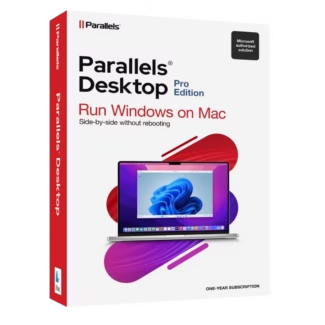
Parallels Desktop 20 Pro Edition Mac