Windows 8.1 Operating System Licenses for Legacy Environments
The Windows 8.1 Operating System Licenses category is designed for users who require a dependable operating system for older systems and specialized workflows. Windows 8.1 remains relevant where compatibility, consistency, and predictable system behavior are essential.
This category includes editions such as Windows 8.1 Home, Windows 8.1 Pro, and Windows 8.1 Enterprise, each suited to different user scenarios and technical requirements.
When Windows 8.1 Is the Right Choice
Windows 8.1 is often selected when application compatibility and hardware support are more important than adopting newer operating systems. It is particularly useful for maintaining stable environments.
- Systems relying on older drivers or devices
- Workflows built around legacy applications
- Business environments requiring consistent setups
- Dedicated systems with fixed operational roles
Selecting the Appropriate Edition
Each version offers a different level of system functionality and control features, making it important to align your choice with your usage needs.
Windows 8.1 Home
Windows 8.1 Home is ideal for basic computing, including browsing, documents, and everyday use.
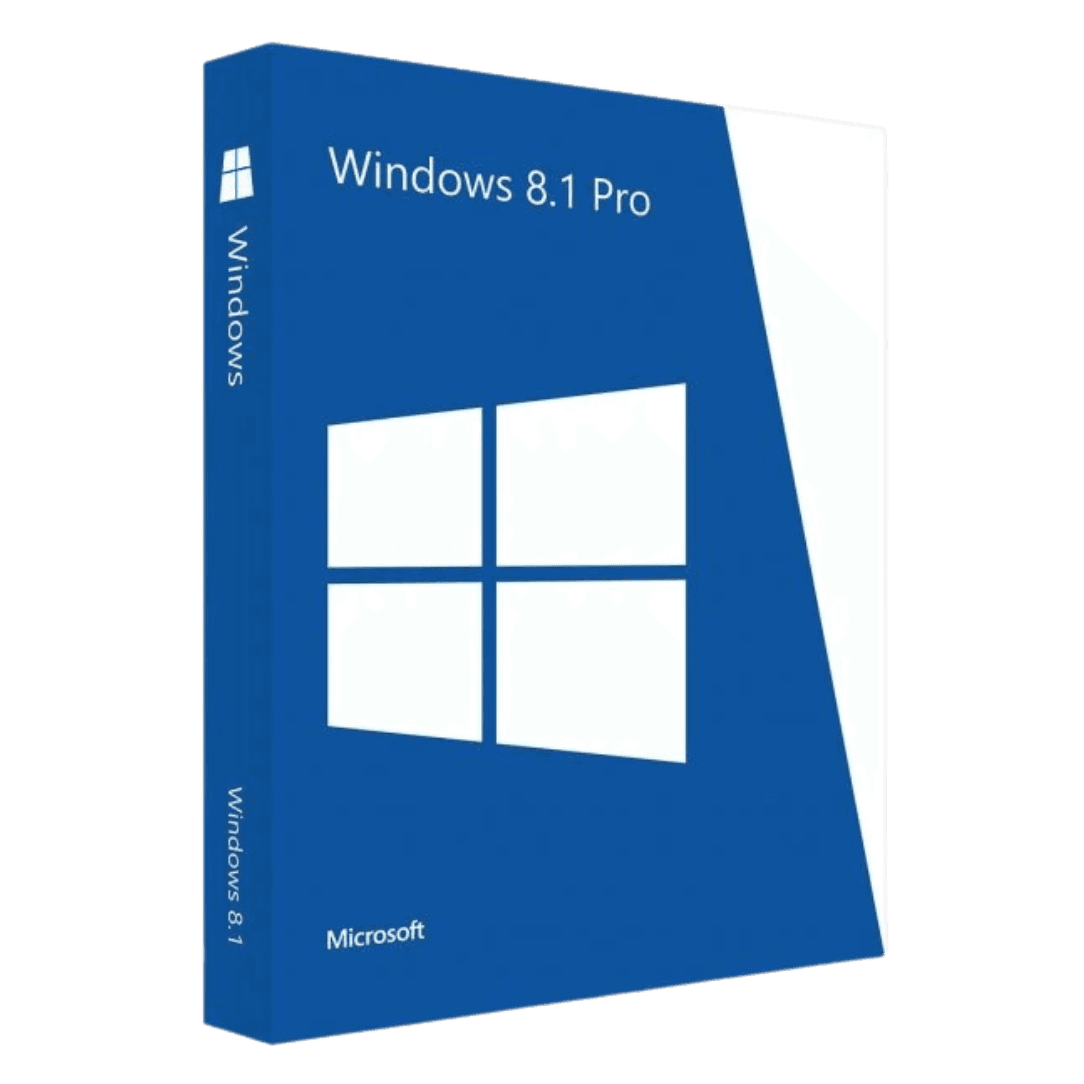
Windows 8.1 Pro
Windows 8.1 Pro is designed for professional users who need additional administrative capabilities.
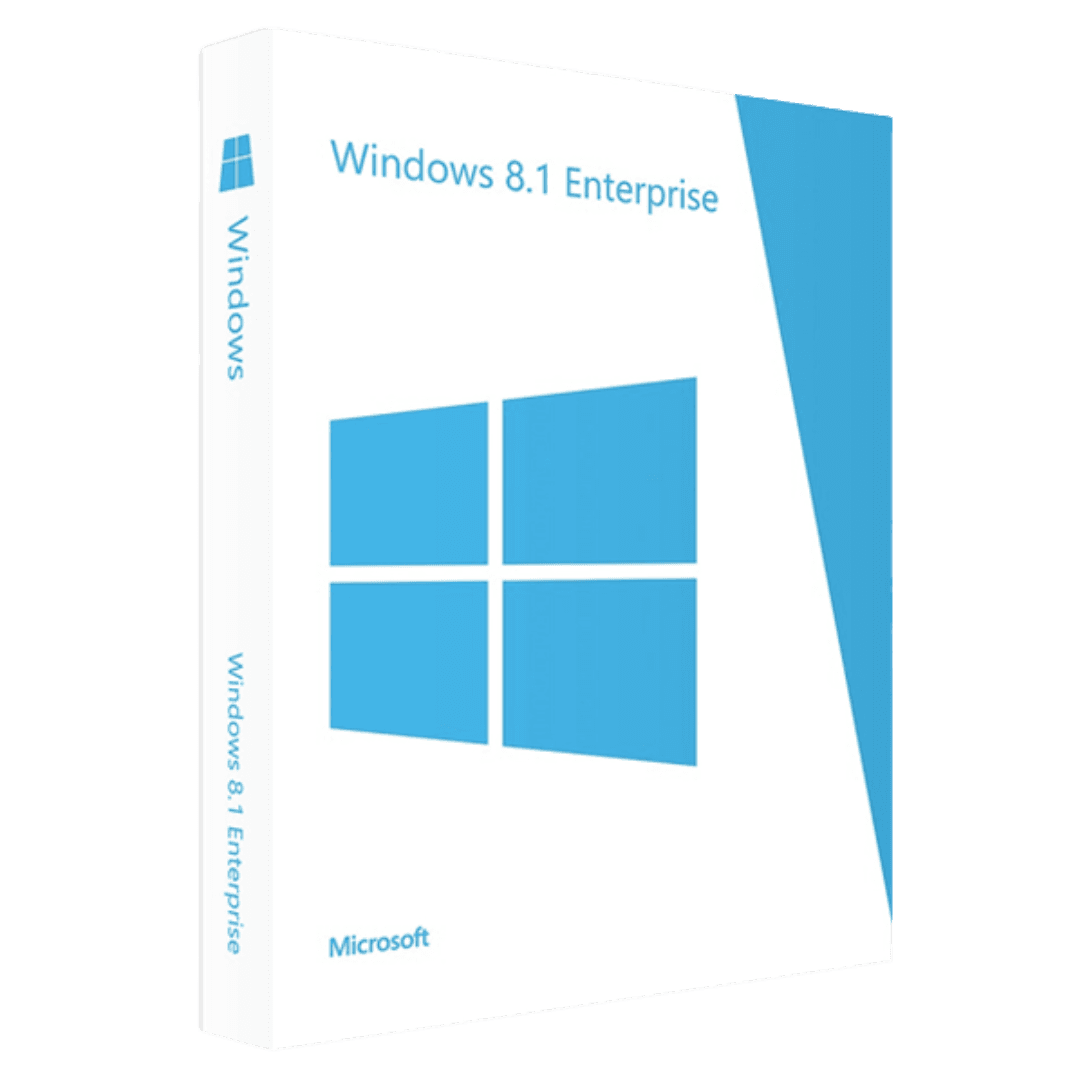
Windows 8.1 Enterprise
Windows 8.1 Enterprise is suited for organizations requiring advanced management and deployment control.
Hardware Compatibility Factors
Windows 8.1 is known for its efficient performance on older hardware, making it a practical option for systems that may not support newer operating systems effectively.
Users often integrate Windows 8.1 with tools like Microsoft Office, including Microsoft Office 2024 and Microsoft Office 2021, or infrastructure solutions from Microsoft Server.
License Types Explained
OEM License
OEM licenses are typically used for single-machine activation and remain tied to the hardware after installation.
Retail License
Retail licenses provide flexibility across different devices, making them suitable for users planning hardware changes.
Installation and Activation Process
Setting up Windows 8.1 ensures full access to system features once properly installed and activated.
- Prepare installation media
- Install the operating system
- Enter your activation key
- Connect to the internet
- Complete updates and setup
Additional tools can be added after installation, such as Antivirus licenses, solutions like Kaspersky, and applications from Computer programs.
Who Benefits from Windows 8.1
This operating system is best suited for users who require long-term stability and predictable performance, especially in legacy or controlled environments.
- Users with older PCs
- Businesses using legacy systems
- Specialized workstations
- Controlled IT environments
Additional solutions may include Windows Server 2025, Microsoft SQL Server 2022, or professional tools from Autodesk, as well as packages in the Bundle category.
Trusted Software Provider
Choosing a reliable provider ensures access to legitimate licenses and accurate information. Digital License focuses on delivering a transparent experience.
Digital License is listed as a Microsoft Partner. Microsoft Partner ID : 7033487