Norton Software Licenses – Advanced Protection for Modern Users
Norton is one of the most recognized cybersecurity brands, offering full-spectrum protection solutions that secure your devices, identity, and online activities. With a Norton license, you gain access to powerful antivirus tools, privacy features, and intelligent threat detection designed to handle evolving cyber risks.
Norton combines proactive security technologies with ease of use, making it suitable for individuals, families, and professionals. Whether you’re browsing, shopping online, or working remotely, Norton ensures your system remains protected without compromising performance.
Why Choose Norton?
- Real-time virus and malware protection
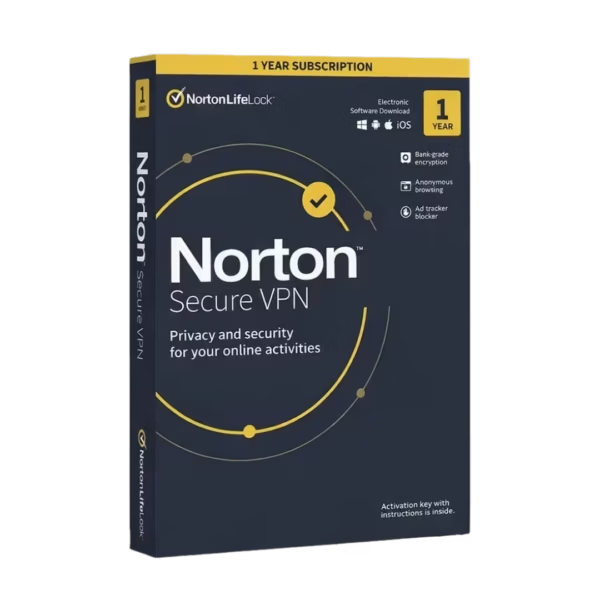
- Built-in secure VPN access
- Identity monitoring and data protection
- Cloud-based backup solutions
- Optimized system performance
Norton Product Range
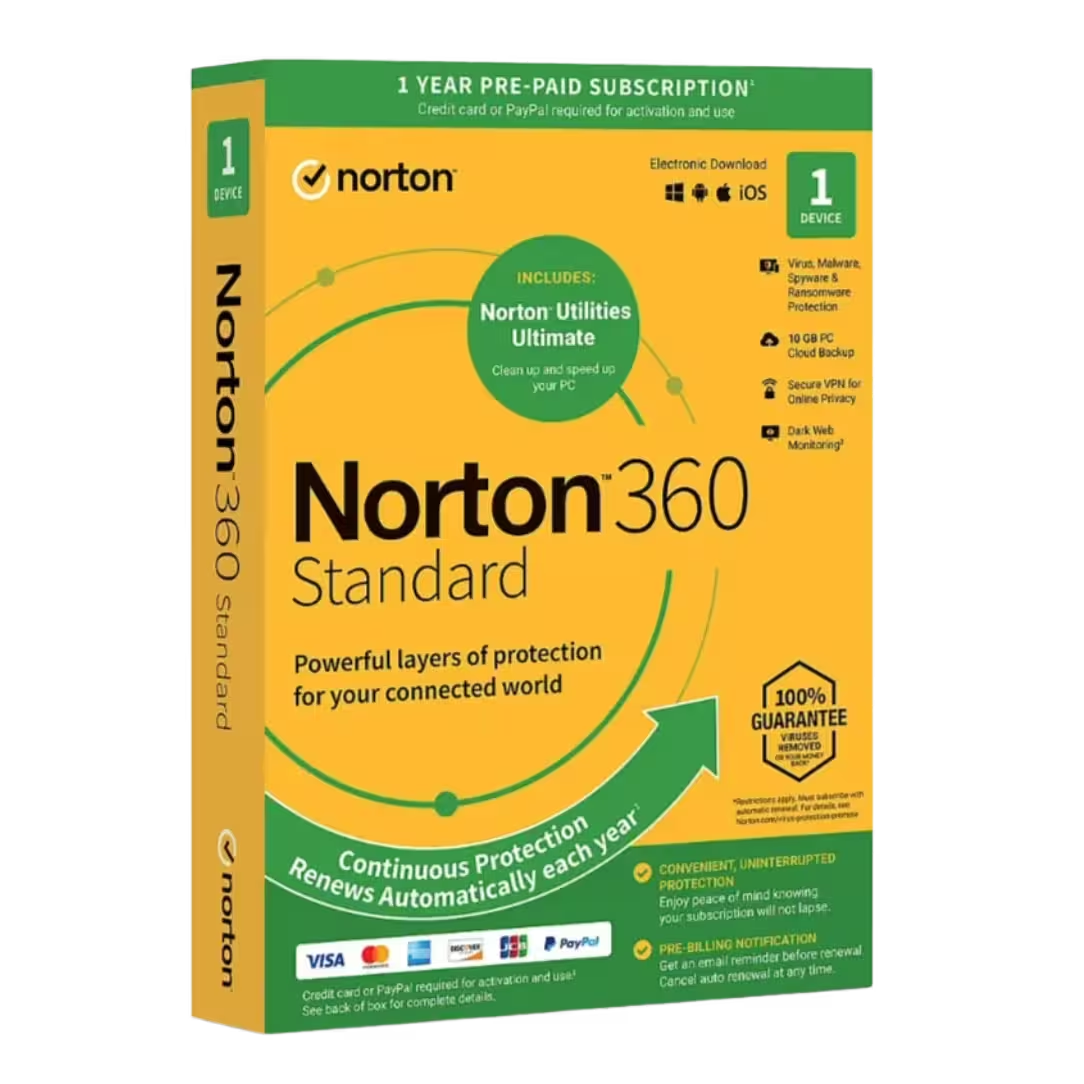
Norton 360 Standard
Norton 360 Standard provides essential protection for a single device, including antivirus, firewall, and VPN. It is ideal for users needing single-device security coverage.
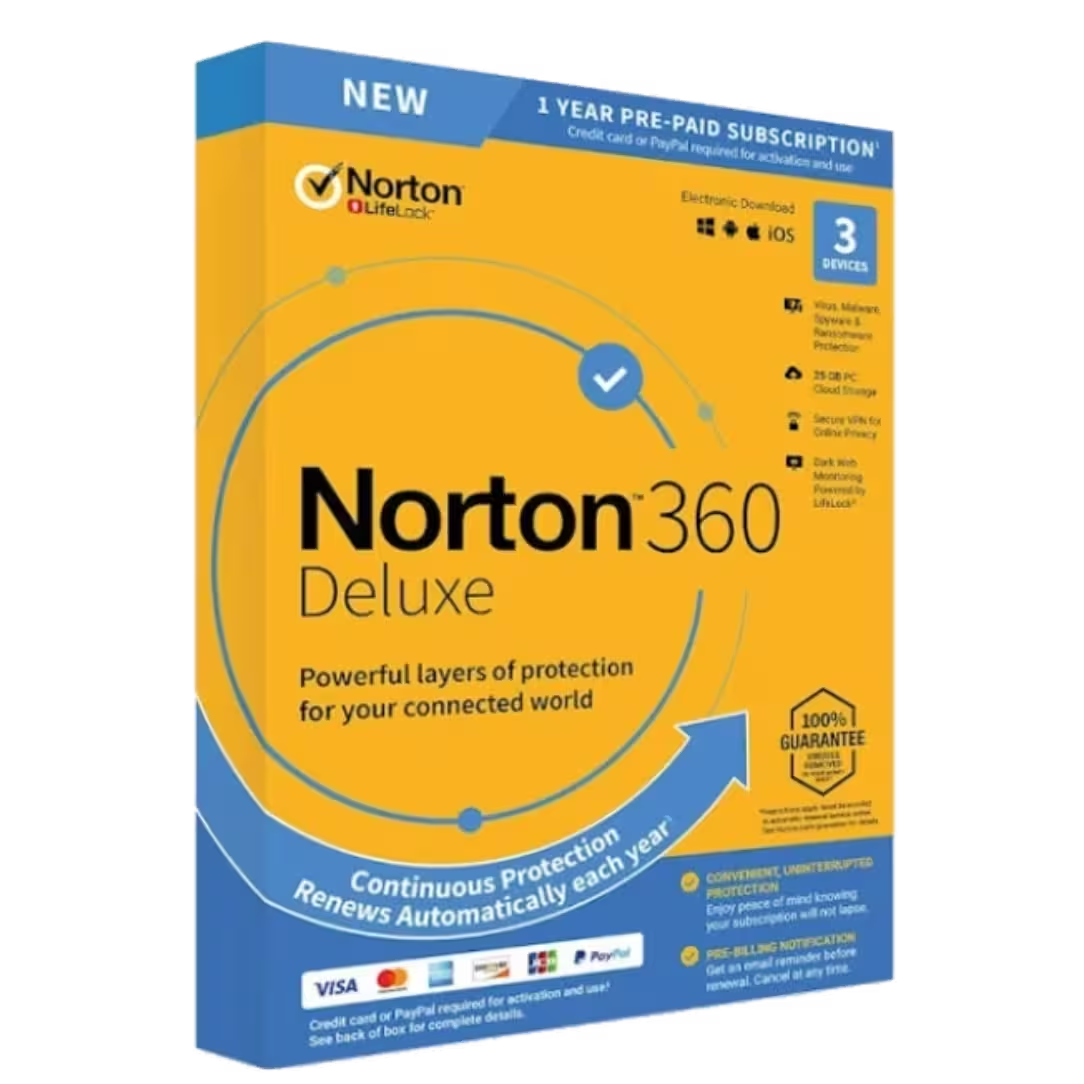
Norton 360 Deluxe
Norton 360 Deluxe expands coverage to multiple devices and includes parental control features, making it perfect for families requiring multi-device management.
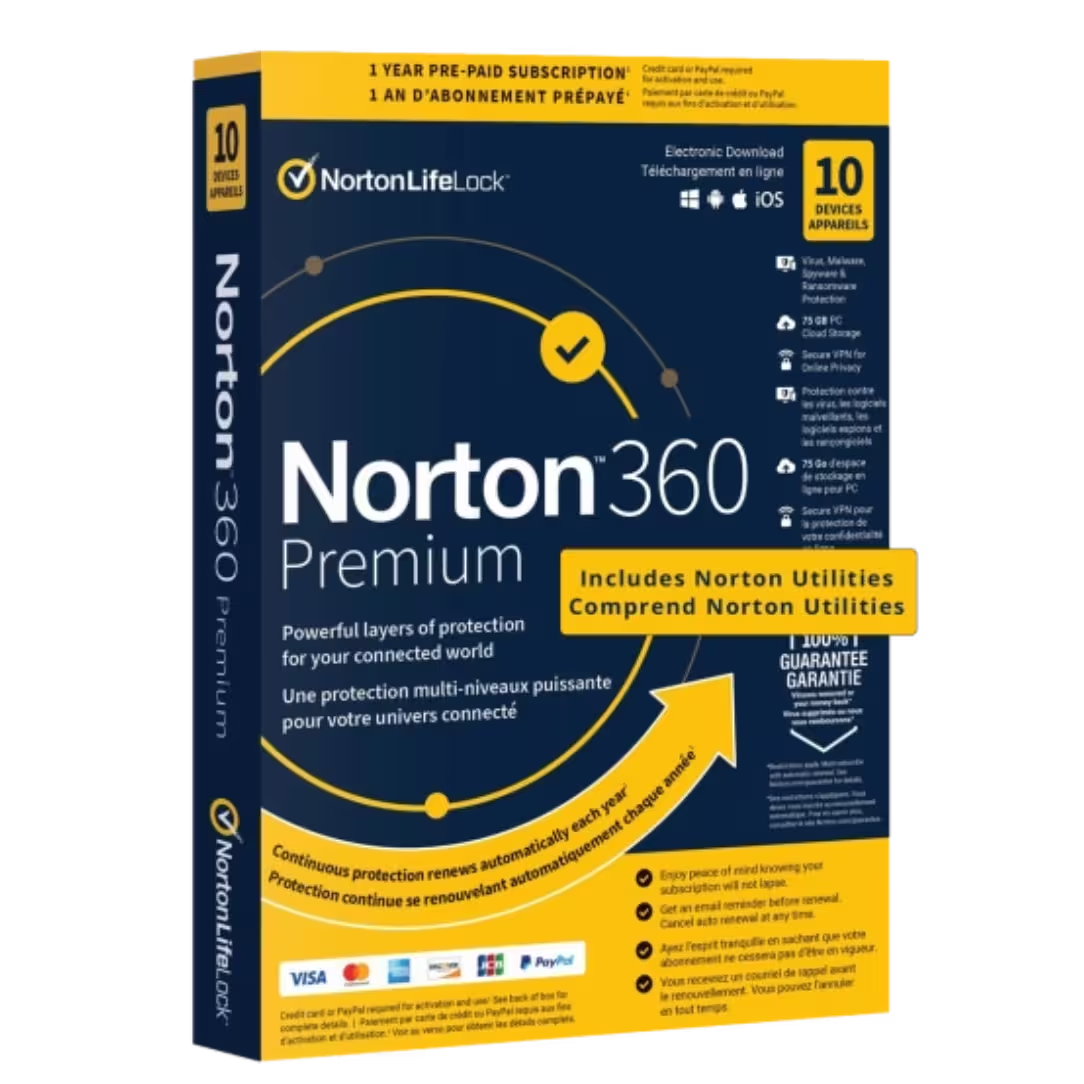
Norton 360 Premium
Norton 360 Premium offers advanced protection with extended cloud backup and identity tools, providing complete digital protection for demanding users.
How to Choose the Right Norton License
1. Number of Devices
If you need protection for more than one device, consider Deluxe or Premium plans for expanded device coverage.
2. Security Features
- Essential level: Antivirus and malware defense
- Enhanced level: VPN and firewall features
- Advanced level: Identity monitoring and backup tools
3. Usage Needs
If you frequently handle sensitive data or shop online, choosing a plan with secure transaction protection and privacy tools is highly recommended.
4. Platform Compatibility
Norton supports Windows, macOS, Android, and iOS, ensuring multi-platform security integration across all devices.
Compatibility and System Requirements
- Windows and macOS system compatibility
- Mobile protection for Android and iOS
- Frequent cloud-based updates
Installation and Activation Guide
Step 1: Download the Software
After purchase, download the installer from your account or confirmation email.
Step 2: Install Norton
- Run the installation file
- Follow the setup instructions
- Allow required permissions
Step 3: Activate Your License
- Enter your product key
- Sign into your Norton account
- Confirm activation
Step 4: Run Initial Scan
Perform a complete system scan to ensure your device is protected from the start.
Benefits of Norton Licenses
- Advanced malware detection capabilities
- Secure browsing and VPN integration
- Identity and data protection tools
- Automatic updates with performance optimization
Enhance Your Security Setup
While Norton provides strong protection, combining it with additional privacy solutions such as VPN services, password managers, and encryption tools can further enhance your overall digital safety.
Why Buy from Digital License?
Digital License offers authorized software distribution sourced from verified providers. We ensure secure payments, fast delivery, and responsive customer support. Choosing Norton licenses from Digital License means relying on professional service and trusted expertise for your cybersecurity needs.