Microsoft Visual Studio Licenses for Professional Development Workflows
Microsoft Visual Studio Licenses are essential for developers, software engineers, IT teams, and organizations that require a powerful integrated development environment (IDE) to build, test, and deploy applications efficiently. Visual Studio has become one of the most widely adopted platforms in the software industry due to its versatility, scalability, and deep integration with Microsoft technologies.
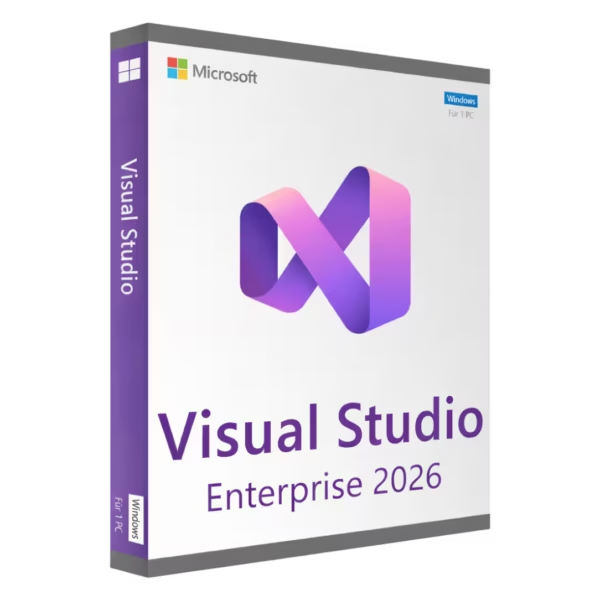
Whether you are working on enterprise software, maintaining legacy systems, or building modern applications, Visual Studio offers the tools needed to manage complex development processes. This category includes multiple versions, allowing you to select the most appropriate coding environment based on your technical requirements, project scope, and long-term development strategy.
What Visual Studio development tools are used for
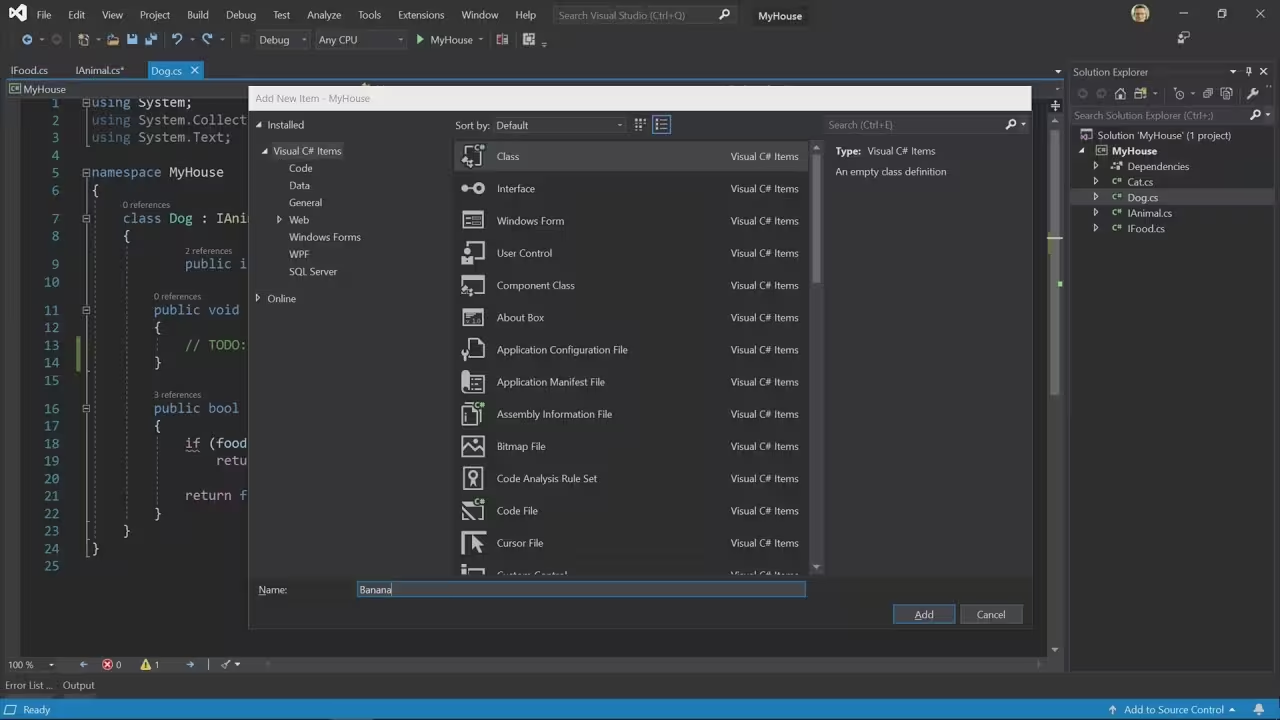
Microsoft Visual Studio is a complete software engineering platform that supports the entire development lifecycle. It is used by individuals, startups, and large enterprises to create applications across different environments.
- Application development for desktop, web, and mobile
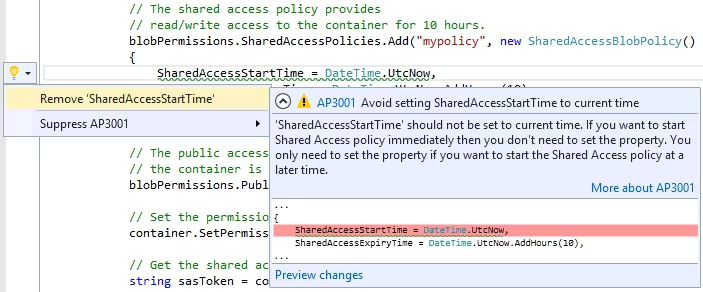
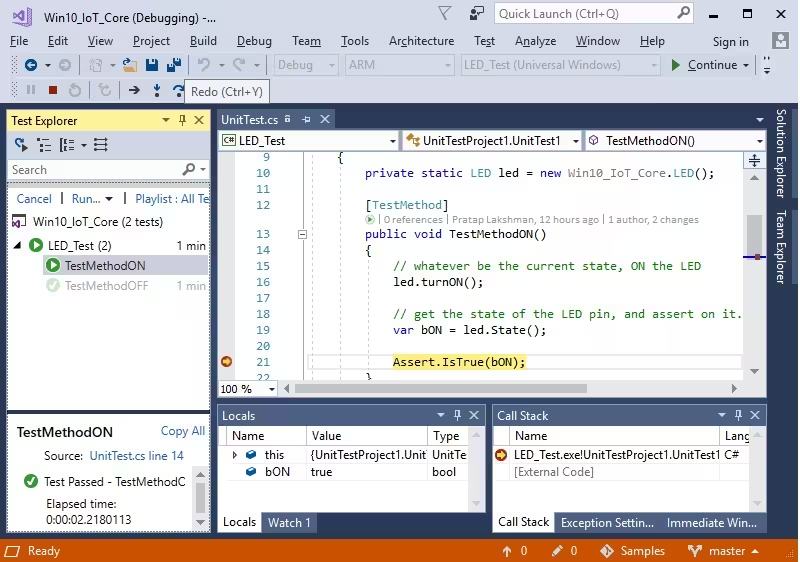
- Code debugging and testing with advanced diagnostics
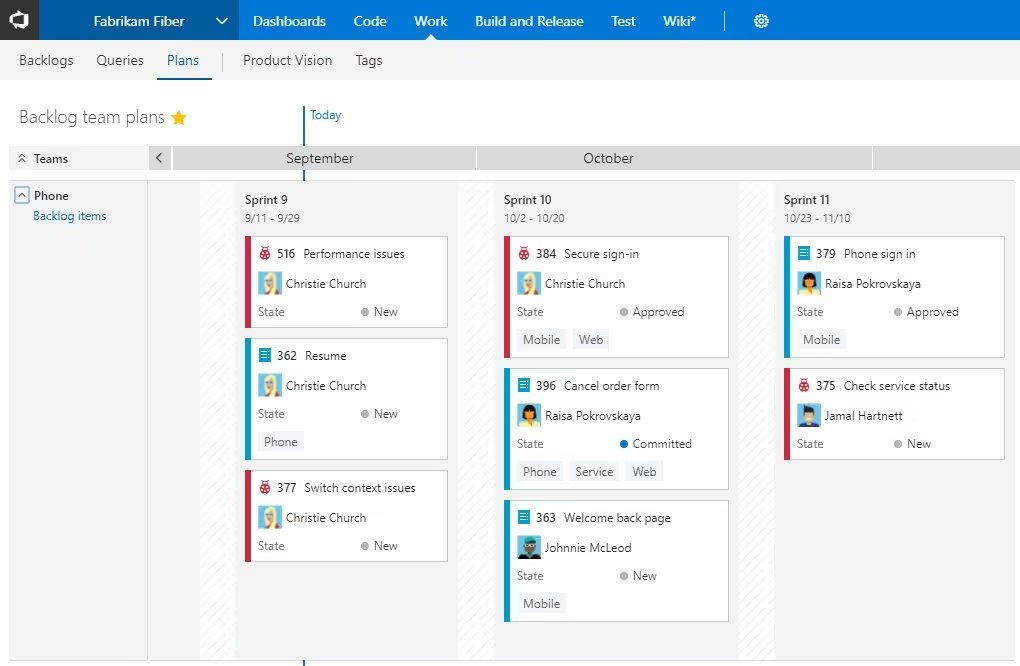
- Version control integration for team collaboration
- Cloud-based development for scalable applications
- Database development and backend integration
- Automation and deployment tools for DevOps workflows
Visual Studio is particularly valuable for teams that need structured workflows, consistent coding environments, and tools that scale with project complexity.
Compare Microsoft Visual Studio versions
Choosing the right version is not just about features—it is about compatibility, performance, and long-term usability.
Legacy versions for older projects
Microsoft Visual Studio 2015 Licenses and Microsoft Visual Studio 2017 Licenses are often required when maintaining older applications or working with legacy frameworks. These versions are commonly used in environments where stability is more important than new features.
Balanced versions for modern workflows
Microsoft Visual Studio 2019 Licenses offer a strong balance between performance and compatibility. They are suitable for most development tasks and remain widely used in professional environments.
Latest versions for advanced development
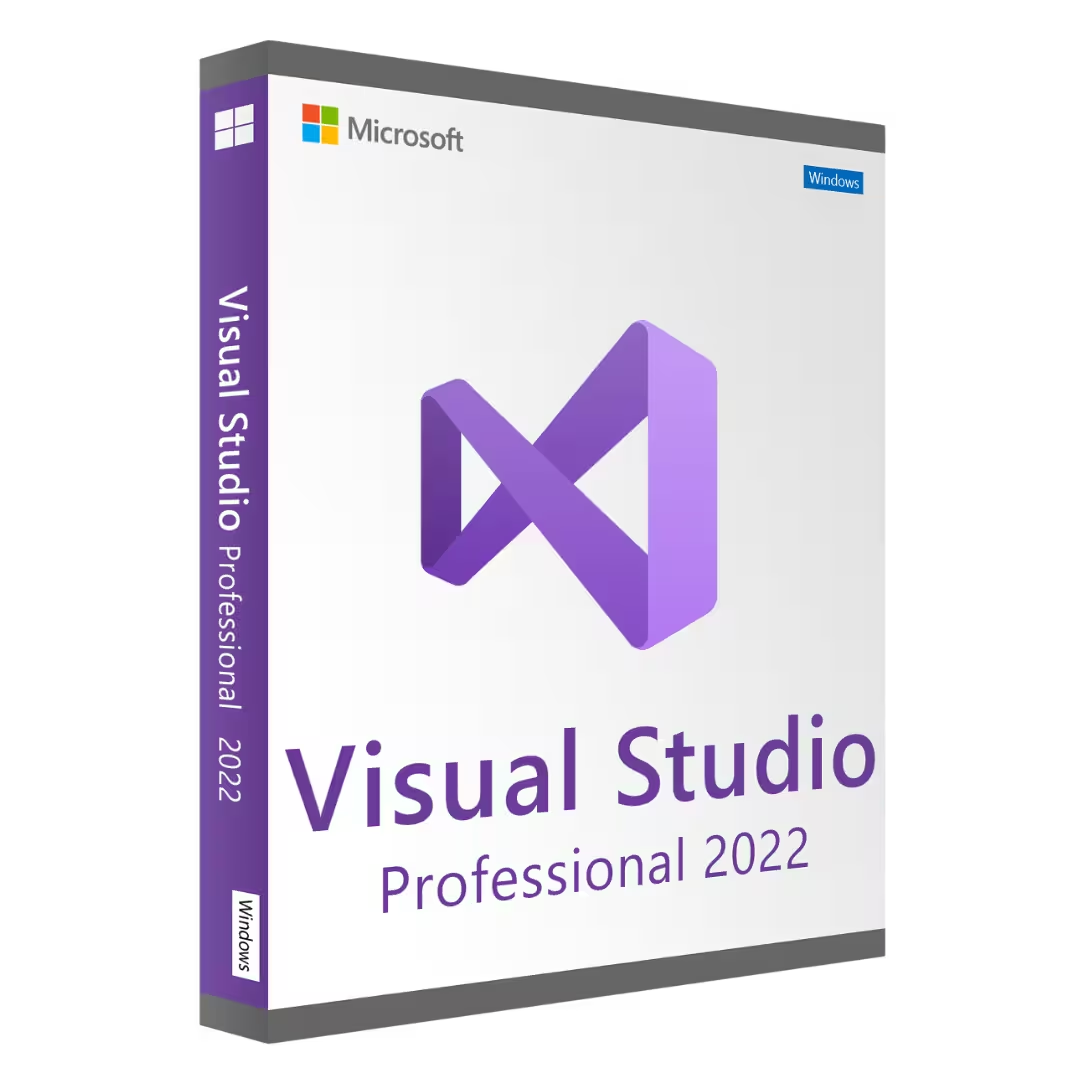
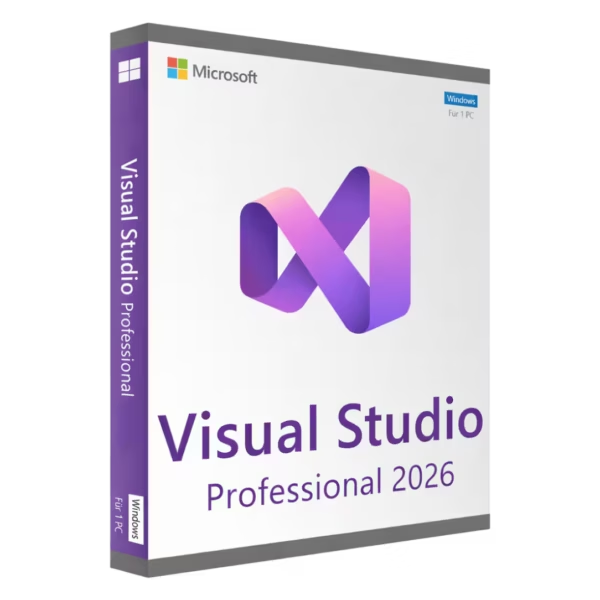
Microsoft Visual Studio 2022 Licenses and Microsoft Visual Studio 2026 Licenses are designed for modern development environments. These versions provide improved performance, better support for large-scale projects, and enhanced tools for debugging, testing, and collaboration.
How to choose the right Visual Studio license
Selecting the correct version depends on how you work and what you build. Consider the following factors:
- Project requirements: Ensure compatibility with your frameworks and libraries
- Team size: Larger teams benefit from newer versions with collaboration features
- Performance needs: Modern versions handle large codebases more efficiently
- System compatibility: Make sure your OS supports your chosen version
For optimal performance, it is recommended to use supported Operating systems, including Windows 11 and Windows 10.
Development ecosystem and integration
Visual Studio integrates deeply into the Microsoft ecosystem, making it ideal for enterprise environments. Developers often combine it with server and database solutions to create scalable applications.
Related technologies include Microsoft Server, Windows Server 2025, and Microsoft SQL Server 2022, which support backend infrastructure and data management.
License types explained: OEM vs Retail
OEM license
An device-bound license is tied to a single machine. It is suitable for developers working on a dedicated workstation and who do not plan to move the software between devices.
Retail license
A transferable license allows you to move the software between devices, depending on the terms. This is useful for developers who upgrade hardware or work across multiple machines.
Installation and activation process
- Receive your activation key after purchase
- Download the Visual Studio installer
- Run the installation and select required components
- Enter your product key during activation
- Complete setup and configure your development tools
Before installation, ensure your system is updated and meets the requirements for your chosen version to avoid compatibility issues.
Why developers choose Digital License
Digital License provides access to professional-grade software with clear categorization and structured product information, making it easier to compare versions and choose the right solution.
To build a complete development setup, you may also consider Antivirus licenses for system protection, trusted solutions like Kaspersky, or additional tools such as Autodesk and Bundle options.
Recognized Microsoft Partner
Digital License is a verified Microsoft Partner, offering additional trust and credibility. Microsoft Partner ID : 7033487