</div
Microsoft Office 2013 Licenses for Consistent and Proven Workflows
Microsoft Office 2013 remains a practical choice for users and organizations that require stable productivity software with a familiar interface and no subscription dependency. It is especially suitable for environments where consistency, compatibility with older systems, and predictable software performance are essential.
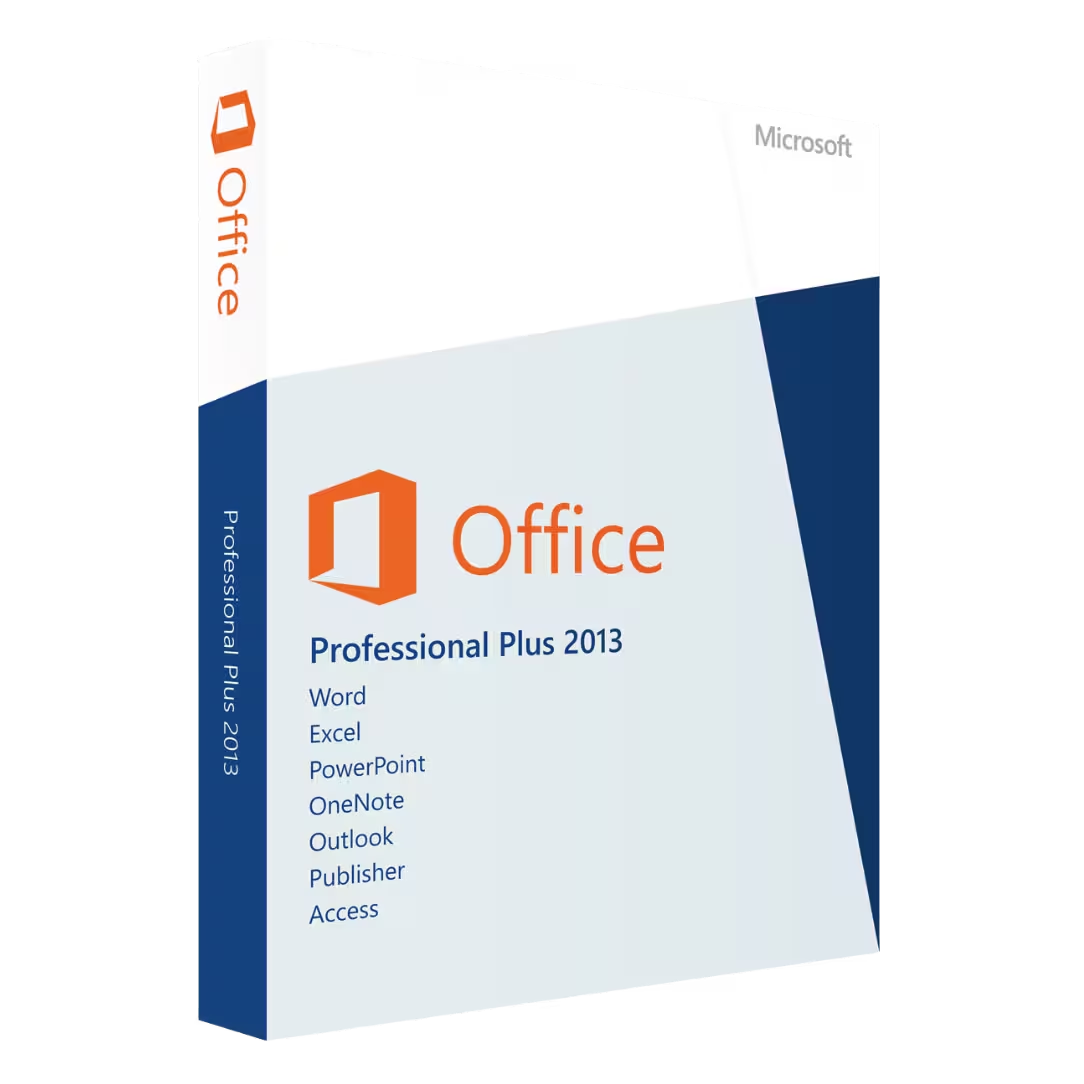
You can browse the full selection in the Microsoft Office 2013 Licenses category or choose advanced editions such as Microsoft Office 2013 Professional Plus for more complete functionality.
What Is Microsoft Office 2013?
Office 2013 is a desktop productivity suite that includes essential applications like Word, Excel, PowerPoint, and Outlook. It is designed for users who want a subscription-free working environment with reliable performance and familiar tools.
Choosing the Right Office 2013 Edition
When selecting an Office 2013 license, it is important to understand your specific usage needs.
Office 2013 Professional Plus
Microsoft Office 2013 Professional Plus is the most complete edition available in this category. It is ideal for businesses and professionals who require a comprehensive office solution for document creation, communication, and data analysis.
Compatibility and System Requirements
Office 2013 is often used in environments with older hardware or software requirements. Ensuring compatibility is key before installation.
You can explore compatible systems in the Operating systems category. Many users still rely on Windows 10 for a proven and stable platform, while Windows 11 may be considered for newer setups.
OEM vs Retail Licenses Explained
Understanding licensing options and flexibility is important when selecting Office 2013.
OEM License
OEM licenses are typically tied to a single device after activation. They are suitable for a single-device deployment where the software remains on the same machine.
Retail License
Retail licenses provide more flexibility and can be transferred between devices if needed, making them ideal for users who want a portable licensing solution.
Installation and Activation Overview
Installing Office 2013 is straightforward when following the correct process. Understanding the software deployment workflow helps ensure a smooth setup.
- Select the appropriate Office 2013 edition.
- Receive your license key and installation details.
- Download and install the software.
- Activate using the provided product key.
Expanding Your Software Environment
Office 2013 is often part of a broader IT environment. Businesses may require enterprise-level infrastructure tools such as Microsoft Server, Windows Server 2025, and Microsoft SQL Server 2022.
For added protection and productivity, you can also explore Antivirus licenses, including Kaspersky, as well as other Computer programs and professional tools like Autodesk.
Why Choose Digital License
Choosing a reliable provider ensures access to verified and trusted software products and a clear purchasing process.
Digital License is listed as a Microsoft Partner, providing additional confidence. Microsoft Partner ID : 7033487