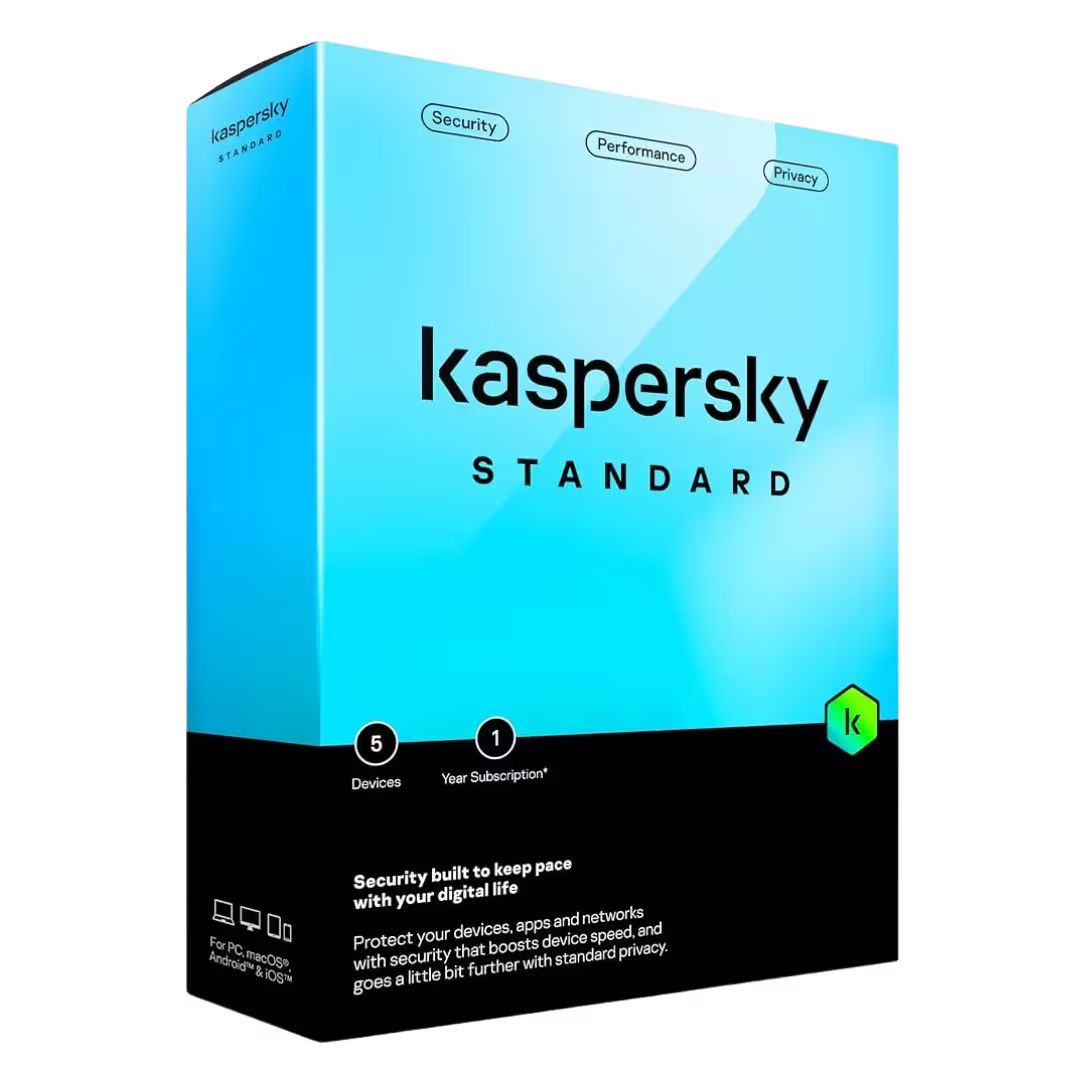
Kaspersky Security Licenses – Comprehensive Protection for Modern Digital Life
Kaspersky is a globally recognized cybersecurity provider known for its advanced protection technologies and high detection rates. With a Kaspersky license, users gain access to powerful antivirus tools, privacy protection features, and real-time monitoring designed to safeguard personal and professional environments.
Kaspersky solutions are built to defend against sophisticated cyber attacks such as ransomware, phishing, spyware, and identity theft, while maintaining system performance and usability. Whether you need basic antivirus or premium protection, Kaspersky offers flexible licensing options for modern digital environments.
Why Choose Kaspersky?
- Cloud-based threat intelligence for real-time detection
- Layered security architecture against malware and ransomware
- Privacy-focused security tools
- Secure financial transactions protection
- Optimized system performance with low resource usage
Kaspersky Product Range
Kaspersky Standard Antivirus
The Kaspersky Standard Antivirus offers essential protection against viruses and online threats. It is ideal for users looking for basic endpoint protection with simple usability.
Kaspersky Plus Internet Security
Kaspersky Plus Internet Security adds enhanced features such as secure browsing and payment protection. It is suitable for users who need enhanced online safety features.
Kaspersky Premium Total Security
The most advanced solution, Kaspersky Premium Total Security, includes identity monitoring, parental control, and privacy tools, offering full-spectrum cybersecurity coverage.
How to Choose the Right Kaspersky License
1. Protection Level
- Entry-level protection: Antivirus and malware defense
- Mid-tier protection: Internet security and safe payments
- Comprehensive protection: Identity monitoring and privacy tools
2. Device Coverage
Consider how many devices you want to protect. Kaspersky offers flexible options for multi-device environments, making it suitable for individuals and families.
3. Usage Type
If you frequently shop online or manage sensitive data, selecting a plan with secure payment protection and identity safeguards is highly recommended.
4. Platform Compatibility
Kaspersky supports Windows, macOS, Android, and iOS, ensuring complete cross-platform protection across all your devices.
Compatibility and System Requirements
- Windows and macOS system compatibility
- Mobile protection for Android and iOS
- Continuous cloud-based updates
Installation and Activation Guide
Step 1: Download Your Product
After purchasing your license, download the installer from your account or confirmation email.
Step 2: Install the Software
- Run the installer file
- Follow the setup instructions
- Grant required permissions
Step 3: Activate Your License
- Enter your activation key
- Sign into your Kaspersky account
- Confirm activation
Step 4: Perform Initial Scan
Run a complete device scan to ensure your system is secure from the start.
Benefits of Kaspersky Licenses
- High-accuracy malware detection
- Secure browsing and payment systems
- Privacy and identity protection features
- Automatic updates and consistent performance
Enhance Your Security Setup
Kaspersky provides robust protection, but combining it with complementary security services such as VPNs, password managers, and encryption tools can further improve your overall protection.
Why Buy from Digital License?
Digital License provides professional software solutions sourced from verified distributors. Our platform ensures secure payment processing, fast delivery, and dedicated customer support. Choosing Kaspersky licenses from Digital License means benefiting from reliable service and trusted expertise.