CCleaner Licenses for PC Cleaning, Optimization, and Maintenance
CCleaner Licenses are designed for users who want to keep their computer cleaner, faster, and easier to manage. Over time, Windows PCs can accumulate temporary files, browser cache, unused registry entries, old installation data, tracking cookies, and unnecessary startup items. CCleaner helps remove digital clutter, improve system responsiveness, protect privacy, and maintain a smoother everyday computing experience.
This category includes dedicated CCleaner options for home users, professionals, and customers who want a more complete performance toolkit. Whether you need basic system cleanup, automatic maintenance, software updating, driver support, or multi-tool optimization, Digital License helps you compare the available editions clearly before choosing the right license.
What You Can Find in This Category
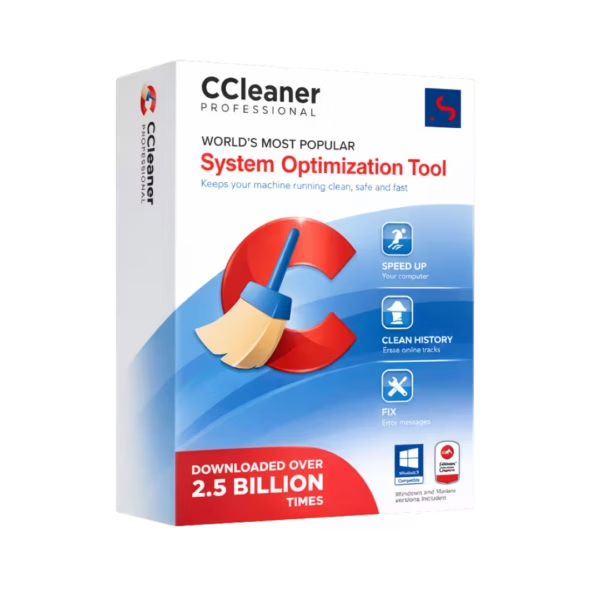
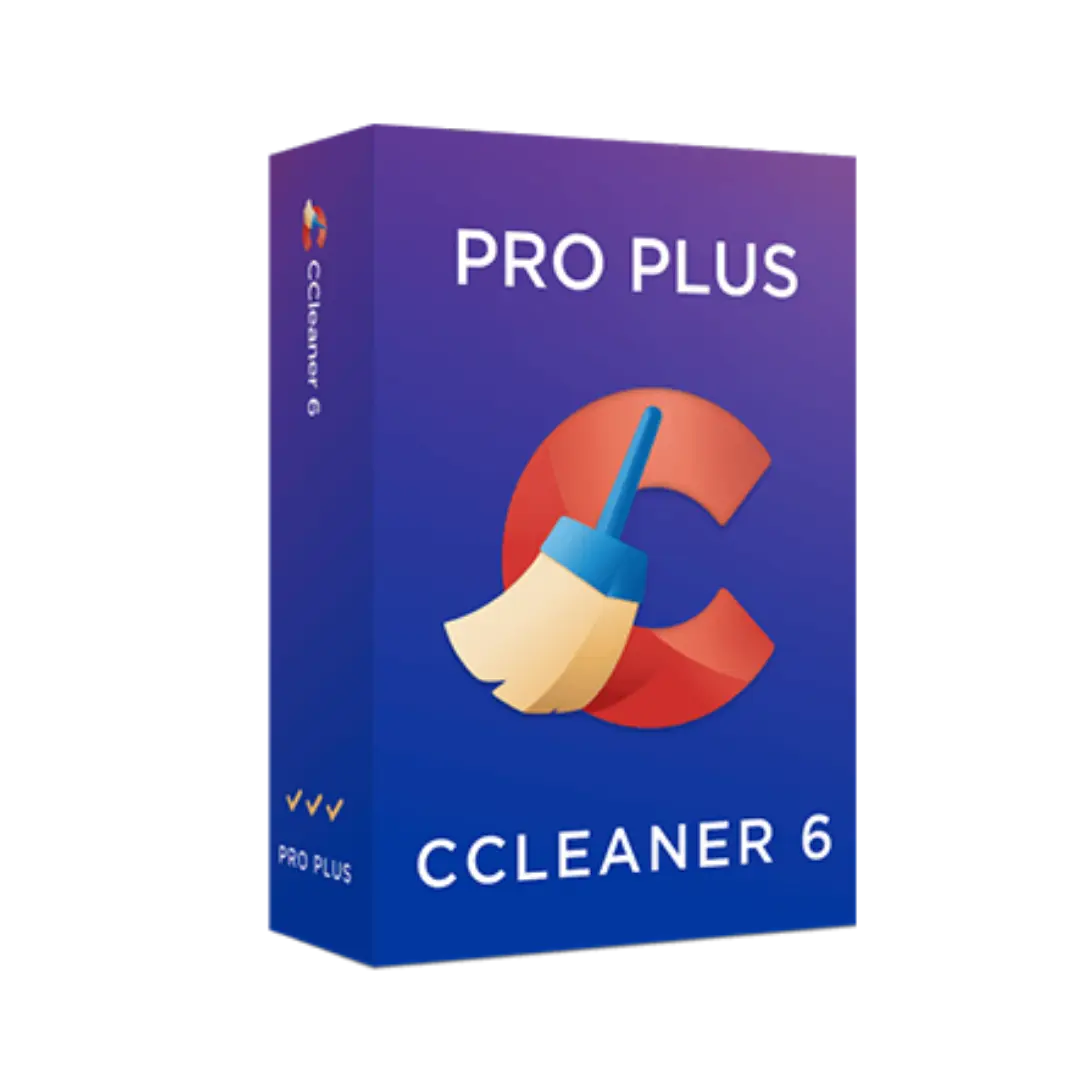
In this category, you can explore the main CCleaner Licenses page and compare the available editions: CCleaner Professional and CCleaner Professional Plus. Each version is intended for users who want practical system maintenance tools, but the right choice depends on how many features you need and how deeply you want to optimize your device.
Choosing the Right CCleaner Edition
CCleaner Professional
CCleaner Professional is a strong choice for users who want advanced cleaning and performance optimization beyond the free version. It is suitable for everyday PC maintenance, privacy cleanup, browser data removal, startup optimization, and automated cleaning features. If your main goal is to keep one computer clean, responsive, and better organized, this edition is usually the most practical option.
CCleaner Professional Plus
CCleaner Professional Plus is designed for users who want a broader optimization package. It is a better fit if you need additional tools for deeper maintenance, device health, and performance support. Customers who manage several devices or want a more complete PC care solution may prefer Professional Plus because it offers a wider feature set than the standard Professional edition.
Who Should Use CCleaner?
- Home users who want to remove unnecessary files and improve everyday PC performance.
- Professionals who need a cleaner, more responsive work computer.
- Students who want to keep laptops running smoothly for study, browsing, and productivity.
- Gamers who want to reduce background clutter and manage startup items.
- Older PC users who want to improve responsiveness without replacing hardware immediately.
- Privacy-conscious users who want to clear browsing traces, cookies, and temporary data.
Main Benefits of a CCleaner License
- System cleanup to remove temporary files, cache, and unnecessary data.
- Privacy protection by clearing browser history, cookies, and tracking files.
- Startup management to help reduce unnecessary background programs.
- Performance support for smoother daily use and faster system response.
- Automatic maintenance features depending on the selected edition.
- Software health tools that help identify outdated applications or system issues.
Compatibility and Device Guidance
CCleaner is commonly used on Windows devices and is especially helpful for users who install and uninstall software frequently, browse heavily, or use their computer every day for work and personal tasks. Before choosing a license, check the product details to confirm compatibility with your operating system, device type, and intended usage.
For users on Mac, a dedicated optimization tool such as CleanMyMac X may be more suitable. While CCleaner focuses strongly on Windows cleaning and maintenance, Mac users often need tools specifically designed for macOS file structure, application cleanup, and storage optimization.
License Types Explained: OEM vs Retail
In software licensing, OEM and Retail are common terms that help explain how a license can be used. An OEM license is usually linked to a specific device after activation and may have limited transfer flexibility. A Retail license is generally intended for direct customer use and may offer more flexibility depending on the software provider’s terms.
For optimization software such as CCleaner, the most important details to check are the edition, license duration, number of supported devices, and activation method. Before purchasing, make sure the license matches your device setup and maintenance needs. This helps avoid choosing a version that is too limited or paying for features you do not plan to use.
Installation and Activation Overview
- Choose the correct CCleaner edition based on your device and feature needs.
- Complete your order and review the license details delivered digitally.
- Download and install the CCleaner application on your compatible device.
- Open the software and enter the provided license information when requested.
- Activate the product and confirm that the correct edition is enabled.
- Run your first system scan to review temporary files, browser data, and cleanup suggestions.
- Adjust settings carefully before deleting files, especially if you want to keep saved logins, browser sessions, or specific cookies.
Practical Buying Advice
If you only need reliable PC cleanup, privacy cleaning, and performance optimization, CCleaner Professional is usually enough for everyday use. If you want a more complete toolkit with broader maintenance features, CCleaner Professional Plus is the better choice.
CCleaner is helpful for optimization, but it should not be seen as a replacement for security software. For complete device protection, many users combine cleanup tools with Antivirus Licenses, Firewall protection, and Encryption tools. If privacy is also a priority, a VPN and Password Managers can add extra protection for browsing and online accounts.
Why Choose Digital License?
Digital License provides a clear and professional way to compare and purchase software licenses online. Customers benefit from structured product information, digital delivery, and support-focused service. When choosing a CCleaner license, Digital License helps you understand the difference between editions, select the right option for your device, and activate your software with confidence.
Whether you need simple PC cleanup or a broader performance maintenance package, this category gives you a clear path to the right CCleaner solution. By comparing Professional and Professional Plus carefully, you can choose the version that fits your computer habits, privacy needs, and performance expectations.