







- Description
- Minimum Requirements
- Specifications
- Additional information
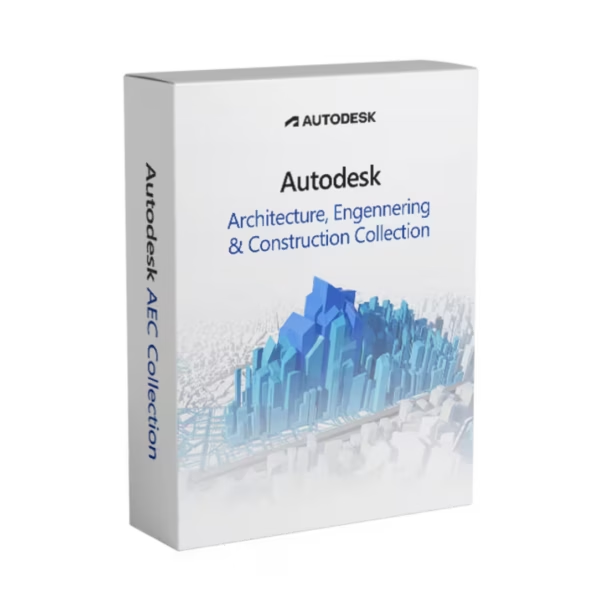
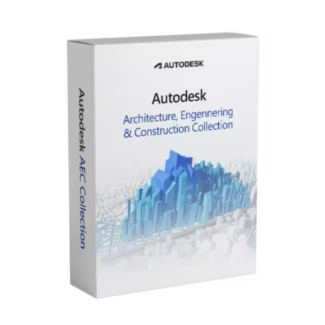
Autodesk AEC Collection is a comprehensive suite of design and engineering tools built for architecture, engineering, and construction workflows. With instant digital delivery and a flexible subscription, it provides long-term access to industry-leading software for professional project development.
From concept design to construction documentation, Autodesk AEC Collection equips students and professionals with everything needed to work efficiently on Windows systems.
Overview of Autodesk AEC Collection
- Platform: Windows
- Edition: AEC Collection Educational
- License Type: Educational (non-commercial)
- Devices: 1 device per eligible user
- License Duration: 1 Year / 3 Years
- Activation Method: Online activation
- Delivery: Instant digital delivery via email
- Support: Email and remote assistance
- Language Support: Multi-language
- Compliance: Genuine software licenses sourced through compliant distribution channels in line with U.S. laws and industry standards
Key Features
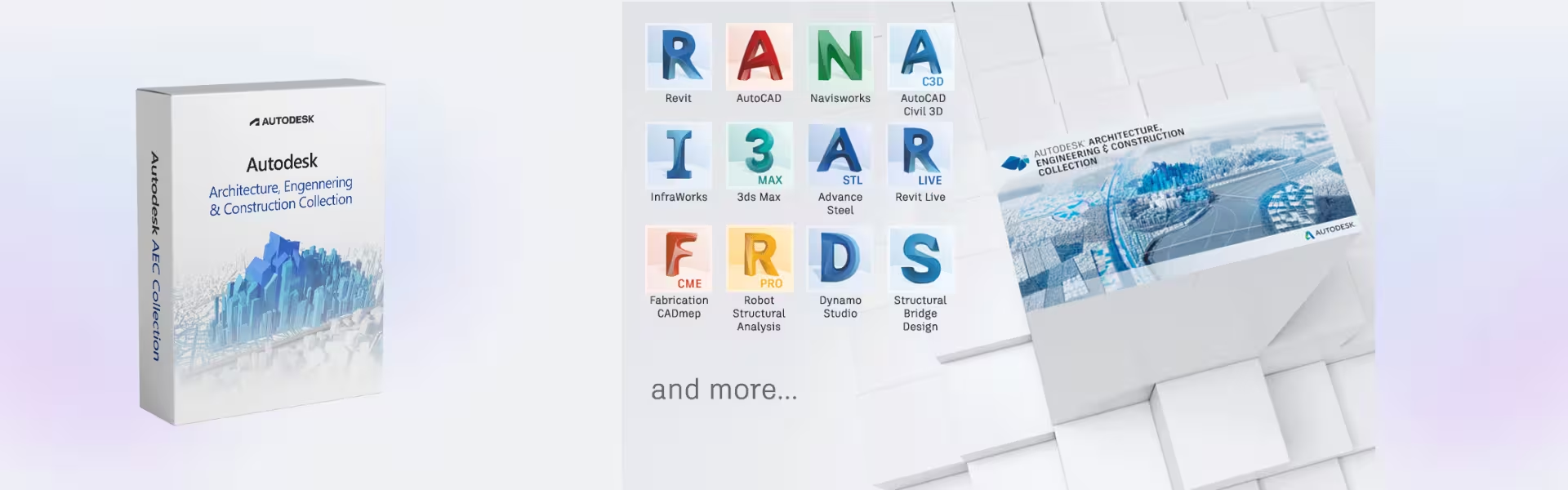
- Comprehensive Toolset: Access multiple Autodesk applications in one package, enabling complete project workflows from design to construction.
- BIM Integration: Work with intelligent models that improve accuracy, coordination, and collaboration across disciplines.
- Advanced Visualization: Create detailed 3D models and presentations, enhancing project communication and client understanding.
- Collaboration Workflows: Share project data seamlessly across teams, reducing errors and improving efficiency.
- Simulation and Analysis Tools: Evaluate building performance and engineering systems, helping users make informed decisions.
- Automated Documentation: Generate drawings, schedules, and reports directly from models, saving time and ensuring consistency.
- Scalable Workflows: Adapt to projects of different sizes, from academic tasks to large infrastructure developments.
Main Features Explained
Integrated BIM Workflows
Autodesk AEC Collection allows users to work with Building Information Modeling tools that integrate design, engineering, and construction data. In real-world scenarios, teams can collaborate on a unified model, improving project accuracy and reducing rework.
Multi-Software Access
Users gain access to a range of Autodesk applications within a single collection. This enables seamless transitions between design, analysis, and documentation without switching platforms.
Design and Visualization
The collection supports high-quality 3D modeling and visualization tools, helping users present projects clearly and professionally for academic or client purposes.
Simulation and Performance Analysis
Built-in analysis tools allow users to test building performance, structural integrity, and environmental factors, ensuring smarter design decisions.
Collaboration and Data Management
Autodesk AEC Collection enables efficient data sharing across teams, ensuring that everyone works with up-to-date information and reducing project delays.
Why Choose Autodesk AEC Collection?
Autodesk AEC Collection is ideal for students, architects, engineers, and construction professionals who need a complete solution for design and project management. It supports a wide range of workflows, making it an essential tool for both learning and real-world applications.
Explore more professional tools in our CAD & Engineering Software collection to expand your capabilities. You can also review the full offering of Autodesk AEC Collection for a deeper look at included tools and workflows.
For fabrication-focused processes, consider integrating Autodesk Fabrication, while advanced simulation capabilities can be enhanced using Autodesk CFD Ultimate.
Autodesk AEC Collection vs Alternatives
Compared to individual Autodesk products, Autodesk AEC Collection offers a complete set of tools within one package, reducing the need to purchase separate software. It is designed for full project lifecycle management rather than single-purpose tasks.
While standalone tools focus on specific functions, the AEC Collection provides an integrated environment that supports collaboration, design, and analysis across disciplines.
System Compatibility
Autodesk AEC Collection is designed for Windows systems and requires a capable workstation to handle multiple applications and complex models. It integrates seamlessly with Autodesk cloud services and collaborative workflows.
The license is not transferable, but it ensures access to updates and new features during the active subscription period.
Installation & Activation
- Complete your purchase and receive your access details via email instantly.
- Sign in to your Autodesk Account.
- Download the Autodesk AEC Collection from the official Autodesk platform.
- Install the required applications on your Windows device.
- Activate using your Autodesk Account credentials.
- Start working on your design and engineering projects.
Why Buy From Us
Digital License offers a secure and reliable platform for professional software solutions.
- Instant digital delivery via email
- Genuine software sourced through compliant channels
- Secure payment processing
- 24/7 email and remote assistance
- Compliance with U.S. laws and industry standards
Trust & Reliability
We ensure every product is authentic and supported by expert assistance. Our commitment to transparency and compliance guarantees a safe and reliable purchasing experience.
FAQ
How do I activate Autodesk AEC Collection?
Activation is completed online through your Autodesk Account after installation.
How quickly will I receive my order?
Your product is delivered instantly via email after purchase.
Is Autodesk AEC Collection compatible with Mac?
No, it is designed for Windows systems only.
Can I install it on multiple devices?
No, the license is valid for one device per eligible user.
Is this software legitimate?
Yes, it is sourced through compliant distribution channels and meets industry standards.
Do I receive updates?
Yes, updates are included during the active subscription period.
What support is included?
We provide 24/7 email and remote assistance for installation and usage.
| Component | Requirement |
| Processor | 2.5–2.9 GHz processor (minimum) 3+ GHz processor (recommended) |
| RAM | 8 GB (minimum); 16 GB or more (recommended) |
| Storage | 30 GB free disk space (SSD recommended) |
| Operating System | 64-bit Windows 11 or Windows 10 |
| Graphics | DirectX 12–compatible GPU with 2 GB VRAM (minimum) 4 GB VRAM or more (recommended for complex projects) |
| Display | 1920 × 1080 resolution with True Color High Resolution & 4K supported |
| Specification | Detail |
|---|---|
| Activation | Single PC (one-time activation) |
| License validity | 1 year / 3 years (renewable annually) |
| Delivery method | By email within 15 minutes |
| Languages | Multilingual |
Additional information
| Year version | 2027 |
|---|---|
| Subscription period | 1 Year, 3 Years |

1 – Buy
Shop securely with SSL encryption.

2 – Receive
You will receive the license key and download link.

3 – Download
Download and install the software.

4 – Activate
Enter the license key to the software.
Ashampoo 3D CAD Architecture 10
Ashampoo 3D CAD Professional 11

CorelDRAW Graphics Suite - Mac