







- Description
- Minimum Requirements
- Specifications
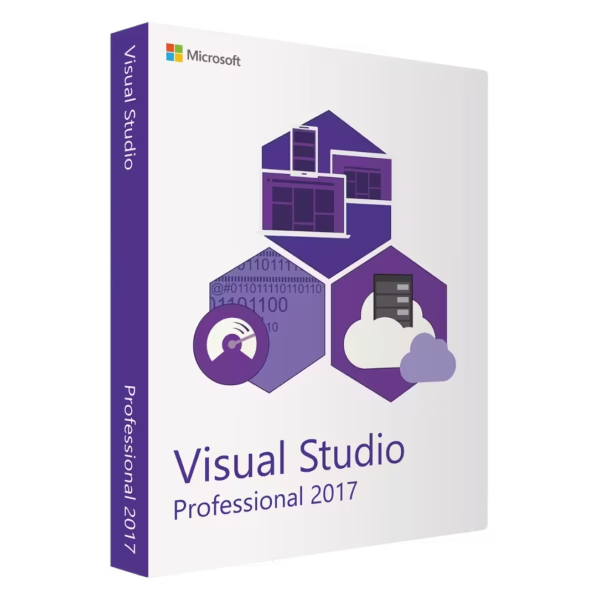
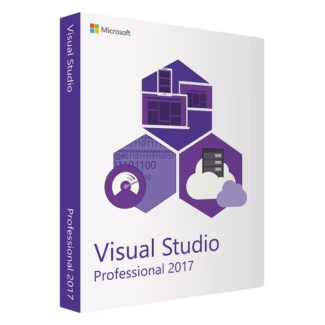
Microsoft Visual Studio 2017 Professional is a powerful and flexible development environment designed for developers who need reliable tools for building modern applications. With instant delivery, lifetime usage, and no subscription required, it offers a stable and cost-effective solution for long-term development.
Code, debug, and deploy applications efficiently with a professional IDE tailored for productivity and performance.
Overview of Microsoft Visual Studio 2017 Professional
- Platform: Windows
- Edition: Professional
- License Type: Retail
- Devices: 1 device
- License Duration: Lifetime
- Activation Method: Online activation
- Delivery: Instant digital delivery via email
- Support: Email and remote assistance
- Language Support: Multi-language
- Compliance: Genuine software licenses sourced through compliant distribution channels in line with U.S. laws and industry standards
Key Features
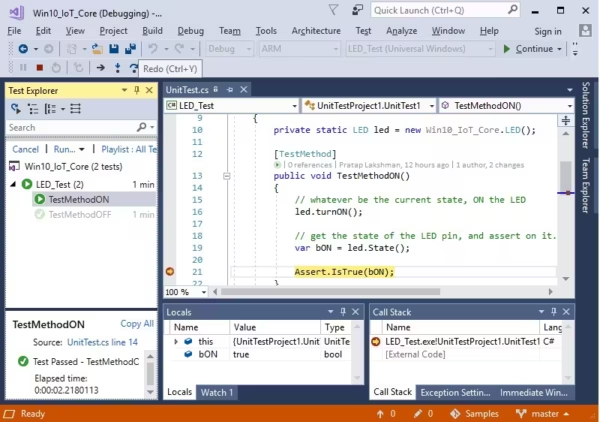
- Intelligent code editor with advanced suggestions helps developers write efficient and error-free code faster.
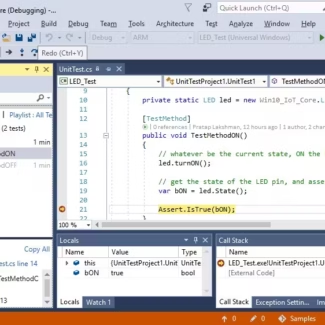
- Integrated debugging tools enable quick identification and resolution of issues, improving application stability.
- Built-in Git support simplifies version control and enhances team collaboration.
- Support for multiple programming languages allows flexible development across platforms.
- Integrated testing tools ensure applications are stable before deployment.
- Customizable interface adapts to individual workflows, improving productivity.
- Cloud integration enables modern development and scalable deployment.
Main Features Explained
Development Environment
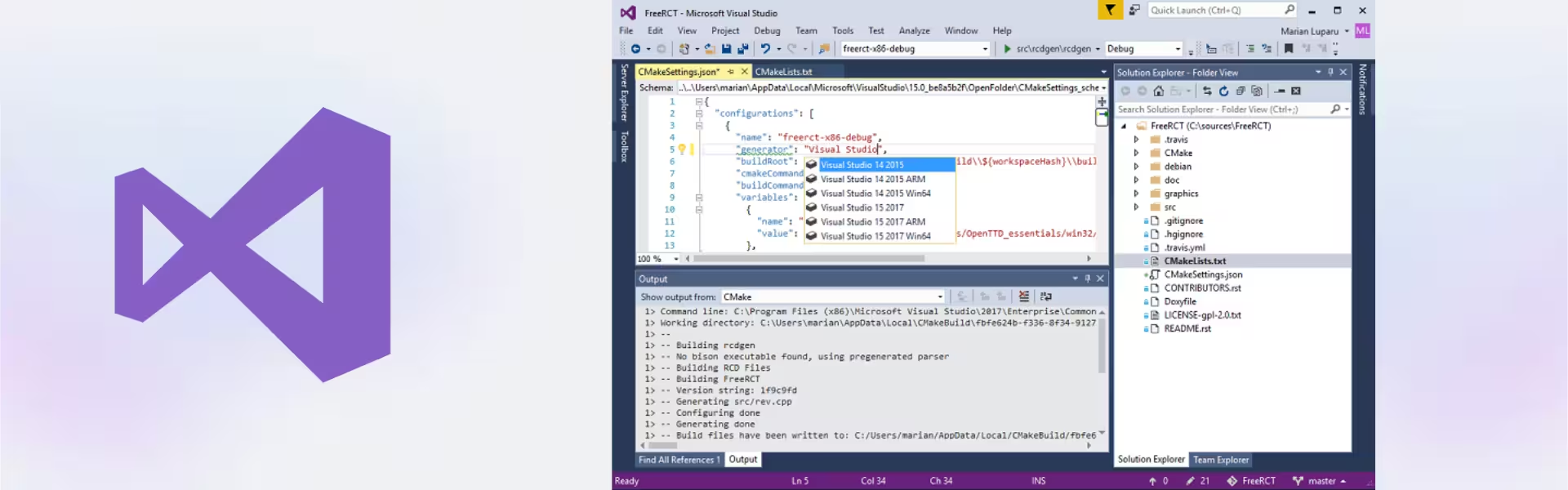
Microsoft Visual Studio 2017 Professional provides a complete IDE supporting languages like C#, Python, and JavaScript. It allows developers to build applications efficiently in one unified workspace.
Debugging and Diagnostics
Advanced debugging tools help developers detect and fix issues in real time, improving code quality and reducing development time.
Version Control Integration
Integrated Git functionality makes it easy to manage code versions and collaborate with team members on shared projects.
Testing Tools
Built-in testing capabilities allow developers to validate applications before release, ensuring reliability and performance.
Cloud Development
Cloud integration allows developers to deploy and manage applications across different environments efficiently.
Why Choose Microsoft Visual Studio 2017 Professional?
Microsoft Visual Studio 2017 Professional is ideal for developers, freelancers, and small teams who need a reliable and efficient development environment. It improves productivity, simplifies workflows, and supports a wide range of development scenarios.
Explore more options in our Visual Studio 2017 collection to find the right edition. If you need advanced enterprise tools, compare it with Microsoft Visual Studio 2017 Enterprise.
If you are considering upgrading, you can also explore Microsoft Visual Studio 2019 Professional for newer features and improvements.
Microsoft Visual Studio 2017 Professional vs Alternatives
Compared to the Enterprise edition, Microsoft Visual Studio 2017 Professional focuses on essential development tools for individuals and small teams. Enterprise includes advanced testing, architecture tools, and collaboration features for large-scale projects.
System Compatibility
Microsoft Visual Studio 2017 Professional is designed for Windows systems and runs efficiently on compatible PCs. It supports development for web, desktop, and cloud applications.
License Type Explanation
This Retail license is a one-time purchase that provides lifetime usage. It eliminates recurring costs and ensures long-term value for developers who need a stable development environment.
Installation & Activation
- Complete your purchase and receive your product details instantly via email.
- Download the installation package using the provided instructions.
- Install Microsoft Visual Studio 2017 Professional on your Windows device.
- Enter your activation details and complete online activation.
- Start developing applications immediately.
Why Buy From Us
We provide a secure and reliable purchasing experience with verified products and dedicated support.
- Instant digital delivery via email for immediate access
- Genuine software sourced through compliant distribution channels
- Secure payment processing for safe transactions
- 24/7 support via email and remote assistance
- Full compliance with U.S. laws and industry standards
Digital License Is a Verified Microsoft Partner
Digital License is an official Microsoft Partner
(ID: 7033487), recognized for delivering genuine software
licenses and verified solutions worldwide. You can verify our
partnership directly on the Microsoft Partner Directory. This ensures
every license you purchase is authentic, secure, and fully compliant with
Microsoft standards and applicable U.S. laws and industry standards.
FAQ
How do I receive Microsoft Visual Studio 2017 Professional?
Your product details are delivered instantly via email after purchase.
Is Microsoft Visual Studio 2017 Professional a one-time purchase?
Yes, it provides lifetime usage with no subscription required.
How is the software activated?
The software is activated online after installation using the provided activation details.
Can I transfer the license to another device?
Retail licenses may allow transfer depending on activation terms.
Is the software genuine and legal?
Yes, all licenses are sourced through compliant distribution channels and meet U.S. laws and industry standards.
Does it support multiple programming languages?
Yes, it supports languages like C#, Python, and JavaScript.
Do I need internet access?
An internet connection is required for download and activation.
Can I upgrade later?
Yes, you can upgrade by purchasing a newer version if needed.
| Component | Requirement |
| Processor | 1.8 GHz or faster processor; dual-core or better recommended |
| RAM | Minimum: 2 GB; Recommended: 8 GB or more (2.5 GB minimum if running on a virtual machine) |
| Storage | Minimum of 800 MB up to 210 GB of available space, depending on installed features |
| Operating System | Windows 7 SP1 (with latest updates), Windows 8.1, Windows 10, or Windows Server 2012 R2 / 2016 |
| Graphics | DirectX 9-capable graphics card with a minimum display resolution of 720p; 1080p or higher recommended |
| Display | Minimum resolution 1280 × 720; 1920 × 1080 or higher recommended |
| Additional Requirements | .NET Framework 4.5.2 or later; Administrator rights required for installation; Internet access required for updates and online features |
| Supported Workloads | Includes workloads for .NET, C++, Python, Node.js, JavaScript, Azure, and data science; additional components may require extra disk space |
| Specification | Detail |
|---|---|
| Activation | Single PC (one-time activation) |
| License validity | Lifetime (does not expire after activation) |
| Delivery method | By email within 15 minutes |
| Languages | Multilingual |

1 – Buy
Shop securely with SSL encryption.

2 – Receive
You will receive the license key and download link.

3 – Download
Download and install the software.

4 – Activate
Enter the license key to the software.
Microsoft Project 2019 Professional
Microsoft Visual Studio 2022 Enterprise
Microsoft Visual Studio 2022 Professional
Microsoft Office 2016 Home & Business Mac