







- Description
- Minimum Requirements
- Specifications
- Additional information
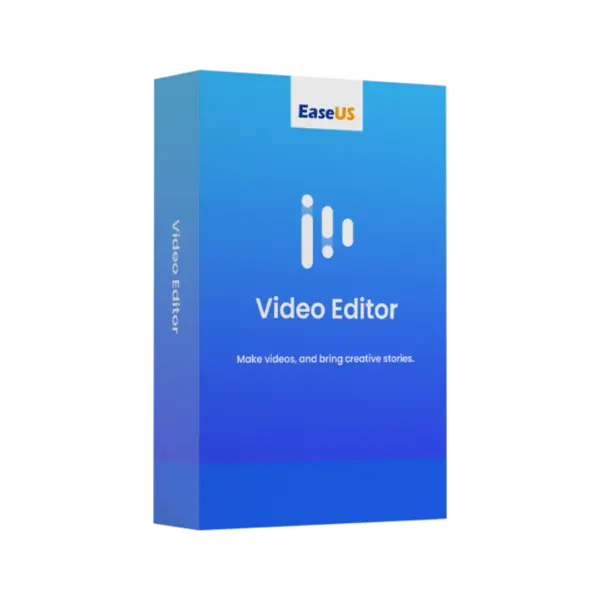
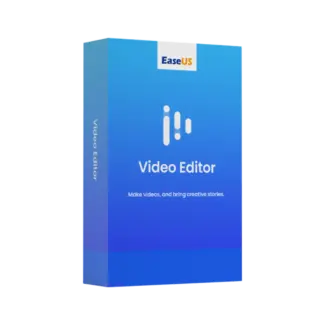
EaseUS Video Editor is a practical video editing solution for Windows 10 and 11 users who want to create polished videos with less effort. With instant digital delivery via email, you can install and activate quickly, while the lifetime option gives long-term usage without a subscription.
It is ideal for content creators, students, small businesses, marketers, and home users who need simple tools for everyday video projects. As a result, you can edit, enhance, and share videos with more confidence.
Overview of EaseUS Video Editor
- Platform: Windows 10/ 11
- Edition: Video Editor
- License Type: –
- Devices: 1 Device
- License Duration: 1 Month/ 1 Year/ Lifetime
- Activation Method: Online activation
- Delivery: Instant digital delivery via email
- Support: Email and remote assistance
- Language Support: Multi-language
- Compliance: Genuine software licenses sourced through compliant distribution channels in line with U.S. laws and industry standards
Key Features
- Easy video editing: Trim, split, cut, and arrange clips to create clean videos without a complex learning curve.
- Visual effects and transitions: Add smooth scene changes and effects to make projects look more professional.
- Audio editing support: Adjust sound, add music, and improve video flow for clearer and more engaging content.
- Text and title tools: Add captions, titles, and labels to explain ideas, promote products, or guide viewers.
- Export options: Save finished videos in useful formats for sharing, presentations, social media, or personal use.
- Windows 10 and 11 support: Work on modern Windows systems with a simple setup and activation process.
- Flexible duration options: Choose monthly, yearly, or lifetime usage based on your project needs.
Main Features Explained
Timeline Video Editing
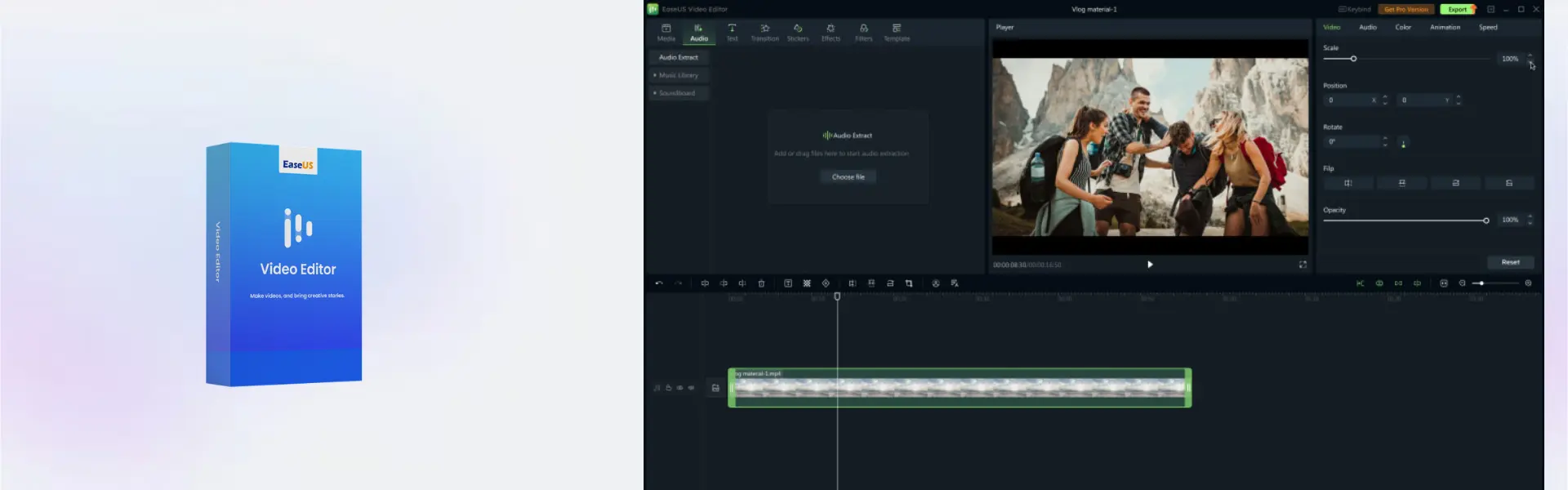
EaseUS Video Editor gives users a clear timeline for arranging clips, trimming unwanted parts, and building complete video projects. This is useful for students making presentations, businesses preparing promotional clips, and creators editing social media content.
Transitions and Effects
Transitions and effects help videos feel smoother and more engaging. For example, marketers can create better product clips, while home users can improve travel videos, family recordings, and event highlights.
Text, Titles, and Captions
The text tools let you add titles, captions, labels, and callouts to your videos. This helps explain key points, improve viewer understanding, and make tutorials or business videos more useful.
Audio and Music Tools
You can add background music, adjust sound, and improve the overall video experience. This matters for creators, teachers, and business users who want videos that look and sound more polished.
Why Choose EaseUS Video Editor?
EaseUS Video Editor is designed for users who want an easy but capable editing tool for daily video work. It is a strong choice for beginners, students, freelancers, small businesses, and home users who need to create clean videos without using advanced production software.
You can explore more related tools in our EaseUS software collection. If your work focuses more on screen recording, tutorials, or gameplay capture, EaseUS RecExperts may be a useful comparison.
EaseUS Video Editor vs Alternatives
EaseUS Video Editor focuses on video creation, editing, effects, titles, and export tools. In comparison, EaseUS Data Recovery Wizard Professional is made for recovering lost files and storage data, not editing media projects.
If your priority is creating a portable Windows system, EaseUS OS2Go Professional may be more suitable. However, EaseUS Video Editor is the better choice when your main goal is producing videos for school, business, social media, or personal use.
System Compatibility
EaseUS Video Editor is compatible with Windows 10 and Windows 11. Before installation, make sure your device has internet access for online activation, enough storage space for video projects, and administrator permission to complete setup.
License Type Explanation
This product is supplied for one device, with monthly, yearly, and lifetime duration options available. Activation is completed online, and use follows the selected duration and product terms shown in the overview.
Installation & Activation
- Complete your order and check your email for digital delivery details.
- Download EaseUS Video Editor using the provided instructions.
- Install the software on your Windows 10 or Windows 11 device.
- Open the program and start online activation.
- Follow the activation prompts until the software is ready to use.
- Start importing clips and creating your first video project.
Why Buy From Us
Digital License provides a secure and convenient way to purchase professional software for personal, creative, and business use.
- Instant digital delivery via email
- Genuine software licenses
- Secure payment process
- Email and remote assistance support
- Compliance with U.S. laws and industry standards
Trust & Reliability
Digital License focuses on genuine software, clear delivery, and dependable customer support. Our software licenses are sourced through compliant distribution channels in line with U.S. laws and industry standards.
FAQ
How do I activate EaseUS Video Editor?
You activate it online after installation by following the instructions delivered by email.
How will I receive the product?
You receive instant digital delivery via email after your order is completed.
Is EaseUS Video Editor compatible with Windows 10?
Yes, it supports Windows 10.
Is EaseUS Video Editor compatible with Windows 11?
Yes, it also supports Windows 11.
Can I use it on more than one device?
No, this product is supplied for one device.
Does EaseUS Video Editor include a lifetime option?
Yes, lifetime usage is available as one of the duration options.
Can I transfer it to another computer?
Use depends on the selected product terms and device activation rules. Our support team can help with activation guidance.
Is this product legal?
Yes, Digital License supplies genuine software licenses sourced through compliant distribution channels in line with U.S. laws and industry standards.
Do you provide support?
Yes, email and remote assistance support are available for installation and activation help.
| Component | Requirement |
| Processor | Intel® i3 processor or faster |
| RAM | 4 GB minimum (8 GB recommended) |
| Storage | At least 2 GB free disk space for installation and video processing |
| Operating System | Windows 11/10 (64-bit) |
| Graphics Card | DirectX-compatible graphics device |
| Display | 1280 × 720 screen resolution or higher |
| Internet Connection | Required for activation, updates, and online resources |
| Specification | Detail |
|---|---|
| Activation | Single Device License (1 PC) |
| License validity | 1 Month/ 1 Year/ Lifetime (one-time purchase) |
| Delivery method | By email within 5–15 minutes |
| Languages | Multilingual |
Additional information
| Subscription period | 1 Month, 1 Year, Lifetime |
|---|

1 – Buy
Shop securely with SSL encryption.

2 – Receive
You will receive the license key and download link.

3 – Download
Download and install the software.

4 – Activate
Enter the license key to the software.
Parallels Desktop Standard 20 Mac