























- Description
- Minimum Requirements
- Specifications
- Additional information
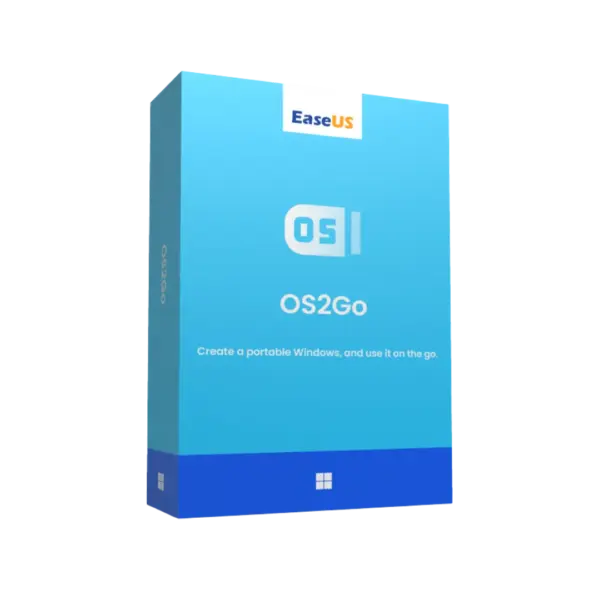
EaseUS OS2Go Professional is a practical Windows utility for creating portable Windows environments on USB drives or external storage. It includes instant digital delivery, online activation, and flexible duration options, including lifetime usage with no subscription.
With EaseUS OS2Go Professional, users can carry a working Windows system for travel, testing, recovery access, or flexible work. It is a smart choice for home users, professionals, and advanced Windows users who need mobility without complex setup.
Overview of EaseUS OS2Go Professional
- Platform: Windows
- Edition: Professional
- Devices: 1 Device
- License Duration: 1 Year/ 2 Years/ Lifetime
- Activation Method: Online activation
- Delivery: Instant digital delivery via email
- Support: Email and remote assistance
- Language Support: Multi-language
- Compliance: Genuine software licenses sourced through compliant distribution channels in line with U.S. laws and industry standards
Key Features
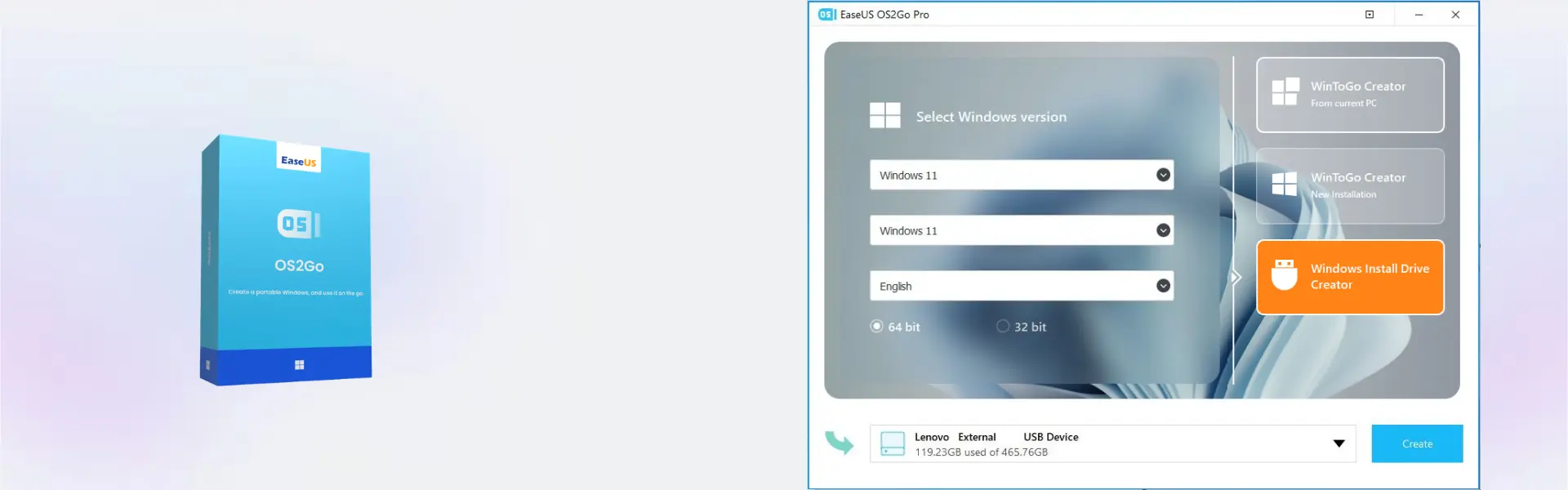
- Portable Windows creation: Create a Windows system on a USB drive, so you can work from a familiar environment on compatible computers.
- Windows cloning to external storage: Move your current Windows setup to a portable device, which saves time when setting up a mobile workspace.
- Bootable USB support: Start Windows from external media, making it useful for travel, testing, and emergency access.
- Flexible work access: Carry your operating environment with you, so important apps and settings remain available when you need them.
- Simple guided workflow: Follow clear steps to create portable Windows media, reducing technical barriers for everyday users.
- Online activation: Activate quickly after purchase, so you can start building your portable setup without delay.
- Multiple duration options: Choose 1 year, 2 years, or lifetime usage based on your long-term Windows mobility needs.
Main Features Explained
Portable Windows USB Creation
EaseUS OS2Go Professional helps you create a portable Windows environment on a USB drive or external storage device. This is useful for users who want to carry a personal Windows workspace for travel, remote work, testing, or emergency access.
System Cloning for Mobility
The software can clone a Windows setup to external media. In real scenarios, this helps professionals and home users keep familiar tools, settings, and workflows available without rebuilding a system from zero.
Bootable External Workspace
A bootable Windows device lets you start a compatible computer from your portable system. This matters when you need temporary access, system testing, or a backup work environment outside your main computer.
Travel and Remote Work Support
For users who move between locations, EaseUS OS2Go Professional provides a practical way to keep Windows access close. Therefore, it can support productivity in offices, classrooms, home setups, and travel situations.
Recovery Access and Testing
A portable Windows environment can help when your main system is unavailable or when you want to test changes without affecting the host device. This adds convenience and helps reduce downtime.
Why Choose EaseUS OS2Go Professional?
EaseUS OS2Go Professional is designed for users who want Windows portability, flexible access, and easier system mobility. It is helpful for remote workers, students, consultants, home users, and anyone who needs a dependable external Windows environment.
If you are browsing useful computer programs for productivity and system utilities, this product offers a focused way to create portable Windows media. For users who mainly need to transfer applications, files, and settings between PCs, EaseUS Todo PCTrans Professional is a related EaseUS solution with a different purpose.
For added data protection, EaseUS Todo Backup Home helps protect files and systems, while EaseUS Partition Master Professional supports disk and partition management before creating a portable workspace.
EaseUS OS2Go Professional vs Alternatives
Compared with basic USB installer tools, EaseUS OS2Go Professional focuses on creating a portable Windows environment that can run from external media. This makes it more useful for users who want mobile access rather than only installing Windows.
Compared with the Technician edition, the Professional edition is better suited for individual users and personal productivity. The Technician edition is more suitable for service providers and IT support scenarios that require broader technician workflows.
System Compatibility
EaseUS OS2Go Professional is designed for Windows systems. For best results, use a stable Windows computer, a reliable internet connection for online activation, and a USB drive or external storage device with enough capacity for the portable Windows environment.
Performance depends on the external device speed and the hardware used to boot the portable system. Therefore, a high-speed USB drive or external SSD is recommended for smoother startup and daily use.
License Type Explanation
This product supports use on 1 device. Once activated, the selected duration applies according to the purchased option, including 1 year, 2 years, or lifetime usage.
Since no Retail, Bind, or LTSC type is provided for this product, those Microsoft-specific license rules do not apply here.
Installation & Activation
- Complete your order and check your email for instant digital delivery.
- Download EaseUS OS2Go Professional using the provided instructions.
- Install the software on your Windows device.
- Open the program and start the online activation process.
- Enter the activation details exactly as received.
- After activation, connect a suitable USB drive and create your portable Windows environment.
Why Buy From Us?
Digital License offers a secure and professional way to purchase software online. You receive fast delivery, genuine software licenses, and reliable support for a smooth activation and setup experience.
- Instant digital delivery via email
- Genuine licenses sourced through compliant channels
- Secure payment process
- Email and remote assistance support
- Compliance with U.S. laws and industry standards
Trust & Reliability
We focus on secure software delivery, clear activation guidance, and dependable customer support. Every order is handled with professional care, so you can purchase with confidence.
Frequently Asked Questions
How is EaseUS OS2Go Professional delivered?
It is delivered instantly by email after purchase.
How do I activate EaseUS OS2Go Professional?
You activate it online using the activation details provided with your order.
What does EaseUS OS2Go Professional do?
It helps create a portable Windows environment on a USB drive or external storage device.
Is EaseUS OS2Go Professional compatible with Windows?
Yes, this product is designed for Windows systems.
Can I use EaseUS OS2Go Professional on more than one device?
No, this product is provided for 1 device.
Can the activation be transferred?
Transfer terms depend on the product activation rules. This product is provided for use on 1 device.
Does EaseUS OS2Go Professional include lifetime usage?
Yes, lifetime usage is available when you choose the lifetime duration option.
Is EaseUS OS2Go Professional a subscription?
The lifetime option does not require a subscription. Yearly and 2-year options are also available depending on your selection.
Is this product legal?
Yes, the software licenses are sourced through compliant distribution channels in line with U.S. laws and industry standards.
| Component | Requirement |
| Processor | Intel/AMD processor, 1 GHz or faster |
| RAM | 2 GB minimum (4 GB recommended) |
| Storage | At least 20 GB free space for Windows installation and USB creation |
| Operating System | Windows 11, 10, 8.1 |
| Graphics card | DirectX compatible graphics device |
| Display | 1024 × 768 resolution or higher |
| Other Requirements | USB 3.0 drive (64 GB or larger recommended) and stable internet connection for Windows image download |
| Specification | Detail |
|---|---|
| Activation | Single Device License (1 PC) |
| License validity | 1 Year/ 2 Years / Lifetime (one-time purchase) |
| Delivery method | By email within 5–15 minutes |
| Languages | Multilingual |
Additional information
| Subscription period | 1 Year, 2 Years, Lifetime |
|---|

1 – Buy
Shop securely with SSL encryption.

2 – Receive
You will receive the license key and download link.

3 – Download
Download and install the software.

4 – Activate
Enter the license key to the software.
Ashampoo 3D CAD Professional 10
VMware vCenter Server 7 Standard
CorelDRAW Graphics Suite - Mac
