







- Description
- Minimum Requirements
- Specifications
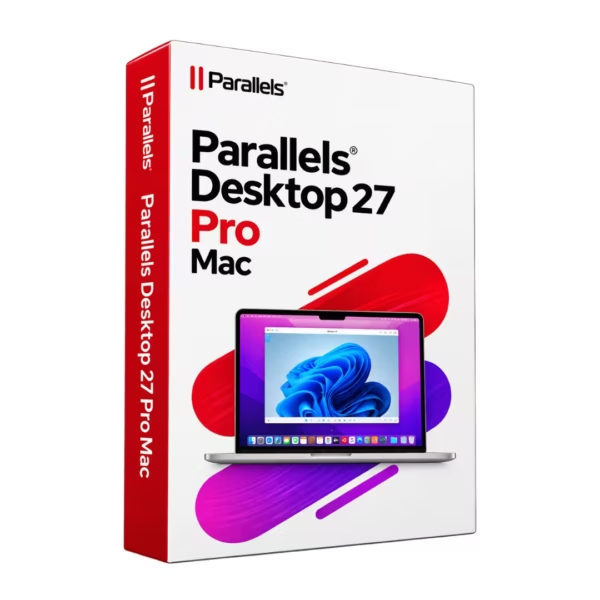
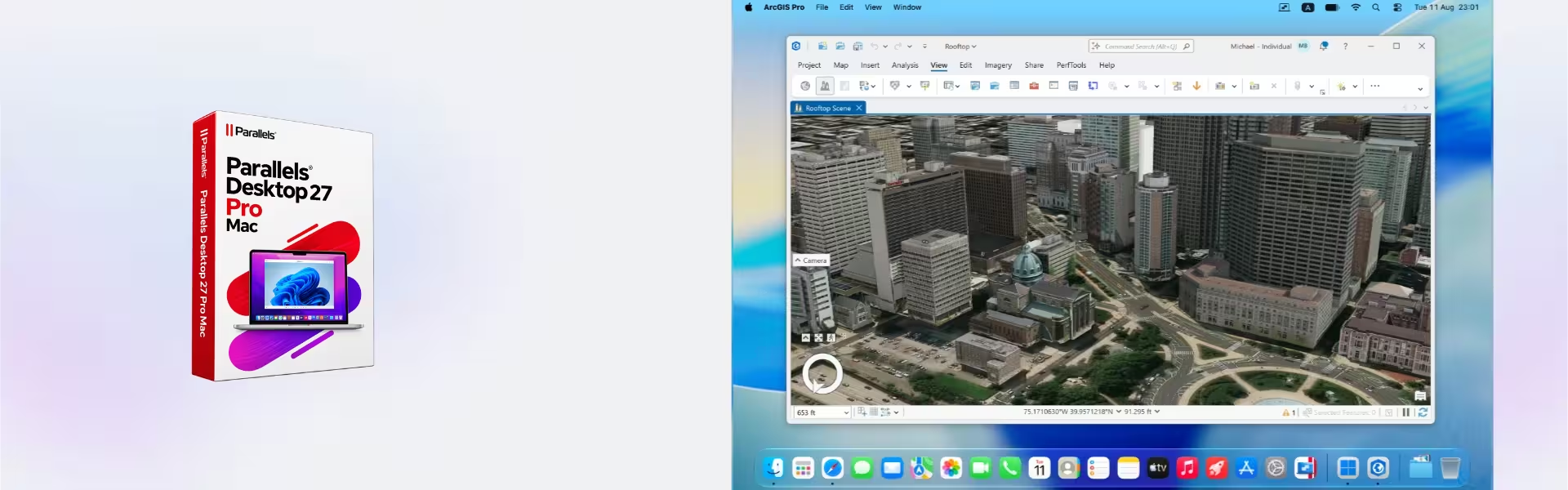
Parallels Desktop 27 Pro Mac lets you run Windows applications on your Mac without restarting your computer. It offers advanced tools for developers, businesses, and IT professionals. Get instant digital delivery, lifetime access to the purchased version, and no recurring subscription fees.
Overview of Parallels Desktop 27 Pro Mac
- Platform: MacOS
- Edition: Pro
- License Type: Online
- Devices: 1 Device
- License Duration: Lifetime
- Activation Method: Online activation
- Delivery: Instant digital delivery via email
- Support: Email and remote assistance 24/7
- Language Support: Multi-language
- Compliance: Genuine software licenses sourced through compliant distribution channels in line with U.S. laws and industry standards
Key Features
- Run Windows on Mac: Open compatible Windows applications directly on macOS. As a result, you can work across both systems without switching computers.
- Advanced virtual machines: Create and manage virtual environments for work, development, or testing. This helps you organize different tasks.
- Flexible performance settings: Adjust memory, processing power, and storage for each virtual machine. Therefore, you can match resources to your workload.
- Easy file sharing: Move files between supported Mac and Windows environments. This makes daily work faster and more convenient.
- Developer tools: Test software and manage different operating systems in isolated environments. Consequently, you can experiment without changing your main Mac setup.
- Virtual machine snapshots: Save system states before making changes. If something goes wrong, you can return to an earlier configuration.
- Cross-platform productivity: Use compatible Windows business tools alongside Mac applications. This reduces interruptions and improves efficiency.
Main Features Explained
Run Windows Applications on Mac
Parallels Desktop 27 Pro Mac makes it easier to use Windows software on a Mac. You can open compatible applications without restarting macOS.
For example, a business professional can use Windows accounting software while working with Mac applications. As a result, daily tasks become simpler.
Moreover, you can keep familiar Mac tools available while accessing the Windows programs you need.
Advanced Virtual Machine Management
The Pro edition gives you more control over virtual machines. You can adjust memory, processing resources, and other settings.
For instance, developers can create separate environments for different projects. Meanwhile, IT teams can test software without affecting their main operating system.
Therefore, this feature helps users manage complex workloads more efficiently.
Development and Software Testing
Developers often need several operating systems for testing. With Parallels Desktop 27 Pro Mac, they can create compatible virtual environments on one computer.
For example, a developer can test Windows applications while continuing to write code on macOS. In addition, isolated environments help reduce conflicts between projects.
This approach saves time and reduces the need for extra hardware.
Coherence Mode and File Sharing
Coherence Mode allows compatible Windows applications to appear alongside Mac applications. Therefore, you can work without constantly switching between separate desktops.
Furthermore, shared folders make it easier to access files from both environments.
For business users, this means fewer interruptions and a smoother daily workflow.
Snapshots and System Recovery
Snapshots let you save the current state of a virtual machine. You can create one before installing software or changing important settings.
If a test fails, you can restore an earlier state. As a result, troubleshooting becomes easier.
This feature is especially useful for developers, students, and IT professionals.
Why Choose Parallels Desktop 27 Pro Mac?
Parallels Desktop 27 Pro Mac is built for users who need advanced virtualization tools. It combines Windows compatibility, flexible settings, and practical development features.
For Business Professionals
Run compatible Windows business applications while continuing to use macOS. For example, you can access accounting tools, databases, or specialized office software.
As a result, you may avoid purchasing a separate Windows computer.
For Developers
Create virtual environments for coding, testing, and troubleshooting. In addition, you can manage different projects without changing your main Mac setup.
This flexibility helps you work more efficiently.
For IT Professionals
Test operating systems, evaluate software, and manage virtual machines from one Mac. Moreover, snapshots help you recover previous configurations.
Therefore, you can complete technical tasks with greater control.
For Students
Students can explore supported operating systems and practice technical skills. They can also use compatible Windows applications required for their studies.
Consequently, one computer can support several learning activities.
Explore our complete range of Parallels software licenses to find the right solution for your needs.
However, if you mainly need basic Windows applications, consider Parallels Desktop 27 Mac. The Pro edition offers additional tools for advanced users.
Parallels Desktop 27 Pro Mac vs Alternatives
Parallels Desktop 27 Pro Mac vs Standard Edition
Both editions allow users to run compatible Windows environments on Mac computers. However, they serve different needs.
- Pro edition: Designed for developers, IT professionals, and advanced users. It offers greater control over virtual machines and development workflows.
- Standard edition: Suitable for everyday productivity and basic Windows application use. It focuses on simpler virtualization tasks.
Therefore, choose the Pro edition if you need advanced configuration options. For basic office tasks, the standard edition may be enough.
Parallels Desktop 27 Pro Mac vs Parallels Desktop 26 Pro Mac
Both versions support professional virtualization workflows. However, their compatibility and available features may differ.
For example, users with an existing setup may prefer Parallels Desktop 26 Pro Mac.
Meanwhile, users planning a new installation should compare supported macOS versions, hardware requirements, and features before choosing.
System Compatibility
Parallels Desktop 27 Pro Mac is designed for compatible Mac computers. However, system requirements depend on the software version and your hardware.
- Operating System: A supported version of macOS.
- Processor: A compatible Apple Silicon or Intel processor, according to official requirements.
- Memory: Enough RAM to run macOS and your virtual machines smoothly.
- Storage: Sufficient free space for the software, guest operating systems, and applications.
- Internet: Required for downloading, online activation, and certain account functions.
- Guest Systems: Supported Windows and Linux versions, depending on your Mac processor.
Important: Apple Silicon Macs require compatible ARM-based guest operating systems. Therefore, some Windows applications and drivers may not work.
Also, Windows is not included with this product. A separate Windows license may be necessary.
Before purchasing, check the official compatibility requirements for your Mac.
License Type Explained
Parallels Desktop 27 Pro Mac comes with an online activation license for one device. The offered license provides lifetime use of the purchased version.
In other words, you pay once instead of making recurring subscription payments. However, future major versions and upgrades are not automatically included.
Retail vs OEM Licenses
Retail licenses generally offer more flexibility than OEM licenses. In contrast, OEM licenses are often tied to specific hardware.
However, this product uses online activation. Therefore, standard Retail or OEM rules should not be assumed to apply.
Can You Transfer the License?
The license is intended for one Mac. Transfer to another device depends on the applicable license terms and activation rules.
For this reason, contact support before changing computers or reinstalling the software.
Lifetime Usage
You can use the purchased version without recurring renewal fees, subject to its license terms. However, lifetime access does not guarantee compatibility with future macOS releases.
Installation and Activation
- Receive your order: Check your email for the digital delivery message and installation instructions.
- Download the software: Use the provided instructions to obtain the correct installer for your Mac.
- Install Parallels: Open the installation file and follow the on-screen steps.
- Activate online: Launch the application and enter your activation information. Sign in if required.
- Create a virtual machine: Install a supported operating system and configure its resources.
- Start working: Open your virtual machine and install your preferred compatible applications.
If you need help, our support team can guide you through installation and activation.
Why Buy from Digital License?
Digital License offers a convenient way to purchase genuine software. We focus on fast delivery, secure payments, and helpful customer service.
- Instant digital delivery: Receive your software information by email after order processing.
- Genuine licenses: Purchase software sourced through compliant distribution channels.
- Secure checkout: Complete your purchase using secure payment methods.
- Customer support: Get help with installation and activation by email or remote assistance.
- Clear instructions: Follow practical steps to install and activate your software.
- Legal compliance: Our distribution practices follow applicable U.S. laws and industry standards.
Frequently Asked Questions
What is Parallels Desktop 27 Pro Mac?
It is virtualization software that lets you run compatible Windows and other operating systems on a Mac. It also includes advanced tools for developers and IT professionals.
How do I activate Parallels Desktop 27 Pro Mac?
Install the software and follow the online activation steps. Then, enter the activation information supplied with your order. You may also need a Parallels account.
When will I receive my purchase?
Digital delivery normally takes only a few minutes after successful payment and processing. Your order information arrives by email. Therefore, check your spam folder if you cannot find it.
Is this a lifetime license?
Yes. The offered license provides lifetime usage of the purchased version without recurring subscription fees. However, future major upgrades are not automatically included.
Can I run Windows on an Apple Silicon Mac?
Yes, provided your Mac and the software version are compatible. Apple Silicon Macs require supported ARM-based Windows versions. However, some applications may have compatibility limitations.
Does the purchase include Windows?
No. Parallels Desktop is virtualization software. Therefore, you may need to purchase a separate Windows license.
Can I transfer my license to another Mac?
Transferability depends on the license agreement and activation rules. The license is intended for one device. Contact support before transferring it.
What is the difference between Pro and Standard?
The Pro edition provides advanced tools for developers and technical users. In contrast, the Standard edition focuses on everyday Windows applications and basic virtualization.
Is the software legal to use?
Yes, when the software is genuine and used according to its license agreement. Digital License sources products through compliant distribution channels.
What if I need installation support?
Our support team can help by email or remote assistance. Simply provide your order details and explain the issue.
| Component | Requirement |
| Processor | Apple Silicon Mac with an M-series chip or A18 Pro chip |
| RAM | 8 GB RAM minimum |
| Storage | 600 MB for the Parallels Desktop application, plus additional space for the guest operating system (at least 16 GB for Windows) |
| Operating System | macOS Sonoma 14.7, macOS Sequoia 15.5, macOS Tahoe 26.0, or later |
| Graphics | Integrated Apple Silicon graphics |
| Internet Connection | Required for product activation, updates, and selected features |
| Specification | Detail |
| Activation | Single Mac activation |
| License validity | 1 Year |
| Delivery method | By email within 15 minutes |
| Languages | Multilingual |

1 – Buy
Shop securely with SSL encryption.

2 – Receive
You will receive the license key and download link.

3 – Download
Download and install the software.

4 – Activate
Enter the license key to the software.
Ashampoo 3D CAD Architecture 10
Parallels Desktop Standard 20 Mac
VMware vCenter Server 7 Standard
CorelDRAW Graphics Suite - Mac