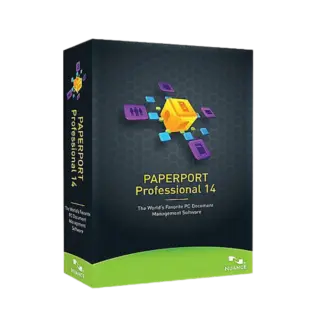








- Description
- Minimum Requirements
- Specifications
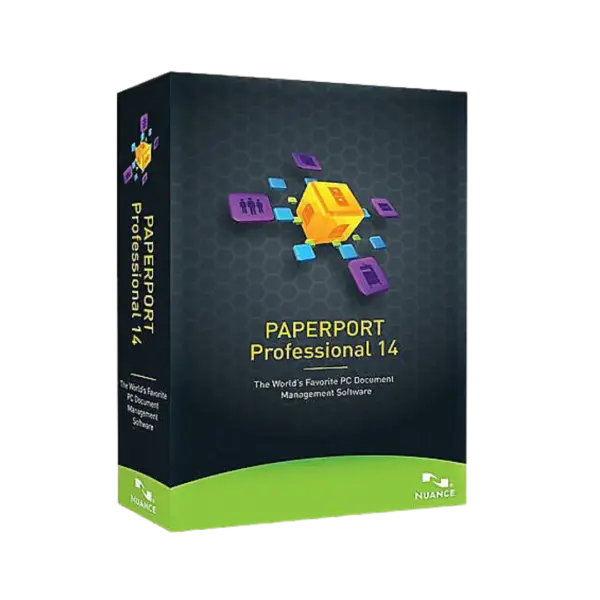
Nuance PaperPort Professional 14.5 is a powerful document management solution for organizing, scanning, searching, and managing digital files on Windows. It includes instant digital delivery, lifetime usage, and no subscription, making it ideal for offices, students, and home users.
With online activation and a professional workflow, you can turn scattered documents into a cleaner, more productive digital workspace.
Overview of Nuance PaperPort Professional 14.5
- Platform: Windows
- Edition: Professional
- License Type: Retail
- Devices: 1 Device
- License Duration: Lifetime
- Activation Method: Online activation
- Delivery: Instant digital delivery via email
- Support: Email and remote assistance
- Language Support: Multi-language
- Compliance: Genuine software licenses sourced through compliant distribution channels in line with U.S. laws and industry standards
Key Features
- Document organization: Store scanned files, PDFs, and office documents in one clear workspace for faster access.
- Scanning workflow: Convert paper documents into digital files, helping reduce clutter and manual filing.
- PDF handling: Manage PDF files more efficiently for business records, school notes, and personal archives.
- Searchable documents: Find saved files faster by turning paper-based content into easier-to-search digital records.
- File sharing tools: Prepare documents for sending, storing, or collaborating with colleagues and clients.
- Professional workspace: Keep important paperwork organized, improving productivity and daily document control.
- Lifetime use: Activate once and use the software without ongoing subscription costs.
Main Features Explained
Document Desktop
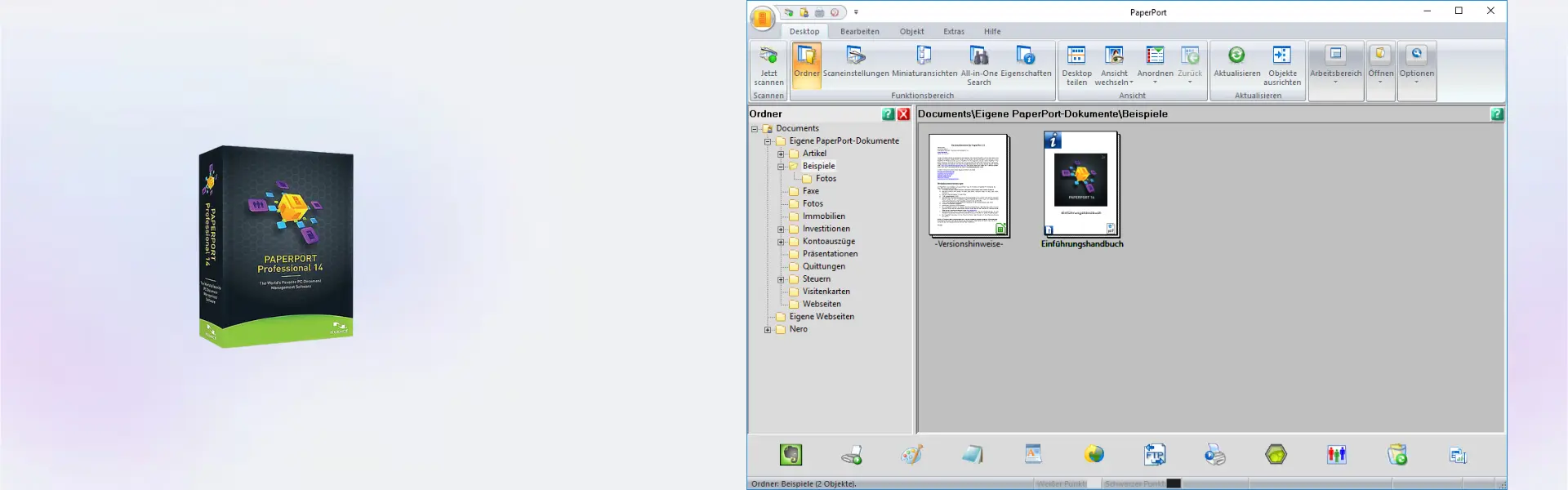
The document desktop gives users a visual way to manage files. Businesses can organize invoices, contracts, and reports, while students can keep notes and research files in order. This improves daily productivity because important documents are easier to locate.
Scanning and Digital Filing
Nuance PaperPort Professional 14.5 helps turn paper files into digital documents. This is useful for offices that manage signed forms, receipts, client records, or archived paperwork. As a result, users can reduce physical storage and work more efficiently.
PDF Organization
The software supports practical PDF management for storing, sorting, and preparing documents. Home users can organize personal files, while professionals can manage business documents with better structure and less manual work.
Search and Retrieval
Search tools help users find documents without wasting time browsing folders. This matters when working with large document collections, client files, or scanned archives that need quick access.
Why Choose Nuance PaperPort Professional 14.5?
Nuance PaperPort Professional 14.5 is built for users who need better control over paper and digital documents. It is especially useful for small businesses, offices, students, freelancers, and home users who want a clean document workflow without subscription fees.
If you need broader solutions for organizing and managing PDFs, explore our PDF document management software category for related tools.
For users who need stronger PDF editing and business-focused PDF tools, Nuance Power PDF Advanced 2.1 is a useful comparison option.
If your workflow also includes PDF conversion or advanced OCR, Nuance PDF Converter Professional 8 and Nuance OmniPage 19.2 Ultimate may also support your document productivity needs.
Nuance PaperPort Professional 14.5 vs Alternatives
Nuance PaperPort Professional 14.5 focuses on document organization, scanning, and digital filing. It is ideal for users who want to reduce paper clutter and manage files more efficiently.
Compared with Nuance Power PDF Advanced, PaperPort is better suited for organizing and scanning workflows. Power PDF is stronger for advanced PDF editing, document conversion, and business PDF features.
System Compatibility
Nuance PaperPort Professional 14.5 is designed for Windows devices. Before installing, make sure your computer is updated and has enough storage for scanned documents, PDFs, and related files.
A stable internet connection is recommended for online activation and smooth setup.
License Type Explanation
This product includes a Retail license for one computer. It can be installed and activated only once on one device. Once activated, it provides lifetime use and does not expire.
The license cannot be transferred to another computer or used again after activation. If the software is uninstalled or the device is formatted, the license is lost.
Installation & Activation
- Complete your order and receive the delivery email.
- Download the software using the provided instructions.
- Install Nuance PaperPort Professional 14.5 on your Windows device.
- Open the software and begin online activation.
- Enter the activation details included with your order.
- After activation, start organizing and managing your documents.
Why Buy From Us
Digital License offers a secure and reliable way to purchase professional software online. You receive instant delivery, genuine software licenses, and support when you need help with installation or activation.
- Instant digital delivery via email
- Genuine software licenses
- Secure payment process
- Email and remote assistance support
- Compliance with U.S. laws and industry standards
Trust & Reliability
At Digital License, we focus on secure digital delivery, reliable customer support, and compliant software sourcing. Every order is handled with care so customers can activate and use their software with confidence.
FAQ
How is Nuance PaperPort Professional 14.5 delivered?
It is delivered digitally by email after purchase, so you can begin installation quickly.
Does Nuance PaperPort Professional 14.5 require a subscription?
No. It includes lifetime usage after activation with no monthly or yearly subscription fees.
Is Nuance PaperPort Professional 14.5 compatible with Windows?
Yes. This product is designed for Windows devices.
How many devices can I use it on?
This product is for 1 device only.
Can I transfer the license to another computer?
No. This Retail license can be installed and activated only once on one computer and cannot be transferred.
What happens if I uninstall the software or format my device?
If the software is uninstalled or the device is formatted, the license is lost and cannot be used again.
Is online activation required?
Yes. Online activation is required to activate Nuance PaperPort Professional 14.5.
Is this software license legal?
Yes. Digital License provides genuine software licenses sourced through compliant distribution channels in line with U.S. laws and industry standards.
Do you provide support after purchase?
Yes. Email and remote assistance support are available to help with installation and activation.
| Component | Requirement |
| Processor | 1 GHz Intel Pentium processor or compatible processor |
| RAM | 1 GB RAM minimum (2 GB recommended) |
| Storage | 700 MB free disk space for application files |
| Operating System | Windows 10 / 8.1 / 8 / 7 / Vista (32-bit and 64-bit) |
| Display | 1024 × 768 screen resolution with 16-bit color or higher |
| Scanner Support | TWAIN, WIA, or ISIS-compatible scanner device |
| Internet Connection | Required for activation, updates, and cloud connectivity features |
| Additional Requirements | Microsoft .NET Framework support and compatible scanner drivers installed |
| Specification | Detail |
|---|---|
| Activation | Single PC (one-time activation) |
| License validity | Lifetime (does not expire after activation) |
| Delivery method | By email within 15 minutes |
| Languages | Multilingual |

1 – Buy
Shop securely with SSL encryption.

2 – Receive
You will receive the license key and download link.

3 – Download
Download and install the software.

4 – Activate
Enter the license key to the software.

Ashampoo 3D CAD Architecture 10

Ashampoo 3D CAD Professional 11