







- Description
- Minimum Requirements
- Specifications
- Additional information
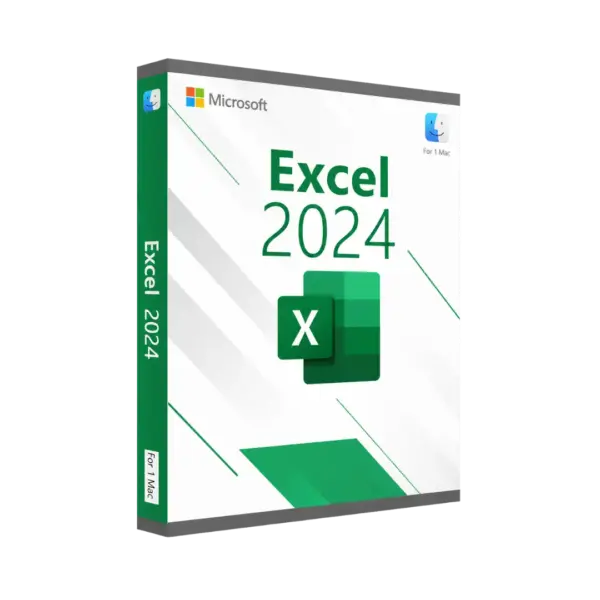
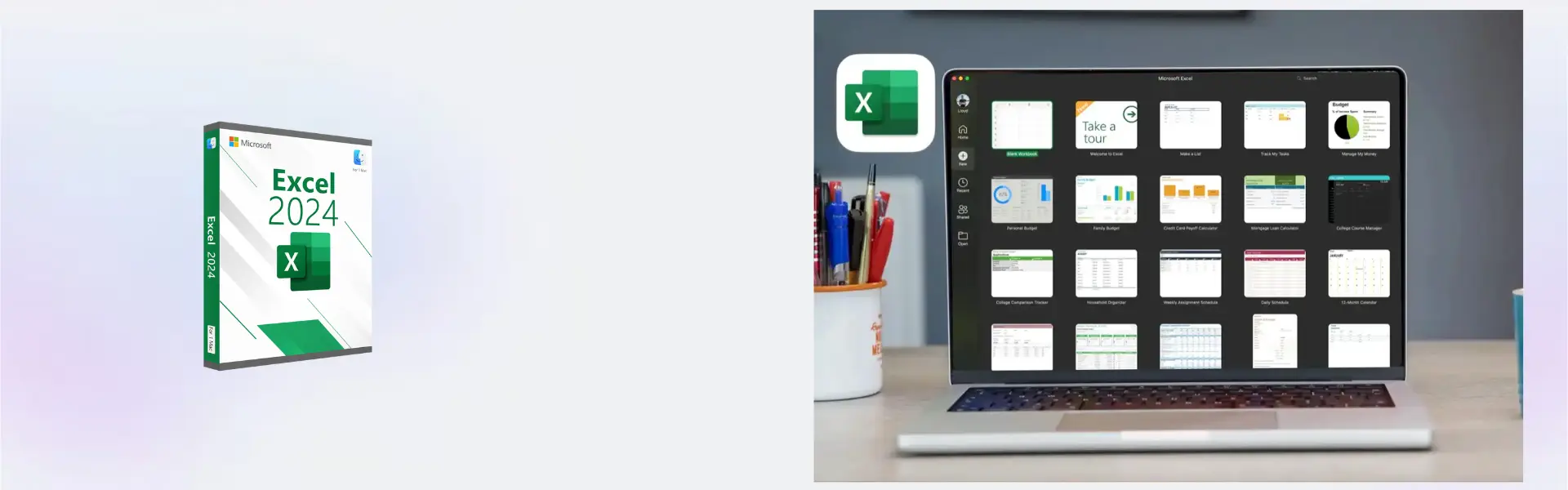
Microsoft Excel 2024 Mac is a modern spreadsheet solution for MacOS users who need accurate calculations, clear reports, advanced data organization, and smarter planning. It includes instant digital delivery, lifetime usage, and no subscription, making it a strong long-term choice for professional and personal productivity.
Built for professionals, students, analysts, business users, and home planners, Microsoft Excel 2024 Mac helps turn numbers into useful insights with dependable tools for tables, charts, budgets, and reports.
Overview of Microsoft Excel 2024 Mac
- Platform: MacOS
- Edition: Excel 2024
- License Type: File
- Devices: 1/ 5 Devices
- License Duration: Lifetime
- Activation Method: Online activation
- Delivery: Instant digital delivery via email
- Support: Email and remote assistance
- Language Support: Multi-language
- Compliance: Genuine software licenses sourced through compliant distribution channels in line with U.S. laws and industry standards
Key Features
- Modern spreadsheet creation: Build clean tables, trackers, budgets, and reports, helping users organize data with greater speed and accuracy.
- Powerful calculation tools: Use formulas and functions to automate totals, comparisons, planning sheets, and business calculations with fewer manual errors.
- Data organization features: Sort, filter, and structure information clearly, making large spreadsheets easier to understand and manage.
- Visual reporting tools: Create charts and summaries that turn numbers into clear insights for meetings, studies, and financial reviews.
- MacOS productivity workflow: Work smoothly on compatible Mac systems with familiar Excel tools designed for daily spreadsheet use.
- Flexible device options: Choose 1 or 5 devices depending on your individual, family, academic, or business needs.
- Lifetime usage: Use the activated product without recurring subscription payments, helping lower long-term software costs.
Main Features Explained
Spreadsheet Management
Microsoft Excel 2024 Mac helps users create structured spreadsheets for business, education, finance, and personal planning. You can manage budgets, schedules, inventory lists, sales records, and project trackers in one organized workspace.
Formulas and Functions
Excel includes calculation tools for totals, percentages, comparisons, financial planning, and data processing. This helps users save time, reduce errors, and complete repeated tasks more efficiently.
Charts and Data Visualization
Users can turn spreadsheet data into charts and visual summaries. This is useful for business presentations, academic reports, performance reviews, and personal finance tracking.
Sorting and Filtering
Excel makes large data sets easier to review by helping users sort, filter, and focus on important records. This matters for professionals, students, and home users who need faster access to key information.
Professional Reporting
Microsoft Excel 2024 Mac supports polished reports for business, finance, school, and home use. It helps users present information clearly so decisions can be made with confidence.
Why Choose Microsoft Excel 2024 Mac?
Microsoft Excel 2024 Mac is ideal for users who need a dependable spreadsheet tool without subscription payments. It supports budgeting, reporting, data analysis, project planning, academic tasks, and everyday organization.
For customers comparing spreadsheet tools for Apple systems, our Microsoft Excel for Mac licenses category includes related options for MacOS users.
If you want to compare it with the previous release, Microsoft Excel 2021 Mac is a useful alternative. Users who prefer earlier versions can also consider Microsoft Excel 2019 Mac or Microsoft Excel 2016 Mac.
Microsoft Excel 2024 Mac vs Alternatives
Compared with Microsoft Excel 2021 Mac, Microsoft Excel 2024 Mac is the newer option for users who want a more current spreadsheet experience while keeping the familiar Excel workflow.
Compared with Microsoft Excel 2019 Mac and Microsoft Excel 2016 Mac, the 2024 version is better suited for users who prefer a modern release for current productivity needs. Earlier versions may fit users who want a classic spreadsheet environment.
System Compatibility
Microsoft Excel 2024 Mac is designed for compatible MacOS systems. It is suitable for Mac desktops and laptops used in offices, schools, home workspaces, and business environments.
Before installation, make sure your Mac meets the requirements for Excel 2024. Internet access is required for online activation and digital delivery.
License Type Explanation
This product is provided as a File license for the selected device option. It supports lifetime usage after activation and does not require subscription renewal.
The activation should be used according to the provided installation file and activation instructions. It is intended for the selected number of devices and should be activated only as supplied with your order.
Installation & Activation
- Complete your purchase securely on Digital License.
- Receive your product details instantly via email.
- Download the provided installation file on your MacOS device.
- Install Microsoft Excel 2024 Mac by following the setup instructions.
- Open Excel and complete online activation.
- Start creating spreadsheets, charts, reports, and organized data tables.
Why Buy From Us?
Digital License provides fast delivery, secure checkout, and professional support for software customers. We focus on genuine software sourcing, reliable service, and compliant distribution.
- Instant digital delivery via email
- Genuine licenses sourced through compliant distribution channels
- Secure payment processing
- Email and remote assistance available 24/7
- Compliance with U.S. laws and industry standards
- Clear activation guidance when needed
Digital License Is a Verified Microsoft Partner
Digital License is an official Microsoft Partner
(ID: 7033487), recognized for delivering genuine software licenses and
verified solutions worldwide. You can verify our partnership
directly on the Microsoft Partner Directory. This ensures every
license you purchase is authentic, secure, and fully compliant with
Microsoft standards and applicable U.S. laws and industry standards.
Frequently Asked Questions
How is Microsoft Excel 2024 Mac delivered?
It is delivered instantly via email after your order is completed.
Is Microsoft Excel 2024 Mac a subscription?
No. It provides lifetime usage and does not require subscription payments.
Which platform does this product support?
This product is designed for MacOS systems.
How many devices can I use?
You can choose between 1 device or 5 devices depending on the selected option.
Is online activation required?
Yes. Online activation is required to activate the software.
What can I use Microsoft Excel 2024 Mac for?
You can use it for spreadsheets, budgets, data analysis, reports, charts, schedules, and financial planning.
Can I transfer it to another Mac?
Use is based on the supplied File license and activation instructions. Transfer availability may depend on the activation conditions provided with the order.
Is this software genuine and legal?
Yes. Licenses are sourced through compliant distribution channels in line with U.S. laws and industry standards.
Do you provide support?
Yes. Email and remote assistance are available 24/7.
| Component | Requirement |
| Processor | Intel processor or Apple Silicon (M1/M2/M3) |
| RAM | 4 GB RAM or more |
| Storage | 10 GB of available disk space |
| Operating System | macOS Ventura (13) or later |
| Graphics | No dedicated graphics card required |
| Display | 1280 × 800 screen resolution or higher |
| Specification | Detail |
|---|---|
| Activation | 1 device / 5 devices |
| License validity | Lifetime (does not expire after activation) |
| Delivery method | By email within 15 minutes |
| Languages | Multilingual |
Additional information
| Devices | 1 Device, 5 Devices |
|---|

1 – Buy
Shop securely with SSL encryption.

2 – Receive
You will receive the license key and download link.

3 – Download
Download and install the software.

4 – Activate
Enter the license key to the software.
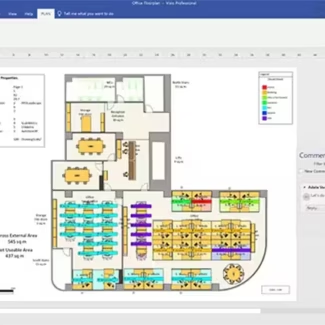
Microsoft Visio 2021 Professional
Microsoft Visual Studio 2019 Professional
Microsoft Office 2010 Professional Plus
Microsoft Office 2016 Professional Plus Bind

Microsoft Office Home & Student 2016