







- Description
- Minimum Requirements
- Specifications
- Additional information
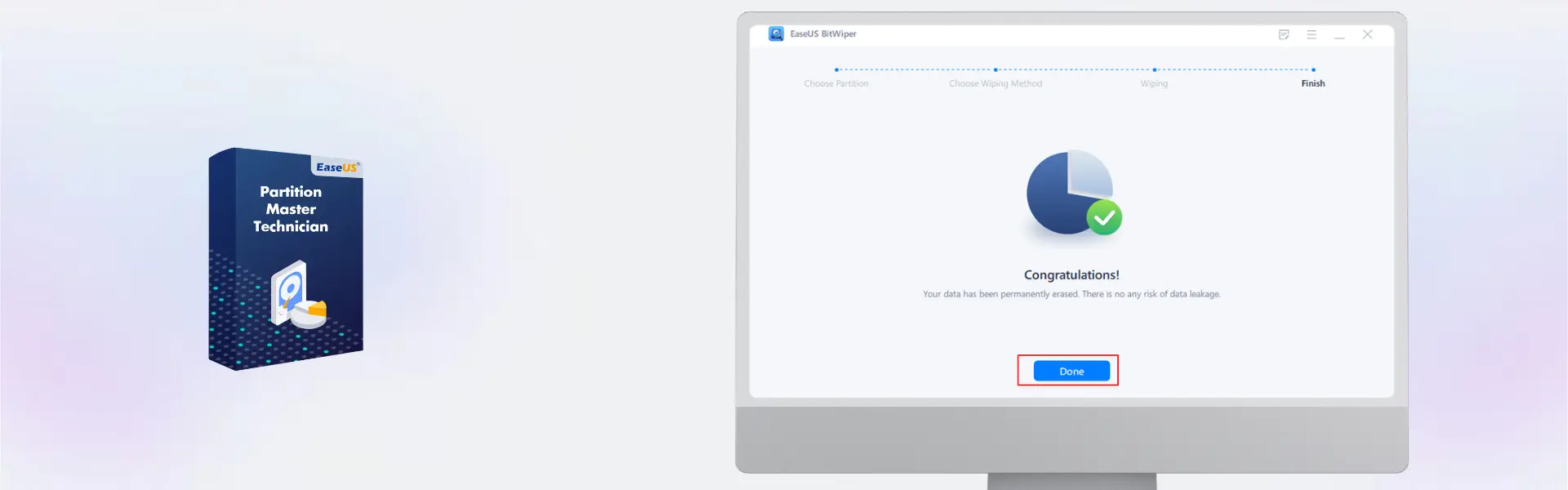
EaseUS BitWiper Technician is a professional data wiping solution for Windows 10 and 11 technicians, IT teams, and service providers. With instant digital delivery via email, you can activate quickly and use it across unlimited devices during the selected term without a forced subscription setup.
It is built for secure file, partition, and drive wiping in professional environments. Therefore, it helps protect client privacy, prepare devices for reuse, and reduce the risk of recoverable sensitive data.
Overview of EaseUS BitWiper Technician
- Platform: Windows 10/ 11
- License Type: Technician
- Devices: Unlimited
- License Duration: 1 Year/ 2 Years
- Activation Method: Online activation
- Delivery: Instant digital delivery via email
- Support: Email and remote assistance
- Language Support: Multi-language
- Compliance: Genuine software licenses sourced through compliant distribution channels in line with U.S. laws and industry standards
Key Features
- Technician usage: Designed for professionals who manage secure wiping tasks across unlimited Windows devices.
- Permanent file erasure: Remove sensitive files securely, helping prevent recovery with standard recovery tools.
- Disk wiping: Erase entire drives before resale, recycling, or reassignment to protect private and business data.
- Partition wiping: Clean selected partitions without removing everything from the full disk.
- Free space wiping: Clear traces of previously deleted files while keeping active files untouched.
- Windows 10 and 11 support: Work on modern Windows systems with simple installation and online activation.
- Professional service value: Support client privacy, compliance workflows, and device preparation with reliable wiping tools.
Main Features Explained
Secure File Wiping
EaseUS BitWiper Technician lets technicians permanently erase selected files and folders. This is useful when removing client documents, financial files, business records, or private media that should not be recoverable.
Full Drive Erasure
The drive wiping feature helps erase an entire disk before a device is sold, reused, donated, or recycled. This matters for IT service providers because it helps protect customer data and supports safer device handling.
Partition Wiping
You can wipe specific partitions when only part of a drive needs secure cleanup. This saves time for technicians who manage multiple storage areas or prepare systems for new users.
Free Space Cleaning
Free space wiping removes leftover traces from files that were deleted earlier. As a result, users can improve privacy without deleting current files, programs, or active data.
Why Choose EaseUS BitWiper Technician?
EaseUS BitWiper Technician is ideal for IT professionals, repair shops, managed service providers, and businesses that need secure data erasure across many Windows devices. It helps protect sensitive information before hardware changes ownership or returns to active use.
You can explore more utility tools in our computer programs category. If your workflow also includes system backup and recovery for clients, EaseUS Todo Backup Technician may be a useful comparison.
EaseUS BitWiper Technician vs Alternatives
EaseUS BitWiper Technician focuses on secure data wiping across unlimited devices for professional use. In comparison, EaseUS Disk Copy Technician is better suited for cloning, migrating, and copying disks.
If your goal is to permanently remove sensitive data, EaseUS BitWiper Technician is the stronger choice. However, if your priority is duplicating drives or moving systems to new storage, a disk copy tool may be more suitable.
System Compatibility
EaseUS BitWiper Technician is compatible with Windows 10 and Windows 11. Before installation, make sure each device has internet access for online activation, administrator permission, and proper access to the drives or partitions you plan to wipe.
License Type Explanation
The Technician license is designed for professional use across unlimited devices during the selected one-year or two-year term. Activation is completed online, and usage follows the Technician product terms shown in the overview.
Installation & Activation
- Complete your order and check your email for digital delivery details.
- Download EaseUS BitWiper Technician using the provided instructions.
- Install the software on a supported Windows 10 or Windows 11 device.
- Open the program and begin online activation.
- Follow the activation prompts until the software is ready to use.
- Select the file, partition, drive, or free space wiping task required for your workflow.
Why Buy From Us
Digital License provides a secure and professional way to purchase software for IT, business, and service environments.
- Instant digital delivery via email
- Genuine software licenses
- Secure payment process
- Email and remote assistance support
- Compliance with U.S. laws and industry standards
Trust & Reliability
Digital License focuses on genuine software, clear delivery, and dependable customer support. Our software licenses are sourced through compliant distribution channels in line with U.S. laws and industry standards.
FAQ
How do I activate EaseUS BitWiper Technician?
You activate it online after installation by following the instructions delivered by email.
How will I receive the product?
You receive instant digital delivery via email after your order is completed.
Is EaseUS BitWiper Technician compatible with Windows 10?
Yes, it supports Windows 10.
Is EaseUS BitWiper Technician compatible with Windows 11?
Yes, it also supports Windows 11.
Can technicians use it on unlimited devices?
Yes, this Technician product supports unlimited devices according to the product specifications.
Can erased data be recovered after wiping?
Secure wiping is designed to prevent erased data from being recovered with standard recovery tools.
Can I transfer usage between client devices?
The Technician product is designed for professional use across unlimited devices during the active term, based on the supplied product terms.
Is this product legal?
Yes, Digital License supplies genuine software licenses sourced through compliant distribution channels in line with U.S. laws and industry standards.
Do you provide support?
Yes, email and remote assistance support are available for installation and activation help.
| Component | Requirement |
| Processor | x86-compatible CPU, 1 GHz or faster |
| RAM | 1 GB minimum (2 GB recommended) |
| Storage | At least 200 MB for installation and bootable media creation (USB/CD) |
| Operating System | Windows 11 / 10 (32-bit and 64-bit) or WinPE bootable environment |
| Supported Devices | HDD, SSD, external drives, USB drives, memory cards |
| Graphics card | Standard VGA compatible graphics |
| Display | 800 × 600 resolution or higher |
| Specification | Detail |
|---|---|
| Activation | Technician License (For IT Service Providers, ) |
| License validity | 1 Year / 2 Years |
| Delivery method | By email within 5–15 minutes |
| Languages | Multilingual |
Additional information
| Subscription period | 1 Year, 2 Years |
|---|

1 – Buy
Shop securely with SSL encryption.

2 – Receive
You will receive the license key and download link.

3 – Download
Download and install the software.

4 – Activate
Enter the license key to the software.
Parallels Desktop 20 Pro Edition Mac
CorelDRAW Graphics Suite - Mac