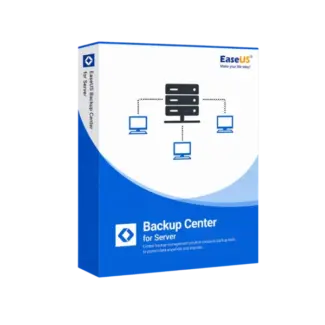








- Description
- Minimum Requirements
- Specifications
- Additional information
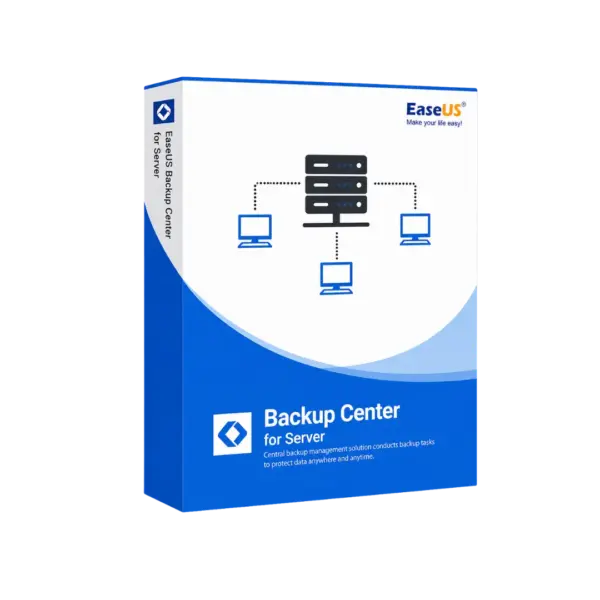
EaseUS Backup Center for Server is a professional server backup management software for Windows Server environments. It includes instant digital delivery, so you can activate it quickly and manage backup tasks without delay.
With flexible options, including lifetime usage, EaseUS Backup Center for Server is ideal for businesses that need centralized server backup control with no subscription when choosing the lifetime plan.
Overview of EaseUS Backup Center for Server
- Platform: Windows Server
- Devices: 1 Device
- License Duration: 1 Years/ 2 Years / Lifetime
- Activation Method: Online activation
- Delivery: Instant digital delivery via email
- Support: Email and remote assistance
- Language Support: Multi-language
- Compliance: Genuine software licenses sourced through compliant distribution channels in line with U.S. laws and industry standards
Key Features
- Centralized backup management: Controls backup tasks from one place, helping IT teams save time.
- Server backup monitoring: Tracks backup status, so admins can respond faster to failed or missed jobs.
- Windows Server support: Built for server environments that need stable business data protection.
- Remote task control: Helps manage backup jobs without checking every system manually.
- Business continuity support: Improves backup planning and helps reduce downtime after system issues.
- Flexible duration options: Choose 1 year, 2 years, or lifetime usage based on your needs.
- Instant delivery: Activation details arrive by email for fast setup.
Main Features Explained
Centralized Backup Control
EaseUS Backup Center for Server helps administrators manage server backup tasks from a central workflow. This is useful for businesses that need better control over important backup operations.
Backup Task Monitoring
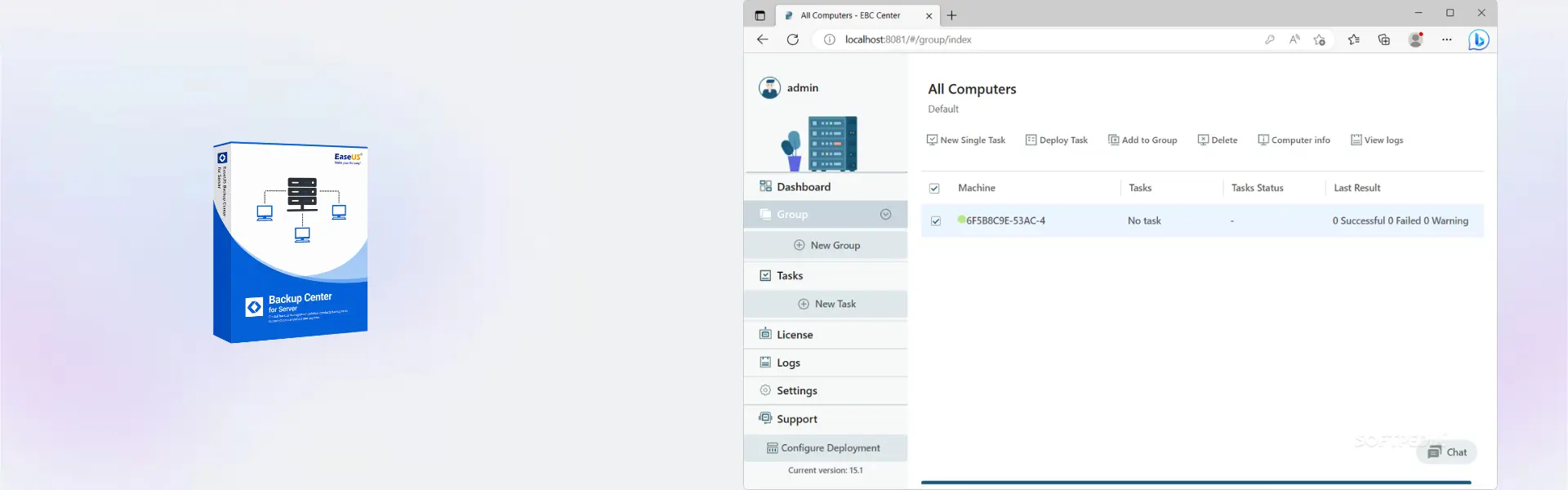
The software helps monitor backup jobs and task status. As a result, IT teams can detect issues faster and keep protection plans running smoothly.
Server Data Protection
Server backup management helps protect business files, workloads, and system data. This matters for offices, service providers, and companies that depend on reliable server access.
Remote Administration
Remote management reduces manual work and improves efficiency. Therefore, teams can manage backup workflows more easily across server environments.
Why Choose EaseUS Backup Center for Server?
EaseUS Backup Center for Server is designed for businesses, IT administrators, and service providers that need a reliable server backup management tool. It helps simplify backup control, task monitoring, and business continuity planning.
You can explore more backup and data recovery software in our backup data recovery software category. For users comparing EaseUS server tools, EaseUS Todo Backup Server focuses on creating and restoring backups, while EaseUS Backup Center for Server focuses on centralized backup management.
For related workflows, EaseUS Todo Backup Advanced Server supports advanced server backup and recovery, while EaseUS Backup Center for Workstation is made for workstation backup control.
EaseUS Backup Center for Server vs Alternatives
EaseUS Backup Center for Server focuses on centralized server backup management. In comparison, EaseUS Todo Backup Server is better for direct backup creation and restore tasks.
System Compatibility
EaseUS Backup Center for Server supports Windows Server environments. For best results, install it on a compatible server, confirm network access where needed, and keep backup storage ready for scheduled tasks.
License Type Explanation
This product is supplied for 1 device with online activation. The available usage period depends on the selected option: 1 year, 2 years, or lifetime. Choose the lifetime option if you want long-term server backup management without recurring subscription use.
Installation & Activation
- Complete your order and check your email for the digital delivery details.
- Download and install EaseUS Backup Center for Server on Windows Server.
- Open the software and activate it online using the provided details.
- Configure your backup management environment.
- Add the backup tasks or systems you need to manage.
- Monitor backup status and adjust tasks when needed.
Why Buy From Us
Digital License provides a fast, secure, and professional way to purchase genuine software licenses for business and server use.
- Instant digital delivery by email
- Genuine software licenses
- Secure payment process
- Email and remote assistance support
- Compliance with U.S. laws and industry standards
Trust & Reliability
Genuine software licenses sourced through compliant distribution channels in line with U.S. laws and industry standards
FAQ
How is EaseUS Backup Center for Server delivered?
It is delivered digitally by email after purchase, so you can access your activation details quickly.
How do I activate EaseUS Backup Center for Server?
You activate the software online using the activation details provided with your order.
Which platform does EaseUS Backup Center for Server support?
It supports Windows Server environments.
What is this product used for?
It is used to manage and monitor server backup tasks from a centralized workflow.
Can I use it on more than one device?
The supplied product details cover use for 1 device.
Does it include lifetime usage?
Yes, lifetime is one of the available duration options, along with 1 year and 2 years.
Can it be transferred?
Use is provided for 1 device. Transfer options depend on the activation terms available for the selected product setup.
Is EaseUS Backup Center for Server legal to use?
Yes, it is supplied as genuine software through compliant distribution channels in line with U.S. laws and industry standards.
| Component | Requirement |
| Processor | x86/x64-compatible CPU, 1 GHz or faster |
| RAM | 1 GB minimum (2 GB or more recommended) |
| Storage | At least 1 GB of free disk space for installation |
| Operating System | Windows Server 2016 / 2019 / 2022 (64-bit) |
| Network | TCP/IP network environment required for centralized management |
| Graphics card | Standard VGA compatible graphics |
| Display | 1024 × 768 resolution or higher |
| Specification | Detail |
|---|---|
| Activation | Single Device License (1 PC) |
| License validity | 1 Year / 2 Years / Lifetime (one-time purchase) |
| Delivery method | By email within 5–15 minutes |
| Languages | Multilingual |
Additional information
| Subscription period | 1 Year, 2 Years, Lifetime |
|---|

1 – Buy
Shop securely with SSL encryption.

2 – Receive
You will receive the license key and download link.

3 – Download
Download and install the software.

4 – Activate
Enter the license key to the software.
Ashampoo 3D CAD Architecture 10
Ashampoo 3D CAD Professional 10