







- Description
- Minimum Requirements
- Specifications
- Additional information
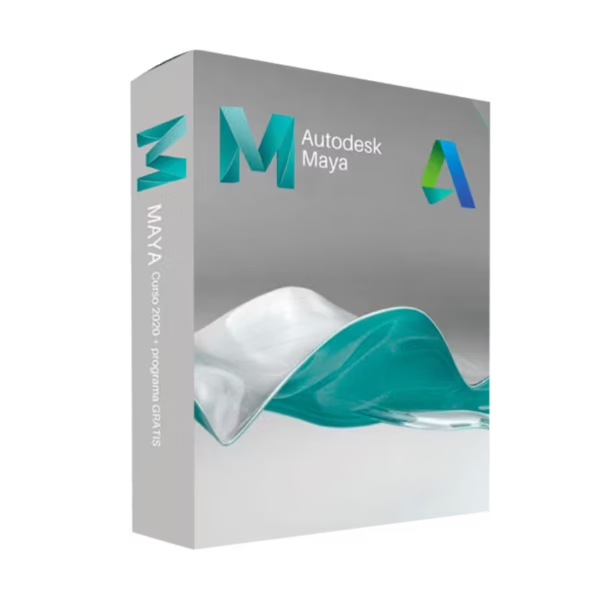
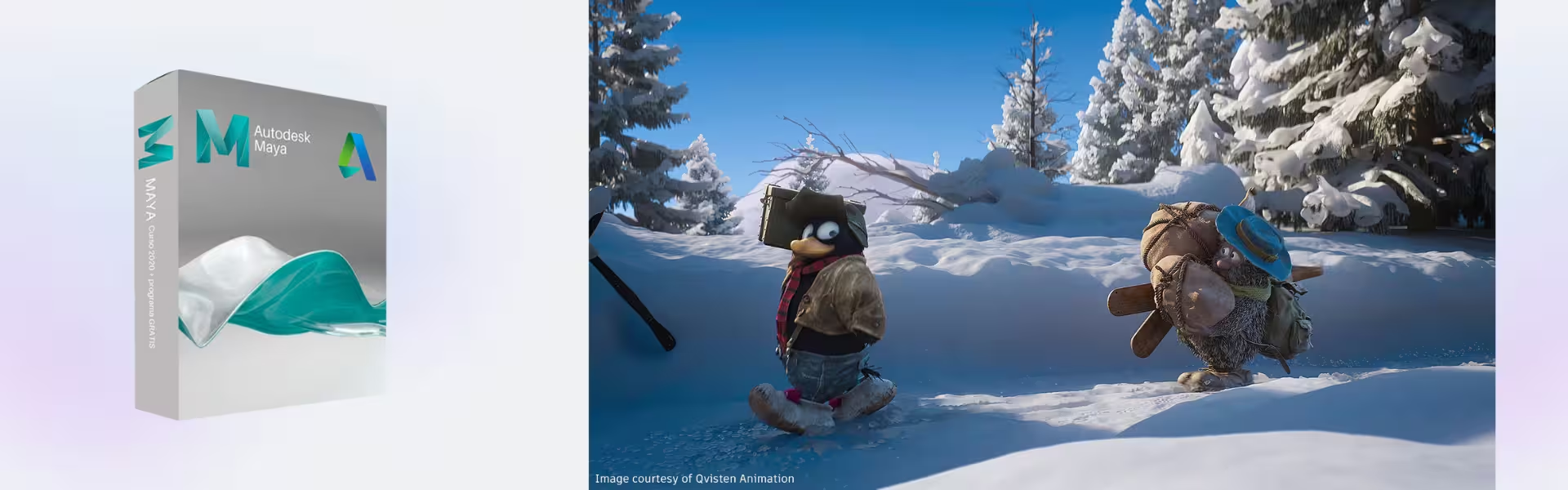
Autodesk Maya is a professional 3D animation, modeling, and visual effects software used by artists, students, and studios worldwide. With instant digital delivery and a flexible subscription, it provides long-term access to industry-standard creative tools for high-end production workflows.
Whether you’re creating animations, visual effects, or game assets, Autodesk Maya delivers powerful performance and precision on Windows systems.
Overview of Autodesk Maya
- Platform: Windows
- Edition: Maya Educational
- License Type: Educational (non-commercial)
- Devices: 1 device per eligible user
- License Duration: 1 Year / 3 Years
- Activation Method: Online activation
- Delivery: Instant digital delivery via email
- Support: Email and remote assistance
- Language Support: Multi-language
- Compliance: Genuine software licenses sourced through compliant distribution channels in line with U.S. laws and industry standards
Key Features
- Advanced 3D Animation Tools: Create realistic character animations and motion sequences, improving storytelling and visual quality.
- High-End Modeling Capabilities: Build detailed 3D models for films, games, and simulations with precision and flexibility.
- Dynamic Simulation Effects: Simulate fluids, cloth, and particles to achieve lifelike visual effects in complex scenes.
- Character Rigging System: Design complex rigs for characters, enabling smooth and natural animations.
- Procedural Workflows: Automate repetitive tasks using node-based systems, increasing efficiency and creative control.
- Integrated Rendering Support: Produce high-quality visuals with built-in and external rendering engines.
- Extensive Plugin Ecosystem: Expand functionality with industry tools tailored to specific production needs.
Main Features Explained
Character Animation and Rigging
Autodesk Maya allows users to create lifelike character animations using advanced rigging tools. In real-world scenarios, animators can produce smooth movements for films, games, or educational projects, improving realism and storytelling.
3D Modeling and Scene Creation
Users can design complex environments and assets with precision. This is essential for game developers and visual artists who need detailed models for immersive experiences.
Visual Effects and Simulation
Autodesk Maya provides tools for simulating natural effects like fire, water, and cloth. These features are widely used in film production and advanced visual storytelling.
Procedural and Node-Based Workflows
With node-based systems, users can automate complex processes and create flexible workflows. This improves productivity when handling large or detailed projects.
Rendering and Output
Maya supports high-quality rendering pipelines, allowing users to produce professional-grade visuals for presentations, films, and digital content.
Why Choose Autodesk Maya?
Autodesk Maya is ideal for students, animators, and creative professionals who want to develop advanced 3D animation and visual effects skills. It is widely used in film, gaming, and media industries, making it an essential tool for career development.
Explore more creative tools in our CAD & Engineering Software collection to expand your workflow. If your focus is on architectural visualization or general modeling, you can compare it with Autodesk 3ds Max, which is optimized for environment design and visualization.
For enhanced rendering, Autodesk Maya integrates seamlessly with Autodesk Arnold, while detailed sculpting workflows can be improved using Autodesk Mudbox.
Autodesk Maya vs Alternatives
Compared to Autodesk 3ds Max, Autodesk Maya excels in character animation and visual effects, while 3ds Max is more focused on architectural visualization and environment modeling.
Maya is the preferred choice for film and animation pipelines, offering advanced rigging and simulation tools not typically found in general 3D design software.
System Compatibility
Autodesk Maya is designed for Windows systems and requires a powerful GPU and sufficient RAM to handle complex animations and simulations. It integrates well with rendering engines and production pipelines for professional workflows.
The license is not transferable, but it ensures continuous access to updates and features throughout the subscription period.
Installation & Activation
- Complete your purchase and receive your access details via email instantly.
- Sign in to your Autodesk Account.
- Download Autodesk Maya from the official Autodesk platform.
- Install the software on your Windows device.
- Activate using your Autodesk Account credentials.
- Start creating your 3D projects.
Why Buy From Us
Digital License provides a secure and reliable platform for accessing professional software.
- Instant digital delivery via email
- Genuine software sourced through compliant channels
- Secure payment processing
- 24/7 email and remote assistance
- Compliance with U.S. laws and industry standards
Trust & Reliability
We ensure every product is authentic and backed by professional support. Our focus on transparency and compliance guarantees a safe purchasing experience.
FAQ
How do I activate Autodesk Maya?
Activation is completed online through your Autodesk Account after installation.
How quickly will I receive my order?
Your product is delivered instantly via email after purchase.
Is Autodesk Maya compatible with Mac?
This version is designed for Windows systems only.
Can I install it on multiple devices?
No, the license is valid for one device per eligible user.
Is this software legitimate?
Yes, it is sourced through compliant distribution channels and meets industry standards.
Do I receive updates during the subscription?
Yes, updates are included during the active subscription period.
What support is included?
We provide 24/7 email and remote assistance for installation and usage.
| Component | Requirement |
| Processor | 64-bit Intel or AMD multi-core processor |
| RAM | 8 GB (minimum); 16 GB or more (recommended) |
| Storage | 7 GB free disk space for installation (SSD recommended) |
| Operating System | 64-bit Windows 11 or Windows 10 |
| Graphics | DirectX 11–compatible GPU with 2 GB VRAM (minimum) 4 GB VRAM or more (recommended for complex scenes) |
| Display | 1920 × 1080 resolution with True Color High Resolution & 4K supported |
| Specification | Detail |
|---|---|
| Activation | Single PC (one-time activation) |
| License validity | 1 year / 3 years (renewable annually) |
| Delivery method | By email within 15 minutes |
| Languages | Multilingual |
Additional information
| Year version | 2024, 2025, 2026, 2027 |
|---|---|
| Subscription period | 1 Year, 3 Years |

1 – Buy
Shop securely with SSL encryption.

2 – Receive
You will receive the license key and download link.

3 – Download
Download and install the software.

4 – Activate
Enter the license key to the software.

Parallels Desktop Standard 20 Mac
Corel Painter Essentials 7 (PC - Mac)