







- Description
- Minimum Requirements
- Specifications
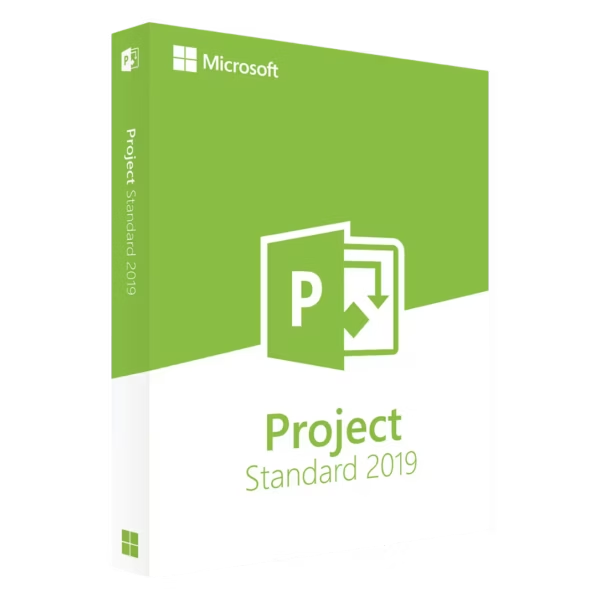
Microsoft Project 2019 Standard is a practical project management solution built for users who need clear planning, task organization, and reliable scheduling tools. With instant delivery, lifetime usage, and no subscription required, it offers a stable and efficient way to manage projects over the long term.
This edition is ideal for individuals and small teams who require structured workflows without advanced enterprise-level features.
Overview of Microsoft Project 2019 Standard
- Platform: Windows
- Edition: Standard
- License Type: LTSC
- Devices: 1 device
- License Duration: Lifetime
- Activation Method: Online activation
- Delivery: Instant digital delivery via email
- Support: Email and remote assistance
- Language Support: Multi-language
- Compliance: Genuine software licenses sourced through compliant distribution channels in line with U.S. laws and industry standards
Key Features
- Structured scheduling tools allow you to define timelines and manage project phases efficiently.
- Task management capabilities help organize workloads into clear, manageable steps for improved productivity.
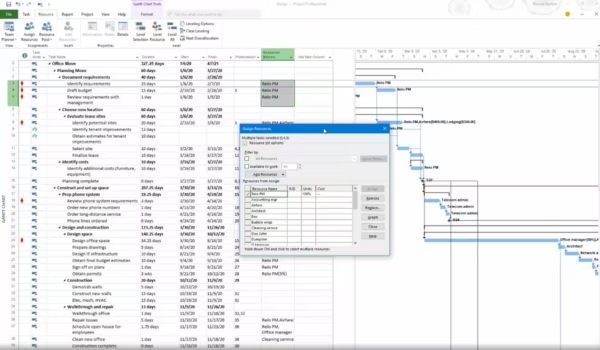
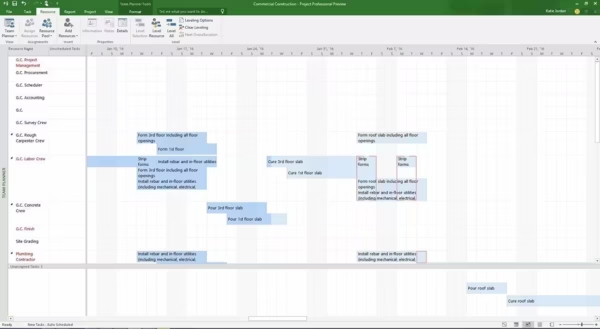
- Gantt chart visualization provides an easy-to-understand overview of project timelines and dependencies.
- Pre-designed templates simplify project setup, helping you start planning quickly.
- Timeline view enables better communication of project progress to stakeholders or team members.
- Basic reporting tools offer insights into project performance and task completion.
- Integration with Microsoft applications ensures a familiar and consistent workflow.
Main Features Explained
Project Planning and Scheduling
Create organized project plans with defined milestones and deadlines. This helps ensure each stage is completed on time and within scope.
Task Organization
Break projects into individual tasks, assign priorities, and monitor progress. This improves clarity and supports efficient project execution.
Gantt Chart Visualization
Visual timelines help track project progress and dependencies, allowing users to quickly identify delays and make necessary adjustments.
Templates for Quick Setup
Built-in templates allow users to begin projects faster by providing ready-made structures for common workflows.
Progress Reporting
Generate reports that summarize project status, helping users maintain oversight and make informed decisions.
Why Choose Microsoft Project 2019 Standard?
Microsoft Project 2019 Standard is suitable for individuals, freelancers, and small teams who need a reliable tool for planning and tracking projects. It is commonly used for internal planning, academic work, and business operations where simplicity and structure are key.
Explore more options in the Microsoft Project 2019 category to compare editions. For more advanced capabilities such as resource management and collaboration tools, consider Microsoft Project 2019 Professional.
If you are looking for a newer version with updated features, you may also review Microsoft Project 2021 Standard.
Microsoft Project 2019 Standard vs Alternatives
Compared to the Professional edition, Microsoft Project 2019 Standard focuses on essential project planning tools. It is suitable for straightforward project management, while the Professional version includes additional features for resource management and team collaboration.
System Compatibility
Microsoft Project 2019 Standard is designed for Windows systems and performs reliably on modern hardware. It integrates with Microsoft tools, supporting a consistent and efficient workflow.
License Type Explanation
This LTSC license provides long-term usability on one device. It is a one-time purchase with lifetime usage, ensuring continued access without recurring fees.
Installation & Activation
- Complete your order and receive activation details via email.
- Download the installation files using the provided instructions.
- Install Microsoft Project 2019 Standard on your device.
- Activate the software using the online activation method.
- Start organizing and managing your projects.
Why Buy From Us
We provide a straightforward and reliable way to access Microsoft software with full support and compliance.
- Instant digital delivery for immediate access
- Licenses sourced through compliant distribution channels
- Secure payment processing
- 24/7 email and remote assistance support
- Compliance with U.S. laws and industry standards
Digital License Is a Verified Microsoft Partner
Digital License is an official Microsoft Partner
(ID: 7033487), recognized for delivering genuine software licenses and
verified solutions worldwide. You can verify our partnership
directly on the Microsoft Partner Directory. This ensures every
license you purchase is authentic, secure, and fully compliant with
Microsoft standards and applicable U.S. laws and industry standards.
FAQ
How is Microsoft Project 2019 Standard delivered?
Activation details are sent instantly via email after purchase.
Is this a subscription?
No, it is a one-time purchase that provides lifetime usage.
Can I transfer the license?
LTSC licenses are typically tied to one device and are not intended for transfer.
Is internet required for activation?
Yes, an internet connection is required for downloading and activating the software.
Who should use this version?
This version is ideal for individuals and small teams managing simple or structured projects.
What is the difference from Professional?
The Standard edition focuses on core planning tools, while the Professional version includes advanced resource and collaboration features.
Is the software compliant?
Yes, it is sourced through compliant distribution channels aligned with U.S. laws and standards.
Does it support multiple languages?
Yes, multi-language support is included.
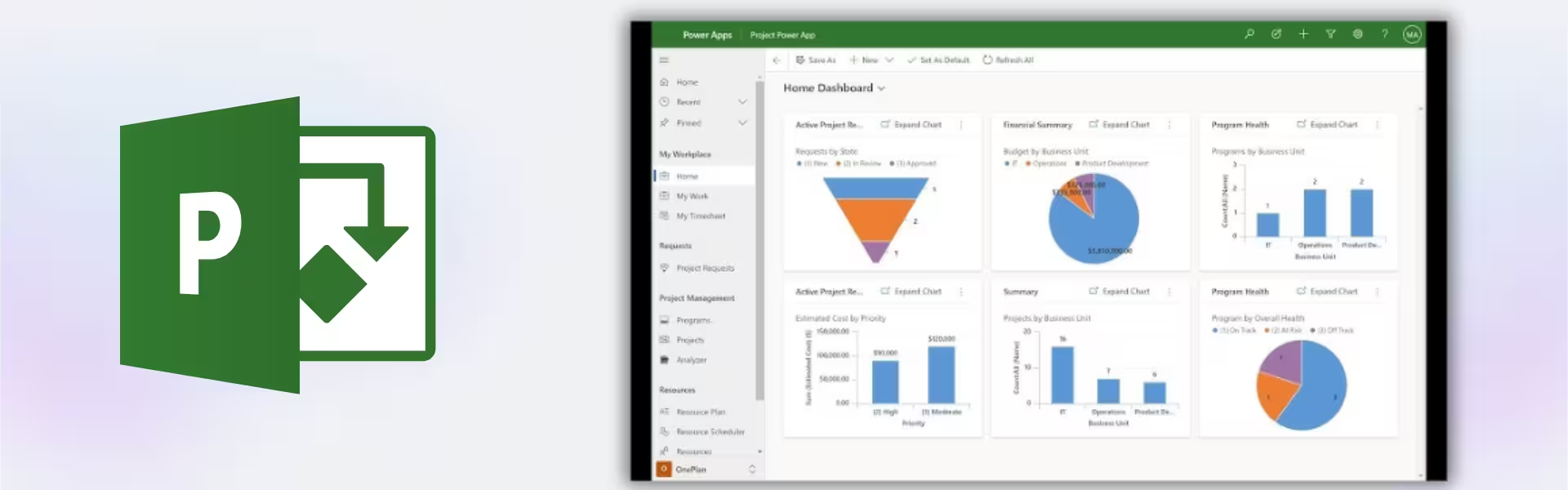
| Component | Requirement |
| Processor | 1.6 GHz or faster, 2-core processor |
| RAM | 4 GB RAM (64-bit); 2 GB RAM (32-bit) |
| Storage | At least 4 GB of available disk space |
| Operating System | Windows 10 or Windows Server 2019 |
| Graphics | DirectX 9 or later with WDDM 2.0 or higher (for Windows 10 and later) |
| Display | 1280 × 768 screen resolution |
| Specification | Detail |
|---|---|
| Activation | Single PC (one-time activation) |
| License validity | Lifetime (does not expire after activation) |
| Delivery method | By email within 15 minutes |
| Languages | Multilingual |

1 – Buy
Shop securely with SSL encryption.

2 – Receive
You will receive the license key and download link.

3 – Download
Download and install the software.

4 – Activate
Enter the license key to the software.
Microsoft Visual Studio 2022 Professional
Microsoft Office 2010 Professional Plus
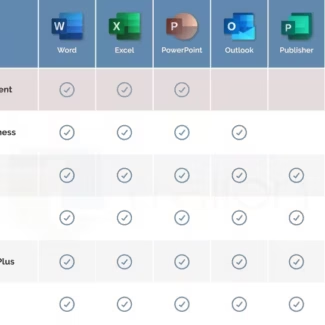
Microsoft Office 2016 Professional Plus
Microsoft Office 2019 Professional Plus Bind
Microsoft Office 2021 Professional Plus