
























- Description
- Minimum Requirements
- Specifications
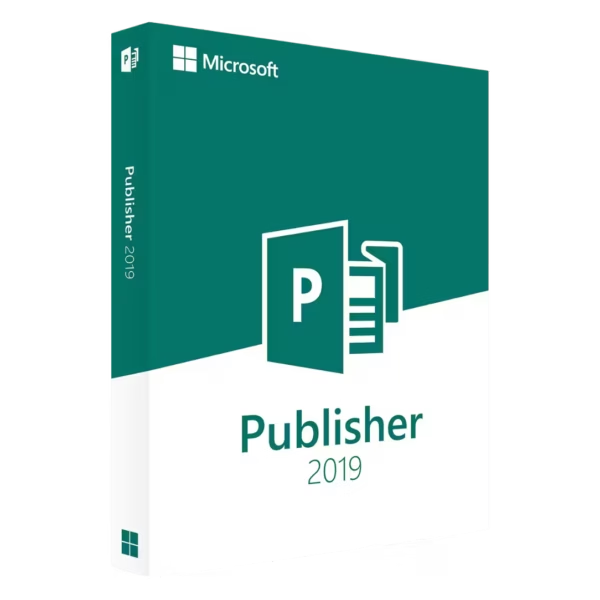
Microsoft Publisher 2019 is a professional desktop publishing solution designed for creating high-quality marketing materials with ease. Enjoy instant delivery, lifetime usage, and a one-time purchase with no subscription required.
Whether you’re designing brochures, flyers, or business publications, this powerful tool helps you produce polished results quickly and efficiently.
Overview of Microsoft Publisher 2019
- Platform: Windows
- Edition: Publisher
- License Type: LTSC
- Devices: 1 device
- License Duration: Lifetime
- Activation Method: Online activation
- Delivery: Instant digital delivery via email
- Support: Email and remote assistance
- Language Support: Multi-language
- Compliance: Genuine software licenses sourced through compliant distribution
channels in line with U.S. laws and industry standards
Key Features
- Modern design tools provide improved layout precision, helping users create visually appealing materials with professional consistency.
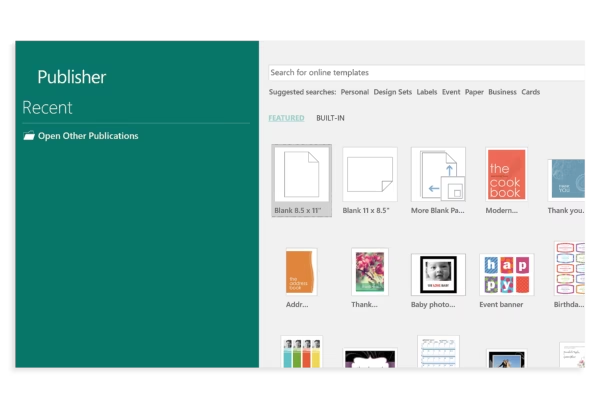
- Ready-to-use templates accelerate the design process, allowing users to produce high-quality content without starting from scratch.
- Enhanced image handling tools make it easier to edit, crop, and refine visuals directly within the software.
- Mail merge functionality enables personalized marketing campaigns, improving communication with customers and audiences.
- High-resolution output ensures print-ready documents, delivering sharp and professional results every time.
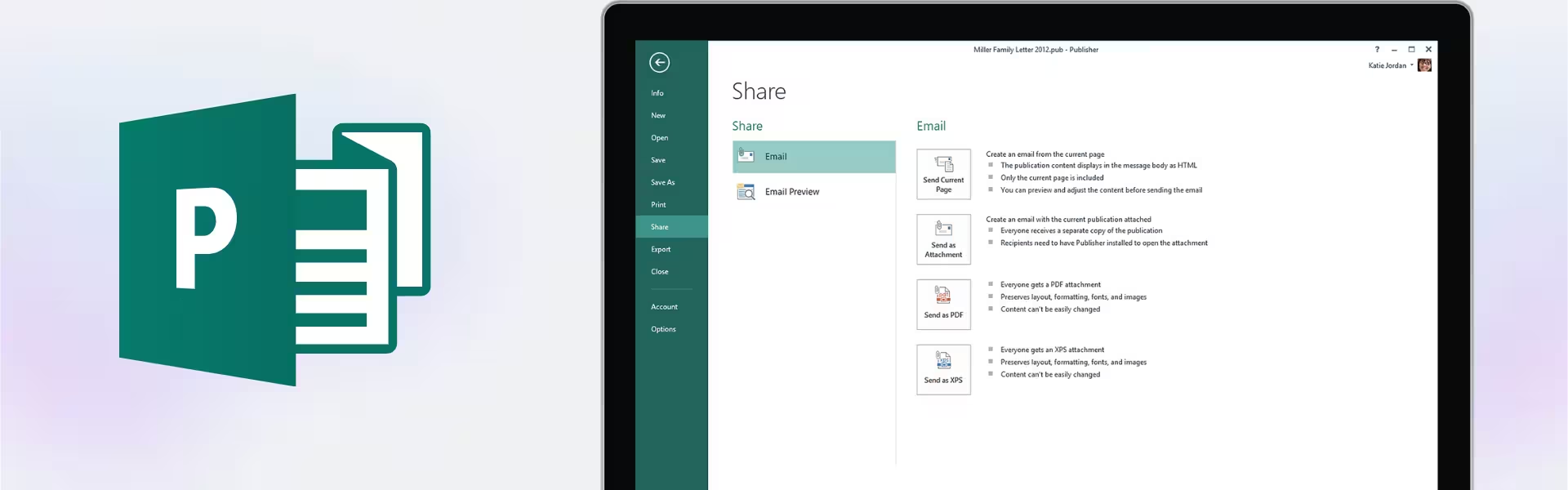
- Flexible export options allow easy sharing in digital formats, making collaboration and distribution simple.
- Improved performance over previous versions ensures smoother workflows and faster project completion.
Main Features Explained
Advanced Page Layout Tools
Microsoft Publisher 2019 offers precise layout controls for arranging text, images, and graphics. Businesses can create marketing brochures, while students can design presentations and reports with a professional look. This improves visual communication and overall presentation quality.
Template-Based Publishing
With a wide selection of templates for flyers, newsletters, and invitations, users can quickly create polished documents. This is especially useful for small businesses and individuals who need fast results without advanced design skills.
Built-in Image Editing
Edit images directly within the software by adjusting size, cropping, and applying effects. This streamlines the workflow by removing the need for additional editing tools, saving both time and effort.
Mail Merge for Personalization
Create personalized emails, postcards, or printed materials by integrating customer data. This feature is ideal for marketing campaigns, helping businesses improve engagement and conversion rates.
Professional Print and Digital Output
Publisher ensures your designs are optimized for both print and digital distribution. Whether sharing PDFs or printing brochures, the final output maintains high quality and consistency.
Why Choose Microsoft Publisher 2019?
Microsoft Publisher 2019 is an excellent choice for professionals, small business owners, and students who need reliable desktop publishing tools. It provides the perfect balance between simplicity and advanced functionality, making it easy to create professional materials without a steep learning curve.
Explore our Microsoft Publisher collection to compare available versions and find the right fit for your needs. If you’re looking for the latest features and enhanced performance, consider Microsoft Publisher 2021 for an upgraded experience.
For a complete productivity solution, Microsoft Office 2021 Professional Plus includes Publisher along with essential tools like Word, Excel, and PowerPoint.
Microsoft Publisher 2019 vs Alternatives
Compared to Microsoft Publisher 2021, the 2019 version offers a stable and efficient publishing experience with essential tools for design and layout. While Publisher 2021 includes newer enhancements and improved performance, Publisher 2019 remains a strong choice for users who want reliable functionality without upgrading to the latest version.
System Compatibility
Microsoft Publisher 2019 is designed for Windows systems and runs smoothly on most modern PCs. It integrates seamlessly with other Microsoft Office applications, making it suitable for both professional and personal use.
License Type Explanation
This LTSC license provides a lifetime, one-time purchase for a single device. It does not require subscriptions or recurring payments. The license is tied to one device and offers long-term usability, making it a practical and cost-effective solution.
Installation & Activation
- Complete your purchase and receive your product details via email instantly.
- Download the installation file using the provided instructions.
- Install Microsoft Publisher 2019 on your Windows device.
- Enter the activation key and complete online activation.
- Start creating professional publications immediately.
Why Buy From Us
We ensure a secure and reliable purchasing experience backed by genuine products and dedicated support.
- Instant digital delivery for immediate access
- Genuine software licenses
- Secure payment processing
- 24/7 customer support
- Compliance with U.S. laws and industry standards
Digital License Is a Verified Microsoft Partner
Digital License is an official Microsoft Partner
(ID: 7033487), recognized for delivering genuine software licenses and
verified solutions worldwide. You can verify our partnership
directly on the Microsoft Partner Directory. This ensures every
license you purchase is authentic, secure, and fully compliant with
Microsoft standards and applicable U.S. laws and industry standards.
FAQ
How do I receive Microsoft Publisher 2019?
Your product details are delivered instantly via email after purchase.
Is Microsoft Publisher 2019 a one-time purchase?
Yes, it offers lifetime usage with no subscription required.
Can I install it on multiple devices?
This license is valid for one device only.
Is the software genuine?
Yes, all licenses are sourced through compliant channels and meet U.S. laws and industry standards.
Does it work on macOS?
No, Microsoft Publisher 2019 is compatible only with Windows operating systems.
Do I need internet access?
Internet is required for downloading and activating the software.
What support is included?
You receive 24/7 email and remote assistance for installation and activation.
Can I upgrade later?
Yes, you can upgrade to a newer version by purchasing it separately.
| Component | Requirement |
| Processor | 1.6 GHz or faster, 2-core processor |
| RAM | 4 GB RAM for 64-bit; 2 GB for 32-bit |
| Storage | At least 4 GB of available disk space |
| Operating System | Windows 10, Windows 11, or Windows Server 2019 |
| Graphics | DirectX 9 or later with WDDM 2.0 or higher for Windows 10 |
| Display | 1280 × 768 screen resolution |
| Specification | Detail |
|---|---|
| Activation | Single PC (one-time activation) |
| License validity | Lifetime (does not expire after activation) |
| Delivery method | By email within 15 minutes |
| Languages | Multilingual |

1 – Buy
Shop securely with SSL encryption.

2 – Receive
You will receive the license key and download link.

3 – Download
Download and install the software.

4 – Activate
Enter the license key to the software.
Microsoft Project 2019 Professional
Microsoft Visual Studio 2019 Enterprise
Microsoft Office 2013 Professional Plus
Microsoft Office 2016 Home & Business Mac
Microsoft Office 2019 Professional Plus Bind
Microsoft Office 2024 Standard
