








- Description
- Minimum Requirements
- Specifications
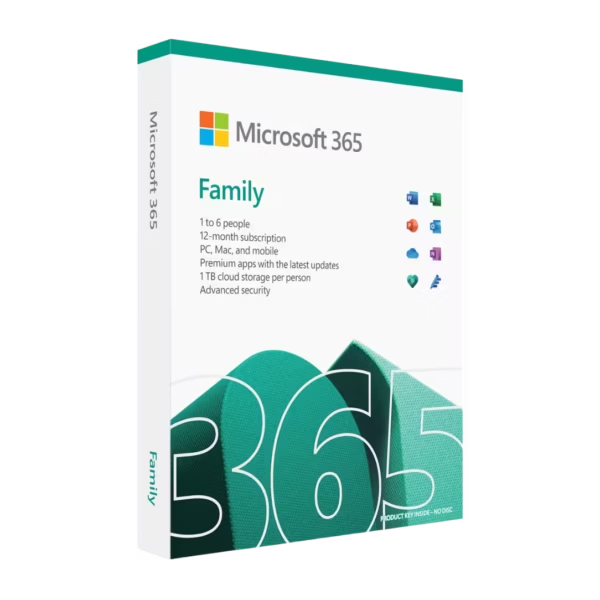
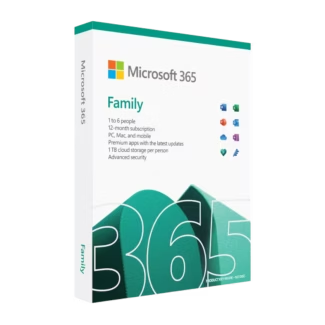
Microsoft 365 Family is a versatile productivity solution designed for households and shared use across multiple devices. With instant digital delivery, access for up to 6 users, and a flexible subscription model, it provides powerful tools without the limitations of a single-device setup.
Enjoy premium Office applications, cloud features, and advanced security tools in one complete package tailored for modern families.
Overview of Microsoft 365 Family
- Platform: Windows, macOS, iOS, and Android
- Edition: Microsoft 365
- License Type: Account
- Devices: up to 6 device (transferable)
- License Duration: 1 year
- Activation Method: Online activation
- Delivery: Instant digital delivery via email
- Support: Email and remote assistance
- Language Support: Multi-language
- Compliance: Genuine software licenses sourced through compliant distribution channels in line with U.S. laws and industry standards
Key Features
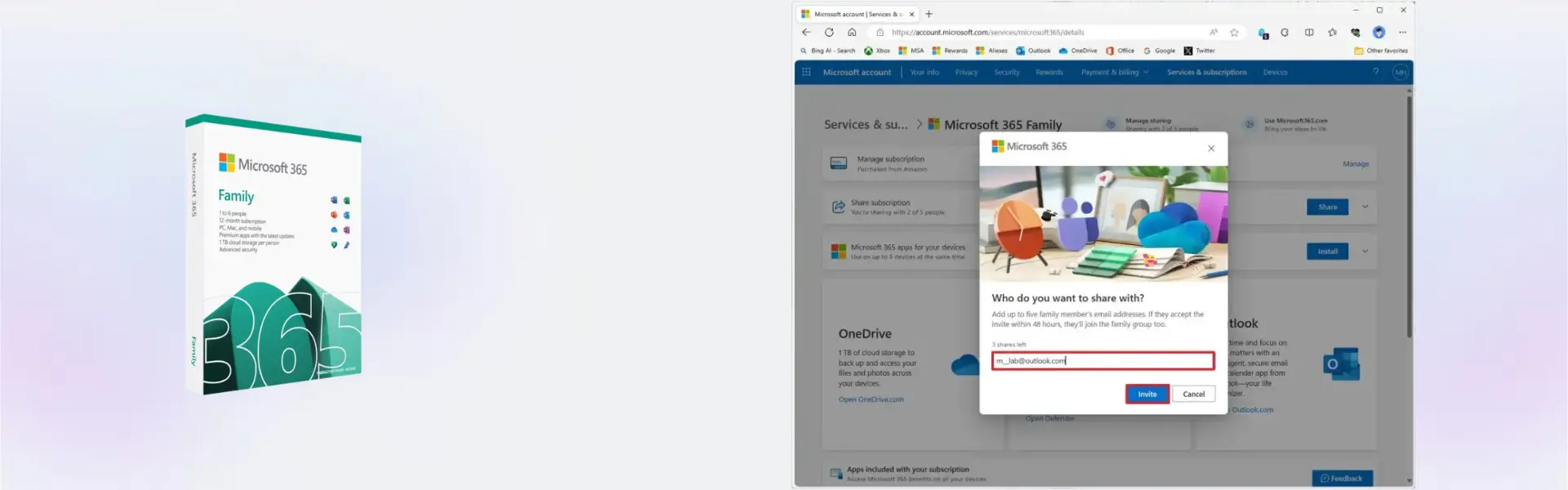
- Support for up to 6 users: Share access with family members, each with their own account and personalized experience.
- Multi-device compatibility: Use across Windows, macOS, iOS, and Android for seamless productivity anywhere.
- Premium Office applications: Access advanced versions of Word, Excel, and PowerPoint for work, school, and personal tasks.
- Cloud-based functionality: Keep your files accessible and synchronized across devices for improved flexibility.
- Integrated security tools: Microsoft Defender and Family Safety help protect devices and manage digital activity.
- Transferable account access: Easily move usage between devices when needed without losing functionality.
- Continuous updates: Stay up to date with the latest features and improvements during the subscription period.
Main Features Explained
Microsoft Word
Word allows users to create professional documents, school assignments, and personal files. Families can use it for homework, while professionals rely on it for reports and documentation.
Microsoft Excel
Excel helps manage finances, track expenses, and analyze data. It is useful for budgeting, household planning, and small business tasks.
Microsoft PowerPoint
PowerPoint enables users to create visually engaging presentations for school, work, or personal use, making communication more effective.
Microsoft Outlook
Outlook helps manage emails, calendars, and contacts in one place, making it easier to stay organized across personal and professional responsibilities.
Microsoft Defender & Family Safety
These tools provide enhanced security and parental controls, helping families protect devices and monitor online activity for safer digital usage.
Why Choose Microsoft 365 Family?
Microsoft 365 Family is ideal for households, students, and professionals who need flexible access to Office tools across multiple devices. It combines productivity, security, and collaboration features in a single subscription.
Explore more options in our Microsoft 365 collection to find the right solution for your needs.
For a broader overview of plans and features, visit Microsoft 365.
If you prefer a one-time purchase instead of a subscription, consider Microsoft Office 2024 Professional Plus.
Microsoft 365 Family vs Alternatives
Compared to standalone Office versions, Microsoft 365 Family offers continuous updates and cloud integration, making it more flexible for modern users.
Unlike one-time purchase versions such as Office 2024, this subscription provides access to the latest features and multi-user support, ideal for families and shared environments.
System Compatibility
Microsoft 365 Family works across Windows PCs, Macs, smartphones, and tablets running iOS or Android. This ensures seamless access and productivity regardless of the device you use.
License Type Explanation
This product uses an account-based subscription model, allowing up to 6 users to access the software. It is flexible and transferable between devices, but requires renewal after one year to maintain access and updates.
Installation & Activation
- Complete your purchase and receive access details via email instantly.
- Sign in to your Microsoft account.
- Redeem your subscription and activate online.
- Download Office apps on your preferred devices.
- Start using the applications across all supported devices.
Why Buy From Us
We provide a secure and reliable purchasing experience with genuine software solutions.
- Instant digital delivery via email
- Genuine and verified software access
- Secure payment processing
- 24/7 customer support with remote assistance
- Full compliance with U.S. laws and industry standards
Digital License Is a Verified Microsoft Partner
Digital License is an official Microsoft Partner
(ID: 7033487), recognized for delivering genuine software licenses and
verified solutions worldwide. You can verify our partnership
directly on the Microsoft Partner Directory. This ensures every
license you purchase is authentic, secure, and fully compliant with
Microsoft standards and applicable U.S. laws and industry standards.
FAQ
How do I receive the product?
You will receive your account activation details instantly via email.
How many users can use this product?
Up to 6 users can access the subscription, each with their own account.
Is this a lifetime purchase?
No, this is a 1-year subscription that can be renewed.
Can I use it on multiple devices?
Yes, it supports multiple devices across different platforms.
Is internet required?
Internet is required for activation and cloud features, but apps can be used offline.
Is the software genuine?
Yes, all products are genuine and compliant with industry standards.
Can I transfer the account?
Yes, the subscription is linked to your account and can be used on different devices.
Do you provide support?
Yes, 24/7 email and remote assistance are included.
| Component | Requirement |
| Processor | 1.6 GHz or faster, 2-core (Intel or Apple Silicon M-series for Mac) |
| RAM | 4 GB RAM (PC); 4 GB RAM (Mac) |
| Storage | 4 GB available disk space (PC); 10 GB (Mac) |
| Operating System | Windows, Mac, Android, iOS (Supports up to 6 Users / 12 Months) |
| Graphics card | DirectX 9 or later with WDDM 2.0 or higher for Windows |
| Display | 1280 x 768 resolution (PC); 1280 x 800 (Mac) |
| Specification | Detail |
|---|---|
| Activation | Supports up to 6 devices |
| License validity | 12 Months subscription duration |
| Delivery method | By email |
| Languages | Multilingual (Available in multiple languages) |

1 – Buy
Shop securely with SSL encryption.

2 – Receive
You will receive the license key and download link.

3 – Download
Download and install the software.

4 – Activate
Enter the license key to the software.
Microsoft Project 2019 Professional
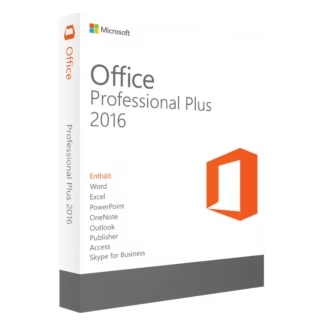
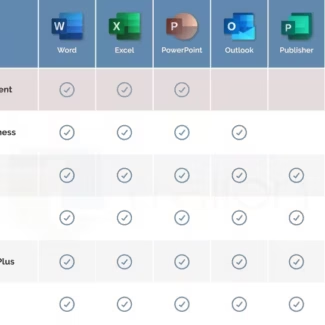
Microsoft Office 2016 Professional Plus
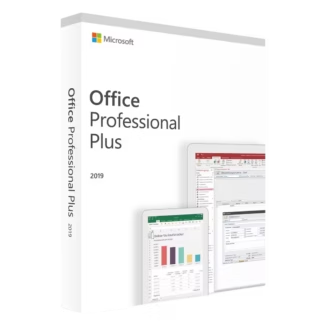
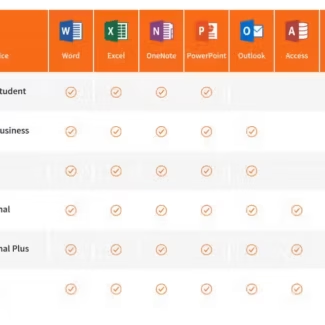
Microsoft Office 2019 Professional Plus
Microsoft Office 2024 Professional Plus