







- Description
- Minimum Requirements
- Specifications
- Additional information
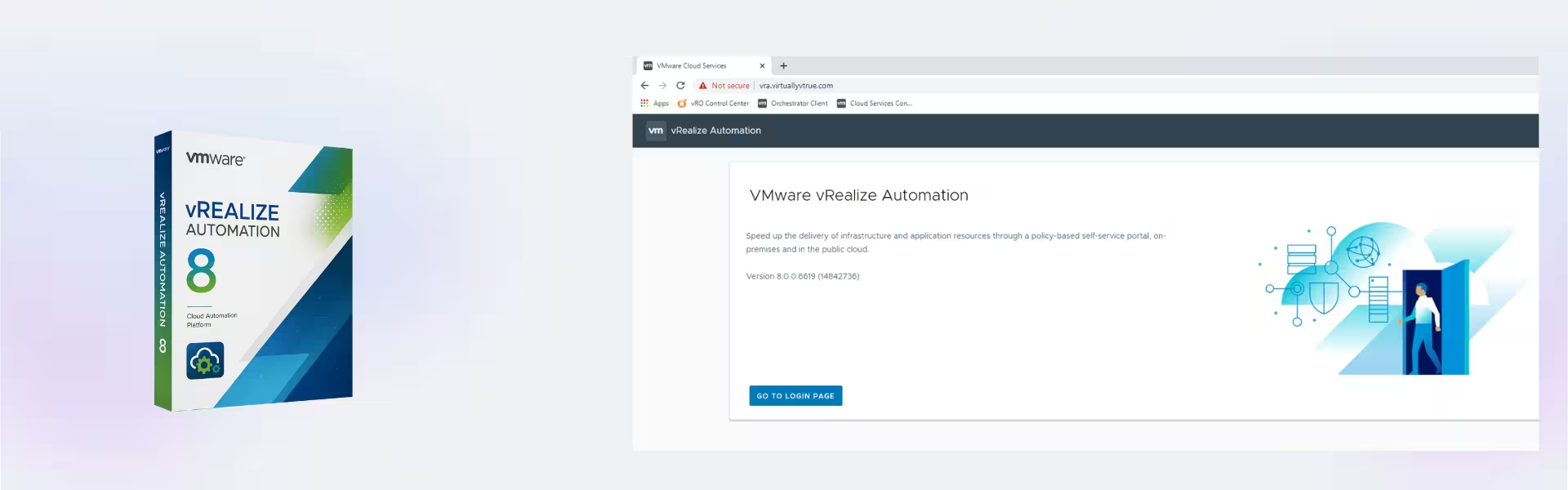
VMware vRealize Automation 8 is a powerful cloud automation platform designed to streamline IT operations, accelerate service delivery, and enhance infrastructure efficiency. With instant digital delivery and lifetime usage, it offers a cost-effective alternative to subscription-based solutions for businesses seeking long-term value.
Optimize your cloud environment with enterprise-grade automation tools that simplify deployment, governance, and resource management—all in one integrated platform.
Overview of VMware vRealize Automation 8
- Platform: Photon OS (included with vRA appliance)
- Edition: vRealize Automation 8
- License Type: Retail
- Devices: 1/ 5/ 10/ 20 Devices
- License Duration: Lifetime
- Activation Method: Online activation
- Delivery: Instant digital delivery via email
- Support: Email and remote assistance
- Language Support: Multi-language
- Compliance: Genuine software licenses sourced through compliant distribution channels in line with U.S. laws and industry standards
Key Features
- Automated cloud provisioning enables faster deployment of infrastructure, reducing manual workload and speeding up project delivery.
- Unified service catalog simplifies access to IT resources, allowing users to request and deploy services efficiently without technical complexity.
- Policy-based governance ensures compliance and cost control by enforcing rules across cloud environments automatically.
- Multi-cloud support allows seamless management across private, public, and hybrid cloud infrastructures from a single interface.
- Self-service capabilities empower teams to deploy applications independently, increasing productivity and reducing IT bottlenecks.
- Integrated lifecycle management automates updates and maintenance, ensuring systems remain secure and optimized.
- Advanced analytics and insights provide visibility into resource usage, helping businesses optimize performance and reduce costs.
Main Features Explained
Cloud Automation Engine
This feature automates the provisioning and management of virtual machines and applications. In real-world scenarios, IT teams can deploy complex environments in minutes instead of hours. This significantly improves operational efficiency and reduces human error.
Service Broker
The service broker acts as a centralized marketplace for IT services. Employees or developers can request resources through an easy-to-use interface, improving workflow speed and minimizing dependency on IT administrators.
Infrastructure as Code (IaC)
With IaC capabilities, users can define infrastructure using code templates. This allows consistent deployments across environments, making it ideal for DevOps teams and ensuring scalability and reliability.
Policy & Governance Management
Organizations can enforce rules on resource usage, security, and cost control. This ensures compliance while preventing overspending in multi-cloud environments.
Lifecycle Management
Automates system updates, patches, and upgrades. Businesses benefit from reduced downtime and improved system stability without manual intervention.
Why Choose VMware vRealize Automation 8?
VMware vRealize Automation 8 is ideal for enterprises, IT professionals, and DevOps teams looking to modernize infrastructure and improve operational efficiency. Whether managing hybrid cloud environments or scaling services rapidly, this solution delivers powerful automation with long-term value.
Explore more VMware solutions in our VMware Licenses category to build a complete infrastructure ecosystem.
Compared to tools like VMware vRealize Operations Management 7, which focuses on monitoring and performance optimization, vRealize Automation 8 emphasizes deployment, automation, and service delivery.
For enhanced visibility and security, you can integrate additional tools such as vRealize Log Insight for log analytics or vRealize Network Insight for network monitoring.
VMware vRealize Automation 8 vs Alternatives
Compared to earlier versions and alternative VMware tools, vRealize Automation 8 offers a more modern interface, Kubernetes integration, and improved multi-cloud capabilities. While monitoring-focused tools provide insights, this platform actively automates and manages infrastructure, making it more suitable for deployment-heavy environments.
System Compatibility
This solution runs on Photon OS, a lightweight and secure Linux-based platform included with the appliance. It integrates seamlessly with VMware environments, including vSphere and cloud platforms, making it suitable for enterprise IT infrastructures.
Installation & Activation
- Receive your product details instantly via email after purchase.
- Download the VMware vRealize Automation 8 appliance.
- Deploy the appliance on your virtualization environment.
- Access the setup interface and configure system settings.
- Activate using the provided online activation method.
- Start automating and managing your infrastructure immediately.
Why Buy From Us
We provide a reliable and secure purchasing experience with genuine software solutions tailored for professionals and businesses.
- Instant digital delivery via email
- 100% genuine and compliant licenses
- Secure payment processing
- Expert support available 24/7
- Compliance with U.S. laws and industry standards
Trust & Reliability
Digital License ensures every product is sourced through verified channels, giving you confidence in authenticity, compliance, and long-term usability.
FAQ
How do I receive VMware vRealize Automation 8 after purchase?
You will receive instant delivery via email with all necessary activation details.
Is VMware vRealize Automation 8 a lifetime product?
Yes, this license provides lifetime usage without recurring subscription fees.
Can I use it on multiple devices?
Yes, you can choose from different device options such as 1, 5, 10, or 20 devices.
Is online activation required?
Yes, activation is completed securely through an online process.
Is this software compatible with VMware environments?
Yes, it is designed to integrate seamlessly with VMware infrastructure and cloud platforms.
Is this a genuine VMware product?
Yes, all licenses are sourced through compliant distribution channels and meet industry standards.
Do you provide technical support?
Yes, we offer email and remote assistance to help with setup and activation.
Does it support multiple languages?
Yes, the software includes multi-language support for global usability.
| Component | Requirement |
| Processor | Minimum 8 vCPU per node |
| RAM | Minimum 32 GB RAM per node |
| Storage | Minimum 250 GB disk space per node (thin provisioned) |
| Operating System | Photon OS (included with vRA appliance) |
| Hypervisor | VMware vSphere 6.7 or later |
| Network | Static IP, DNS, and NTP properly configured |
| Display | Web-based UI (modern browser such as Chrome, Edge, or Firefox) |
| Specification | Detail |
|---|---|
| Activation | Single PC (one-time activation) |
| License validity | Lifetime (does not expire after activation) |
| Delivery method | By email within 15 minutes |
| Languages | Multilingual |
Additional information
| Devices | 1 Device, 5 Devices, 10 Devices, 20 Devices |
|---|

1 – Buy
Shop securely with SSL encryption.

2 – Receive
You will receive the license key and download link.

3 – Download
Download and install the software.

4 – Activate
Enter the license key to the software.
Ashampoo 3D CAD Architecture 10
Parallels Desktop 20 Pro Edition Mac
Corel Painter Essentials 7 (PC - Mac)