







- Description
- Minimum Requirements
- Specifications
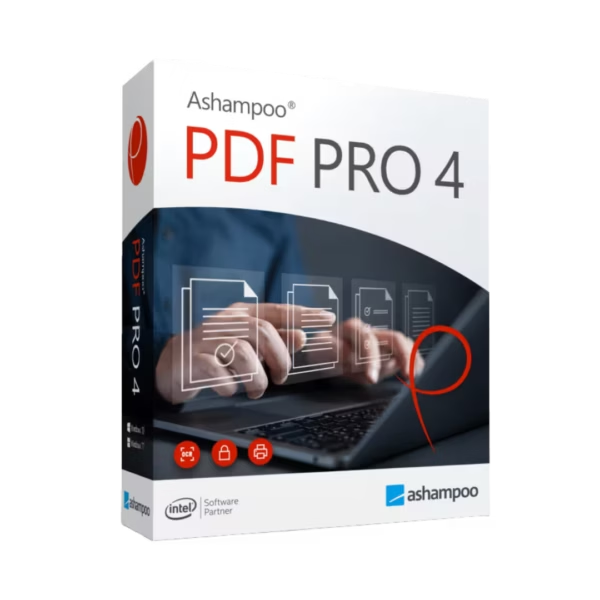
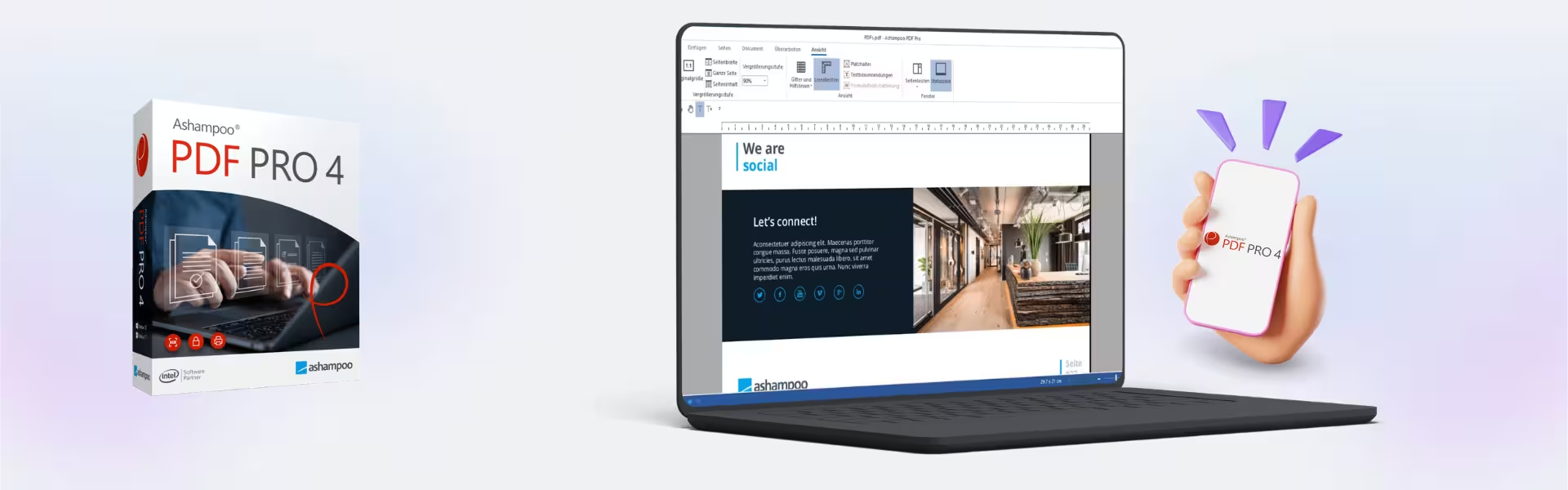
Ashampoo Pdf Pro 4 is a powerful PDF management solution designed to create, edit, convert, and secure documents with ease. With instant delivery and lifetime usage, it offers a one-time purchase model without recurring subscription costs. Work efficiently with professional-grade PDF tools built for long-term productivity.
Overview of Ashampoo Pdf Pro 4
- Platform: Windows
- Edition: Pro 4
- License Type: Retail
- Devices: 1 Device
- License Duration: Lifetime
- Activation Method: Online activation
- Delivery: Instant digital delivery via email
- Support: Email and remote assistance
- Language Support: Multi-language
- Compliance: Genuine software licenses sourced through compliant distribution channels in line with U.S. laws and industry standards
Key Features
- Comprehensive PDF Editing: Modify text, images, and layouts directly within PDF files, improving workflow efficiency.
- PDF Conversion Tools: Convert PDFs to Word, Excel, and other formats, enabling easy editing and reuse of content.
- Document Merging and Splitting: Combine multiple files or split documents into sections, improving file organization.
- Advanced Security Features: Protect files with encryption and permissions, ensuring data privacy and control.
- OCR Text Recognition: Extract text from scanned documents, making them searchable and editable.
- Annotation and Collaboration Tools: Add comments, highlights, and notes, improving team communication and document review.
- User-Friendly Interface: Simplifies complex PDF tasks, making it accessible for both beginners and professionals.
Main Features Explained
PDF Editing and Modification
Ashampoo Pdf Pro 4 allows users to edit text and images directly within PDF documents. This is ideal for professionals handling contracts, reports, or documentation that require quick adjustments.
File Conversion and Compatibility
Users can convert PDFs into editable formats like Word or Excel, enabling seamless content reuse and reducing the need to recreate documents.
OCR and Text Recognition
The built-in OCR technology converts scanned documents into editable text. This improves efficiency when working with printed or image-based files.
Security and Data Protection
Protect sensitive documents with encryption and permission settings, ensuring only authorized users can access or modify files.
Collaboration and Annotation
Add notes, comments, and highlights to documents, improving collaboration and streamlining review processes.
Why Choose Ashampoo Pdf Pro 4?
Ashampoo Pdf Pro 4 is ideal for professionals, businesses, and home users who need a reliable PDF solution. It enhances productivity, simplifies document workflows, and ensures secure file handling.
Explore more tools in our Ashampoo software collection to manage your digital tasks efficiently. For newer features, Ashampoo Pdf Pro 5 offers an updated version with additional improvements.
For productivity and file management, Ashampoo Office 9 provides a complete office suite, while Ashampoo ZIP Pro 4 supports file compression and encryption.
Ashampoo Pdf Pro 4 vs Alternatives
Compared to basic PDF tools, Ashampoo Pdf Pro 4 offers advanced editing, conversion, and security features in one solution. While free tools provide limited functionality, this software delivers professional-level capabilities for comprehensive document management.
System Compatibility
Ashampoo Pdf Pro 4 is designed for Windows systems and runs efficiently on both modern and standard hardware. It is optimized to handle large documents and complex tasks without affecting system performance.
License Type Explanation
This retail license provides lifetime usage on a single device, eliminating subscription costs. While it is not transferable between multiple users, it ensures long-term value and continuous access to all features.
Installation & Activation
- Purchase Ashampoo Pdf Pro 4 from our website.
- Receive your activation details instantly via email.
- Download the software from the official Ashampoo platform.
- Install it on your Windows device.
- Enter the activation key during setup.
- Start managing your PDFs immediately.
Why Buy From Us
We provide a secure and reliable way to access professional software solutions.
- Instant digital delivery via email
- Genuine software licenses
- Secure payment processing
- 24/7 email and remote support
- Compliance with U.S. laws and industry standards
Trusted by Professionals Worldwide
Digital License is trusted by customers for delivering authentic software, fast service, and dependable support. We ensure every purchase meets high standards of quality and security.
FAQ
How do I activate Ashampoo Pdf Pro 4?
You can activate the software online using the key provided after purchase.
When will I receive the product?
Your product is delivered instantly via email after payment confirmation.
Is this compatible with Mac?
No, this software is designed for Windows systems only.
Can I install it on multiple devices?
No, the license is valid for one device only.
Is this a lifetime license?
Yes, this retail license provides lifetime usage with a one-time purchase.
Is the software legally compliant?
Yes, all licenses are sourced through compliant distribution channels aligned with industry standards.
Do I receive updates?
Updates depend on the vendor policy for this version.
Is support included?
Yes, 24/7 email and remote assistance are available.
| Component | Requirement |
| Processor | Any Intel or AMD processor (1 GHz or faster) |
| RAM | 2 GB minimum (4 GB recommended) |
| Storage | 500 MB of available disk space |
| Operating System | Windows 11, Windows 10, Windows 8.1, |
| Graphics card | Standard graphics adapter, no special requirements |
| Display | Minimum resolution of 1024 × 768 |
| Additional | Internet connection required for activation and updates |
| Specification | Detail |
|---|---|
| Activation | Single PC (one-time activation) |
| License validity | Lifetime (does not expire after activation) |
| Delivery method | By email within 15 minutes |
| Languages | Multilingual |

1 – Buy
Shop securely with SSL encryption.

2 – Receive
You will receive the license key and download link.

3 – Download
Download and install the software.

4 – Activate
Enter the license key to the software.
Parallels Desktop 20 Pro Edition Mac
Parallels Desktop Standard 20 Mac
VMware vCenter Server 7 Standard

CorelDRAW Graphics Suite - Mac