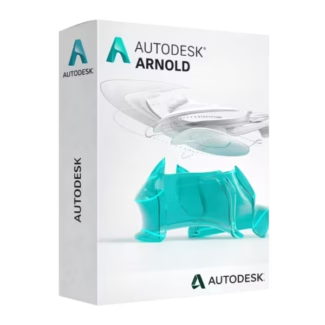








- Description
- Minimum Requirements
- Specifications
- Additional information
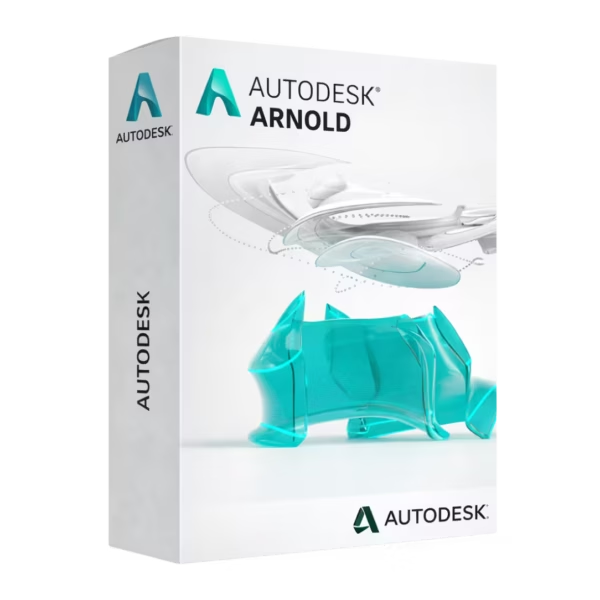
Autodesk Arnold is a high-performance rendering solution trusted by professionals for creating stunning visuals and cinematic-quality images. With instant delivery and a flexible subscription model, it offers long-term creative value and efficiency for demanding workflows. Experience powerful rendering capabilities designed for consistent productivity throughout your subscription period.
Overview of Autodesk Arnold
- Platform: Windows
- Edition: Arnold
- License Type: Educational
- Devices: 1 Device
- License Duration: 1 Year / 3 Years
- Activation Method: Online activation
- Delivery: Instant digital delivery via email
- Support: Email and remote assistance
- Language Support: Multi-language
- Compliance: Genuine software licenses sourced through compliant distribution channels in line with U.S. laws and industry standards
Key Features
- Physically Based Rendering: Generate highly realistic images using advanced light simulation, ensuring accurate reflections, shadows, and materials.
- Seamless Integration: Works smoothly with leading 3D software, enabling efficient workflows without switching between tools.
- Scalable Rendering: Handle complex scenes with ease, allowing users to render high-quality visuals without performance bottlenecks.
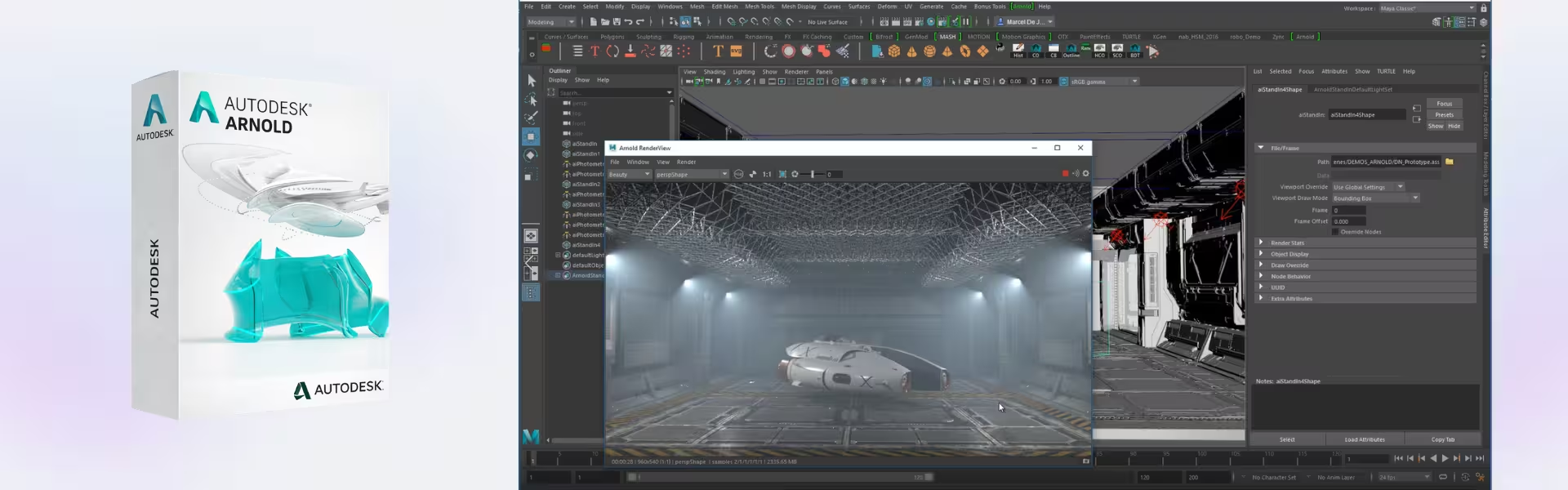
- Interactive Rendering: Preview changes in real time, speeding up design adjustments and improving creative decision-making.
- Advanced Shading System: Create detailed materials and textures, enhancing visual depth and realism in every project.
- Efficient Memory Usage: Optimize resource consumption, making it suitable for both large studios and individual creators.
- Production-Proven Technology: Used in film and animation industries, ensuring reliable results for professional-grade projects.
Main Features Explained
Photorealistic Rendering Engine
Autodesk Arnold uses physically accurate rendering algorithms to produce lifelike images. This is widely used in film production, product visualization, and architectural rendering, helping users deliver high-quality visuals that meet professional standards.
Interactive Rendering Workflow
Users can make adjustments and instantly preview results without waiting for full renders. This improves efficiency in creative workflows, allowing designers to refine scenes faster and reduce production time.
Integration with 3D Applications
Arnold integrates directly with industry tools, enabling artists to render scenes without leaving their main workspace. This streamlines workflows and enhances productivity for both individuals and teams.
Advanced Material and Lighting Controls
With detailed control over shaders and lighting, users can achieve precise visual outcomes. This is essential for product designers and animators who require accurate textures and lighting effects.
High-Performance Rendering for Complex Scenes
Arnold is optimized to manage large datasets and complex scenes, making it suitable for high-end projects such as cinematic animation and detailed 3D environments.
Why Choose Autodesk Arnold?
Autodesk Arnold is ideal for 3D artists, animators, visual effects professionals, and students who need reliable rendering performance. It provides consistent, high-quality output for projects ranging from product visualization to film production.
Explore more tools in our CAD & engineering software collection to enhance your creative workflow. For animation and modeling, Autodesk Maya pairs perfectly with Arnold, offering a complete production pipeline.
For sculpting and detailing, Autodesk Mudbox provides powerful tools, while Autodesk 3ds Max supports advanced modeling and visualization workflows.
Autodesk Arnold vs Alternatives
Compared to standard rendering engines, Autodesk Arnold stands out for its physically accurate rendering and production-proven reliability. While other tools may focus on speed, Arnold balances performance and realism, making it the preferred choice for high-end visual effects and animation projects.
System Compatibility
Autodesk Arnold is designed for Windows systems and works efficiently on modern hardware. It benefits from powerful CPUs and GPUs, ensuring smooth performance when rendering complex scenes and high-resolution images.
License Type Explanation
This educational subscription is designed for single-device use, providing access to all core features during the selected duration. While it is not transferable between multiple users, it ensures stable and secure usage with continuous updates throughout the subscription period.
Installation & Activation
- Complete your purchase on our platform.
- Receive activation details instantly via email.
- Download Autodesk Arnold from the official source.
- Install the software on your device.
- Log in with your Autodesk account.
- Activate using the provided credentials.
Why Buy From Us
We provide a secure and professional experience for accessing industry-standard software solutions.
- Instant digital delivery via email
- Genuine software sourced through compliant channels
- Secure payment processing
- 24/7 email and remote support
- Full compliance with U.S. laws and industry standards
Trusted by Professionals Worldwide
Digital License is trusted by creators and professionals for delivering reliable software solutions, fast service, and expert support. Our commitment ensures a seamless purchasing experience every time.
FAQ
How do I activate Autodesk Arnold?
You can activate it online using the credentials provided after purchase.
When will I receive my product?
Your software is delivered instantly via email after payment confirmation.
Is Autodesk Arnold compatible with Mac?
No, this version is designed for Windows systems only.
Can I install it on multiple devices?
No, the subscription is valid for one device only.
Is this software legally compliant?
Yes, all licenses are sourced through compliant distribution channels aligned with U.S. standards.
Can the license be transferred?
This license is intended for a single user and is not transferable.
Are updates included?
Yes, updates are included during the subscription period.
Do I get support?
Yes, 24/7 email and remote assistance are available.
| Component | Requirement |
| Processor | 64-bit multi-core Intel or AMD processor High core count CPU recommended for rendering performance |
| RAM | 8 GB RAM (minimum); 16–32 GB or more (recommended for production rendering) |
| Storage | 2 GB available disk space SSD recommended for caching and large scene files |
| Operating System | Windows 11 or Windows 10 (64-bit) Also supports Linux distributions (production environments) |
| Graphics | GPU rendering requires NVIDIA GPU with CUDA support 8 GB VRAM or more recommended for GPU rendering workflows |
| Host Application | Compatible with Autodesk Maya, 3ds Max, and other supported DCC applications |
| Specification | Detail |
|---|---|
| Activation | Single PC (one-time activation) |
| License validity | 1 year / 3 years (renewable annually) |
| Delivery method | By email within 15 minutes |
| Languages | Multilingual |
Additional information
| Operating systems | Mac, Windows |
|---|---|
| Year version | 2024, 2025, 2026, 2027 |
| Subscription period | 1 Year, 3 Years |

1 – Buy
Shop securely with SSL encryption.

2 – Receive
You will receive the license key and download link.

3 – Download
Download and install the software.

4 – Activate
Enter the license key to the software.
Ashampoo 3D CAD Architecture 10
Ashampoo 3D CAD Professional 10
VMware vCenter Server 7 Standard