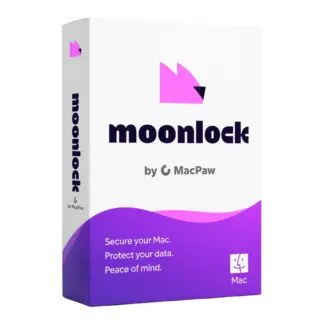









- Description
- Minimum Requirements
- Specifications
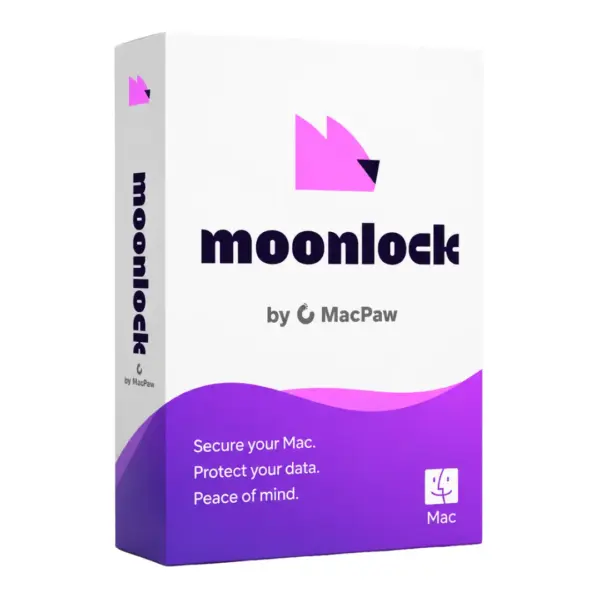
Moonlock is a macOS security solution designed to protect your Mac against malware, online threats, and suspicious activity with a simple, user-friendly experience. With instant digital delivery, online activation, and protection for 1 device, it is ideal for Mac users who want reliable security without complicated setup.
This product is provided as a 1-year subscription, giving you advanced protection and regular security updates throughout the license period.
Overview of Moonlock
- Platform: macOS
- License Type: Subscription
- Devices: 1 Device
- License Duration: 1 Year
- Activation Method: Online activation
- Delivery: Instant digital delivery via email
- Support: Email and remote assistance
- Language Support: Multi-language
- Compliance: Genuine software licenses sourced through compliant distribution channels in line with U.S. laws and industry standards
Key Features
- Real-time macOS protection: Detects suspicious files and threats as they appear, helping keep your Mac safer during everyday use.
- Malware detection: Scans your system for harmful software, reducing the risk of data loss, privacy issues, or performance problems.
- Simple security dashboard: Makes it easy to check your protection status, run scans, and manage security without technical knowledge.
- Lightweight performance: Designed for Mac users who need strong protection without slowing down daily work, browsing, or creative tasks.
- Online activation: Lets you activate quickly after purchase and start protecting your device without waiting for physical delivery.
- Multi-language support: Helps users manage protection comfortably in their preferred language.
- 1-year protection: Provides continuous security coverage and updates throughout the subscription period.
Main Features Explained
Malware Protection
Moonlock malware protection helps identify and block harmful files that may affect your Mac. This is useful for home users, students, and professionals who download documents, apps, archives, or email attachments regularly.
Security Scanning
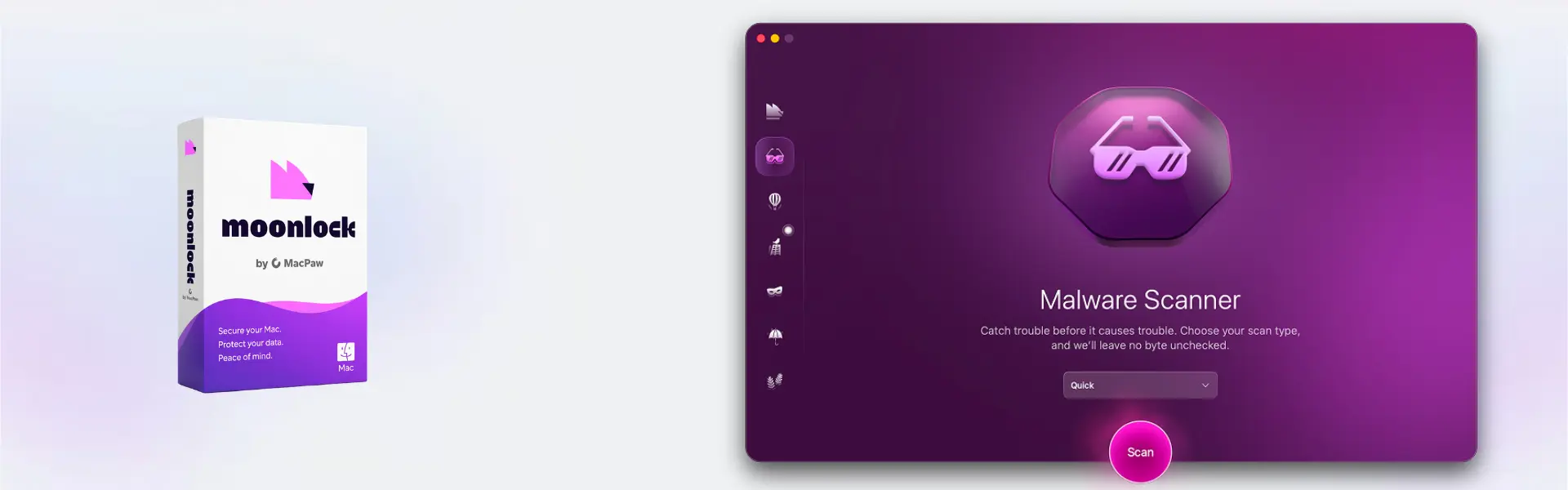
The scanning feature allows users to check their macOS system for suspicious items. Whether you use your Mac for business files, school projects, or personal data, regular scans help maintain a safer and cleaner device.
Threat Monitoring
Real-time threat monitoring helps detect unusual activity before it becomes a bigger problem. This matters for users who want ongoing protection while browsing, working online, or installing new software.
Mac-Friendly User Experience
Moonlock is built around a clean and simple interface, making it practical for users who want advanced Mac security without complex settings or heavy configuration.
Why Choose Moonlock?
Moonlock is a smart choice for Mac users who want reliable, easy-to-manage protection for daily digital life. It is suitable for freelancers, students, remote workers, families, and professionals who need secure browsing, safer downloads, and better protection against malware.
If you are browsing solutions in the antivirus licenses category, Moonlock offers a focused macOS security experience with simple activation and instant delivery. Users comparing broader multi-platform suites can also review Bitdefender Total Security as an alternative with wider device coverage.
Moonlock vs Alternatives
Moonlock is focused on macOS protection, making it ideal for users who mainly need security for one Mac device. Alternatives such as Kaspersky Plus Internet Security or Norton 360 Deluxe may be more suitable for users who need broader security tools, multi-device protection, or additional privacy features.
System Compatibility
Moonlock is compatible with macOS devices. For best results, your Mac should have an active internet connection for installation, activation, security updates, and online protection features.
License Type Explanation
This product is provided as a subscription license for 1 device with a 1-year license duration. During the active subscription period, the software can be used according to the product terms and remains valid until the subscription expires.
Installation & Activation
- Complete your order and receive the product details by email.
- Download and install Moonlock on your macOS device.
- Open the software after installation.
- Enter the activation details provided by email.
- Complete online activation and start using the protection features.
- Run your first scan to check your Mac security status.
Why Buy From Us
Digital License provides a fast, secure, and professional way to purchase genuine software licenses with dependable support and compliant distribution standards.
- Instant delivery by email after purchase
- Genuine licenses sourced through compliant distribution channels
- Secure payment for safe online checkout
- Email and remote assistance when support is needed
- Compliance with U.S. laws and industry standards
FAQ
How do I activate Moonlock?
Moonlock is activated online using the activation details delivered by email after purchase.
How fast will I receive my product?
Delivery is instant by email, so you can download, install, and activate the software shortly after completing your order.
Is Moonlock compatible with Windows?
No. Moonlock is designed for macOS devices.
How many devices can I use with this license?
This license is valid for 1 device.
How long is the license valid?
The license duration is 1 year from activation or according to the product activation terms.
Can I transfer Moonlock to another device?
This depends on the product subscription terms. The license is intended for use on 1 device.
Is this a subscription product?
Yes. Moonlock is provided as a subscription license with a 1-year duration.
Is the software genuine?
Yes. The license is sourced through compliant distribution channels in line with U.S. laws and industry standards.
| Component | Requirement |
| Processor | Intel or Apple Silicon (M1, M2, M3, or newer) processor |
| RAM | 4 GB minimum (8 GB recommended) |
| Storage | 500 MB of available disk space |
| Operating System | macOS 11 (Big Sur) or later |
| Internet Connection | Required for installation, activation, updates, and real-time protection |
| Display | 1024 × 768 resolution or higher |
| Specification | Detail |
|---|---|
| License validity | 1 Year |
| Devices | 1 Device |
| Platform | macOS |
| Delivery method | By email within 15 minutes |
| License type | Subscription |

1 – Buy
Shop securely with SSL encryption.

2 – Receive
You will receive the license key and download link.

3 – Download
Download and install the software.

4 – Activate
Enter the license key to the software.