







- Description
- Minimum Requirements
- Specifications
- Additional information
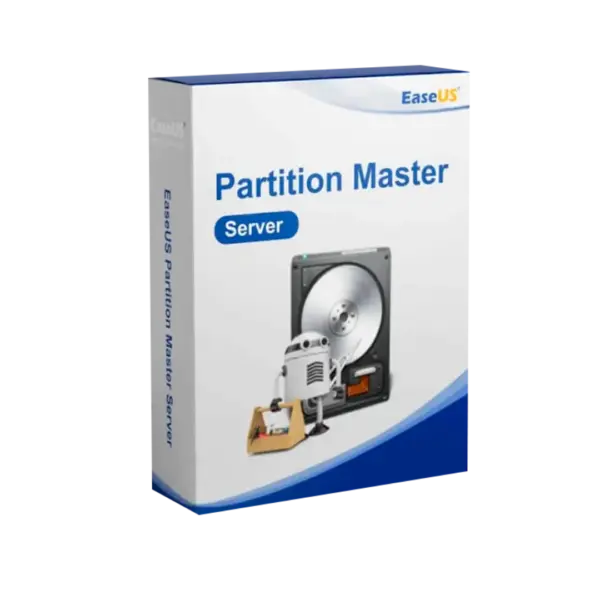
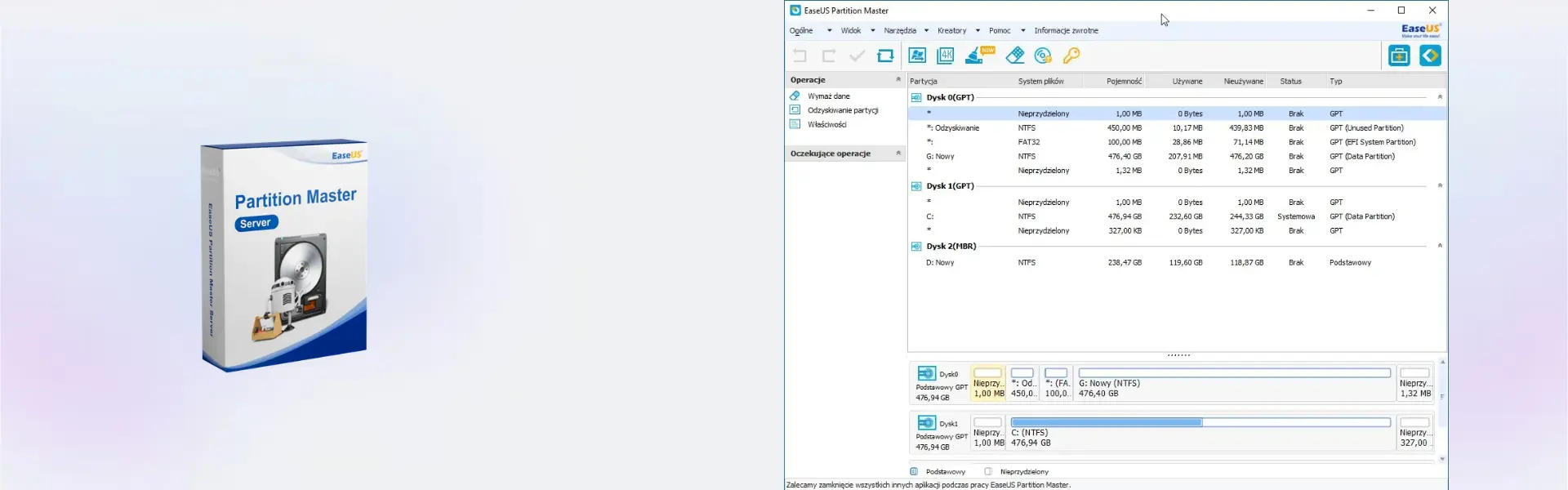
EaseUS Partition Master Server is a professional server partition management software for managing, resizing, and optimizing Windows storage with confidence. It includes instant digital delivery, so you can activate it quickly and start improving server disk performance without delay.
With flexible options, including lifetime usage, EaseUS Partition Master Server is ideal for users who need a secure server disk management tool with no subscription when choosing the lifetime plan.
Overview of EaseUS Partition Master Server
- Platform: Windows
- Devices: 1 Device
- License Duration: 1 Year/ 2 Years/ Lifetime
- Activation Method: Online activation
- Delivery: Instant digital delivery via email
- Support: Email and remote assistance
- Language Support: Multi-language
- Compliance: Genuine software licenses sourced through compliant distribution channels in line with U.S. laws and industry standards
Key Features
- Server partition resizing: Adjusts partition space to improve storage use and reduce downtime.
- Disk cloning: Copies server disks to new drives, making upgrades and replacements easier.
- Partition merging: Combines partitions to create cleaner storage layouts and reduce wasted space.
- Disk conversion: Helps manage supported disk formats for better server storage compatibility.
- OS migration support: Moves Windows data to another drive for faster upgrades and smoother deployment.
- Storage optimization: Improves disk structure to support better performance and easier maintenance.
- Instant delivery: Activation details arrive by email, so setup can begin quickly.
Main Features Explained
Server Partition Management
EaseUS Partition Master Server helps resize, merge, create, format, and manage server partitions. This is useful for IT admins and businesses that need better control over storage space.
Disk Clone and Migration
The disk cloning feature helps move data from one drive to another. It is useful when upgrading server storage, replacing old disks, or preparing a safer copy before hardware changes.
Storage Optimization
EaseUS Partition Master Server helps organize disk space and improve storage structure. As a result, businesses can maintain cleaner server environments and reduce storage issues.
Professional Disk Operations
The software supports practical server maintenance tasks for administrators, technicians, and business users who need reliable server disk management without complex manual work.
Why Choose EaseUS Partition Master Server?
EaseUS Partition Master Server is designed for users who need a reliable Windows server partition manager. It is suitable for businesses, IT teams, technicians, and professionals who manage server storage and need safer disk control.
You can explore more server management software in our server management infrastructure software category. For larger professional workflows, EaseUS Partition Master Technician is built for technicians, while EaseUS Partition Master Server is focused on one server device.
For related needs, EaseUS Partition Master Unlimited supports broader business use, while EaseUS Disk Copy Technician is useful for professional disk cloning tasks.
EaseUS Partition Master Server vs Alternatives
EaseUS Partition Master Server focuses on server partition management, disk optimization, and storage control for one server device. In comparison, EaseUS Partition Master Technician is better for service providers managing multiple client systems.
System Compatibility
EaseUS Partition Master Server is designed for Windows environments. For best results, install it on a compatible server, keep enough free space available, and review each disk operation before applying changes.
License Type Explanation
This product is supplied for 1 device with online activation. The available usage period depends on the selected option: 1 year, 2 years, or lifetime. Choose the lifetime option if you want long-term server partition management without recurring subscription use.
Installation & Activation
- Complete your order and check your email for the digital delivery details.
- Download and install EaseUS Partition Master Server on Windows.
- Open the software and activate it online using the provided details.
- Select the partition or disk task you need.
- Review the pending changes carefully.
- Apply the operation and follow the on-screen instructions.
Why Buy From Us
Digital License provides a fast, secure, and professional way to purchase genuine software licenses for business and server use.
- Instant digital delivery by email
- Genuine software licenses
- Secure payment process
- Email and remote assistance support
- Compliance with U.S. laws and industry standards
Trust & Reliability
Genuine software licenses sourced through compliant distribution channels in line with U.S. laws and industry standards
FAQ
How is EaseUS Partition Master Server delivered?
It is delivered digitally by email after purchase, so you can access your activation details quickly.
How do I activate EaseUS Partition Master Server?
You activate the software online using the activation details provided with your order.
Which platform does EaseUS Partition Master Server support?
It supports Windows environments.
Can it resize server partitions?
Yes, it helps resize and manage partitions on supported Windows systems.
Can it clone disks?
Yes, it includes disk cloning features for supported migration and upgrade tasks.
Can I use it on more than one device?
The supplied product details cover use for 1 device.
Does it include lifetime usage?
Yes, lifetime is one of the available duration options, along with 1 year and 2 years.
Is EaseUS Partition Master Server legal to use?
Yes, it is supplied as genuine software through compliant distribution channels in line with U.S. laws and industry standards.
| Component | Requirement |
| Processor | 1 GHz or faster x86/x64-compatible CPU |
| RAM | 1 GB minimum (2 GB or more recommended) |
| Storage | At least 100 MB of free disk space for installation (additional space required for operations) |
| Operating System | Windows Server 2016 / 2019 / 2022 (32-bit & 64-bit) |
| Bootable Media | WinPE-based bootable media supported (USB/CD) |
| Graphics card | Standard VGA compatible graphics |
| Display | 800 × 600 resolution or higher |
| Specification | Detail |
|---|---|
| Activation | Single Device License (1 PC) |
| License validity | 1 Year / 2 Years / Lifetime (one-time purchase) |
| Delivery method | By email within 5–15 minutes |
| Languages | Multilingual |
Additional information
| Subscription period | 1 Year, 2 Years, Lifetime |
|---|

1 – Buy
Shop securely with SSL encryption.

2 – Receive
You will receive the license key and download link.

3 – Download
Download and install the software.

4 – Activate
Enter the license key to the software.