























- Description
- Minimum Requirements
- Specifications
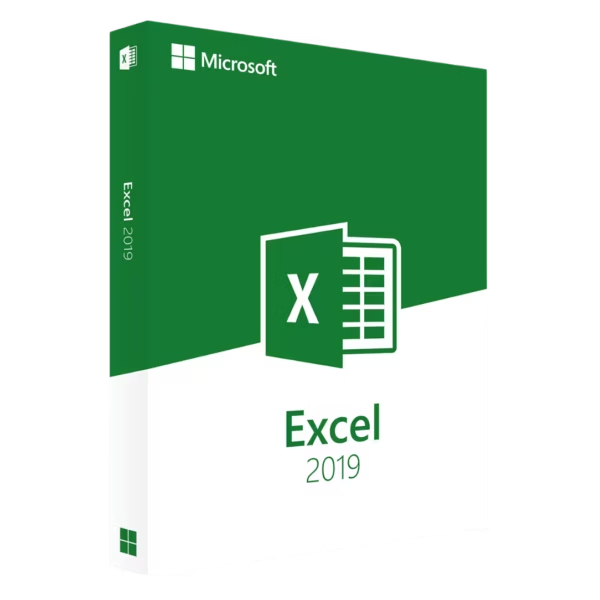
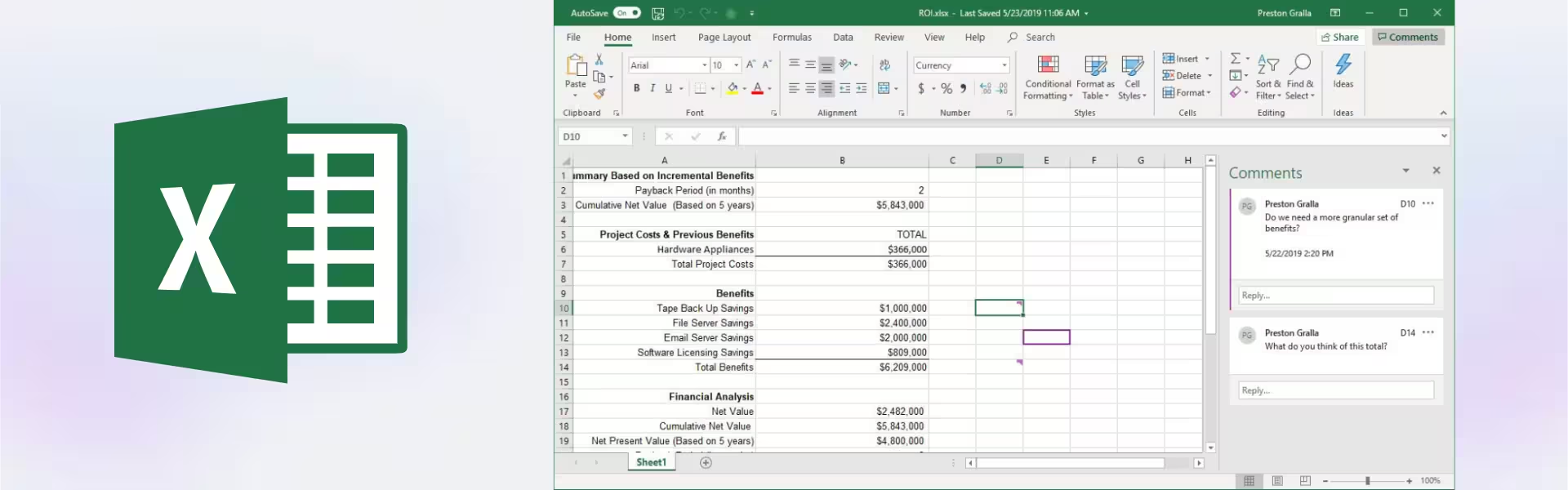
Microsoft Excel 2019 is a powerful and modern spreadsheet solution designed for Windows users who need advanced data analysis tools. With instant digital delivery, lifetime usage, and no subscription required, it offers a reliable and cost-effective way to manage data professionally.
Whether for business, finance, or personal use, it delivers improved performance and enhanced features for efficient data handling.
Overview of Microsoft Excel 2019
- Platform: Windows
- Edition: Excel
- License Type: LTSC
- Devices: 1 device
- License Duration: Lifetime
- Activation Method: Online activation
- Delivery: Instant digital delivery via email
- Support: Email and remote assistance
- Language Support: Multi-language
- Compliance: Genuine software licenses sourced through compliant distribution channels in line with U.S. laws and industry standards
Key Features
- One-time purchase with lifetime use: Eliminate subscription costs while maintaining full access to advanced spreadsheet tools.
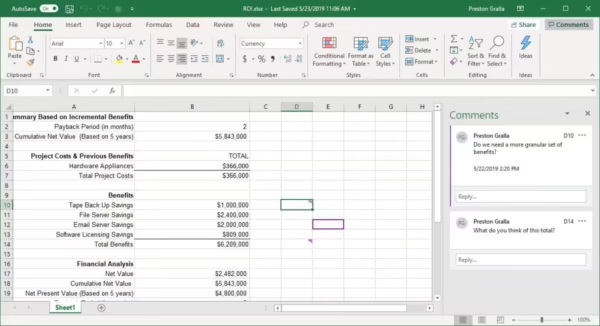
- Enhanced data analysis capabilities: Use powerful formulas, functions, and tools to gain deeper insights from your data.
- Improved charts and visualization: Transform complex data into clear, professional visuals for reporting and presentations.
- New functions and features: Access modern Excel tools that improve accuracy and productivity.
- Efficient data management: Handle large datasets with better performance and reliability.
- Offline productivity: Work anytime without internet access, ensuring continuous workflow.
- Stable LTSC version: Enjoy long-term reliability without frequent changes or disruptions.
Main Features Explained
Data Organization and Management
Microsoft Excel 2019 allows users to organize and structure data efficiently using spreadsheets. It is widely used for financial tracking, reporting, and database management.
Advanced Formulas and Functions
Excel provides powerful calculation tools that automate tasks such as budgeting, forecasting, and statistical analysis, helping users save time and reduce errors.
Charts and Data Visualization
Create professional charts and graphs to present data clearly. This is essential for business reports, presentations, and decision-making.
Data Analysis Tools
Features like sorting, filtering, and pivot tables enable users to analyze large datasets quickly and extract meaningful insights.
Why Choose Microsoft Excel 2019?
Microsoft Excel 2019 is ideal for professionals, students, and businesses that require a reliable and advanced spreadsheet tool without ongoing subscription fees. It offers a balance of modern features and long-term stability.
Explore more options in our Microsoft Excel collection to find the right version for your needs.
If you want a newer version with enhanced features, consider Microsoft Excel 2021.
For a full productivity suite, you can also explore Microsoft Office 2019.
Microsoft Excel 2019 vs Alternatives
Compared to Excel 2021, this version offers strong core functionality with fewer advanced features, making it a cost-effective choice.
Compared to Excel 2016, it provides improved performance, enhanced tools, and better data visualization capabilities.
System Compatibility
Microsoft Excel 2019 is designed for Windows systems and works smoothly on supported versions of the operating system. It is compatible with both modern and older PCs that meet system requirements.
License Type Explanation
The LTSC (Long-Term Servicing Channel) license ensures stability and long-term use. It is a one-time purchase that provides lifetime access on a single device, eliminating recurring costs.
Installation & Activation
- Complete your purchase and receive your product via email instantly.
- Download the installation file using the provided instructions.
- Install the software on your Windows device.
- Activate the product using online activation.
- Start managing and analyzing data immediately.
Why Buy From Us
We provide a secure and professional purchasing experience with genuine software solutions.
- Instant digital delivery via email
- Genuine and verified software licenses
- Secure payment processing
- 24/7 customer support with remote assistance
- Full compliance with U.S. laws and industry standards
Digital License Is a Verified Microsoft Partner
Digital License is an official Microsoft Partner
(ID: 7033487), recognized for delivering genuine software licenses and
verified solutions worldwide. You can verify our partnership
directly on the Microsoft Partner Directory. This ensures every
license you purchase is authentic, secure, and fully compliant with
Microsoft standards and applicable U.S. laws and industry standards.
FAQ
How do I receive Microsoft Excel 2019?
You will receive your product details instantly via email after purchase.
Is this a lifetime purchase?
Yes, it is a one-time purchase with lifetime access.
Is it compatible with Mac?
No, this version is designed specifically for Windows systems.
Do I need internet access?
Internet is required for activation, but the software can be used offline afterward.
Is the software genuine?
Yes, all licenses are genuine and compliant with industry standards.
Can I transfer the license?
This license is intended for use on one device and is not transferable.
Do you provide support?
Yes, we offer 24/7 email and remote assistance.
| Component | Requirement |
| Processor | 1.6 GHz or faster, 2-core processor |
| RAM | 4 GB RAM for 64-bit; 2 GB for 32-bit |
| Storage | At least 4 GB of available disk space |
| Operating System | Windows 10, Windows Server 2019 |
| Graphics | DirectX 9 or later with WDDM 2.0 or higher (for Windows 10) |
| Display | 1280 × 768 screen resolution |
| Specification | Detail |
|---|---|
| Activation | Single PC (one-time activation) |
| License validity | Lifetime (does not expire after activation) |
| Delivery method | By email within 15 minutes |
| Languages | Multilingual |

1 – Buy
Shop securely with SSL encryption.

2 – Receive
You will receive the license key and download link.

3 – Download
Download and install the software.

4 – Activate
Enter the license key to the software.
Microsoft Project 2021 Professional
Microsoft Visio 2019 Professional
Microsoft Office 2010 Professional Plus
Microsoft Office 2016 Professional Plus
Microsoft Office 2016 Professional Plus Bind
Microsoft Office 2021 Professional Plus
