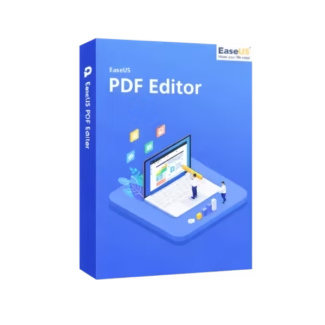








- Description
- Minimum Requirements
- Specifications
- Additional information
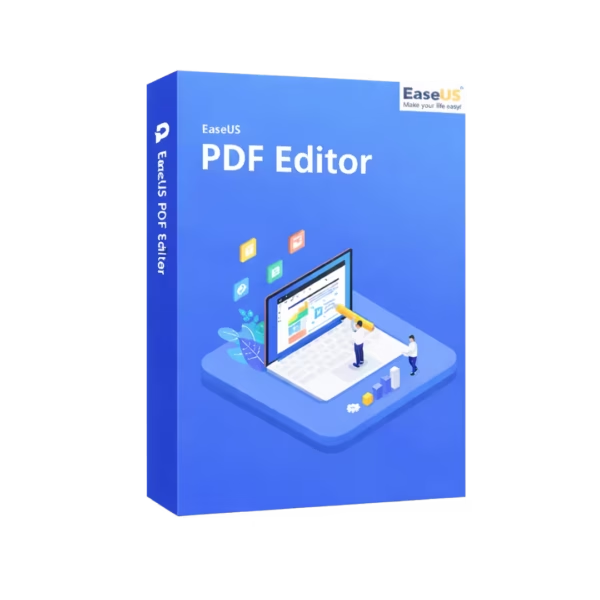
EaseUS PDF Editor is a powerful and intuitive solution designed for managing, editing, and converting PDF files with ease. With instant digital delivery and lifetime usage, this software offers a one-time investment for long-term productivity without recurring subscriptions.
Whether you need to edit documents, convert files, or secure sensitive information, it provides a complete toolkit for efficient PDF management.
Overview of EaseUS PDF Editor
- Platform: Windows
- Edition: PDF Editor
- License Type: Retail
- Devices: 1 device
- License Duration: Lifetime
- Activation Method: Online activation
- Delivery: Instant digital delivery via email
- Support: Email and remote assistance
- Language Support: Multi-language
- Compliance: Genuine software licenses sourced through compliant distribution channels in line with U.S. laws and industry standards
Key Features
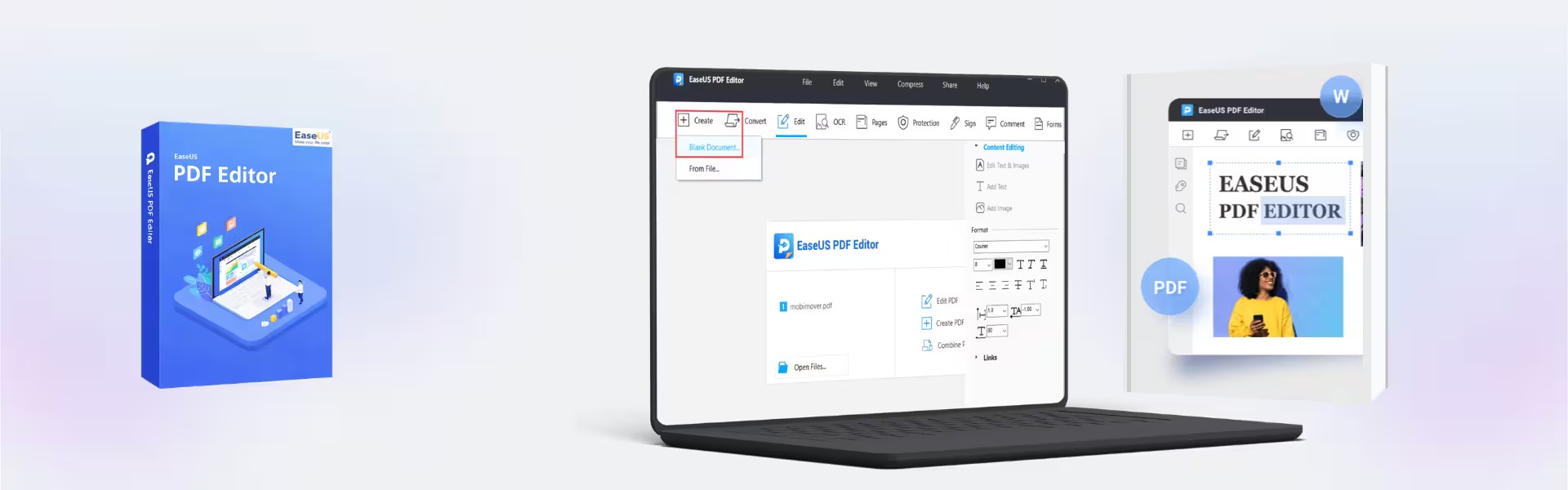
- Comprehensive PDF Editing: Modify text, images, and layouts directly within PDFs, allowing quick document updates without recreating files.
- File Conversion Tools: Convert PDFs to Word, Excel, and other formats, enabling seamless collaboration and editing across platforms.
- Document Security Options: Add passwords, permissions, and encryption to protect sensitive information from unauthorized access.
- Annotation and Markup Tools: Highlight, comment, and review documents efficiently, improving collaboration in professional environments.
- OCR Technology: Convert scanned documents into editable text, making it easier to work with printed or image-based files.
- PDF Form Management: Create, fill, and edit forms, streamlining workflows for businesses and administrative tasks.
- Lightweight Performance: Optimized for smooth operation on Windows systems without slowing down your workflow.
Main Features Explained
Advanced PDF Editing:
EaseUS PDF Editor allows users to directly edit existing PDF files, including text and images. This is essential for professionals who frequently update contracts, reports, or presentations without converting formats.
PDF Conversion and Integration:
Convert PDFs into editable formats such as Word or Excel. This simplifies document collaboration for students, office workers, and teams working across multiple platforms.
OCR for Scanned Documents:
Transform scanned files into editable content, making it easy to digitize paperwork and improve document accessibility.
Secure Document Handling:
Protect sensitive documents with encryption and password settings, ensuring data privacy in business and personal use.
Why Choose EaseUS PDF Editor?
EaseUS PDF Editor is ideal for professionals, students, and businesses that need a reliable and efficient PDF management tool. It simplifies document workflows, improves collaboration, and enhances productivity.
Explore more document solutions in our PDF software collection to find the right tools for your needs.
For users working extensively with office documents, Microsoft Office solutions provide advanced tools for document creation and collaboration.
To manage and compress files efficiently, consider file compression tools for better storage and file organization.
EaseUS PDF Editor vs Alternatives
Compared to basic PDF readers, EaseUS PDF Editor offers full editing, conversion, and security features, making it a complete solution rather than a viewing tool.
When compared to premium PDF suites, it provides a strong balance between functionality and ease of use, making it suitable for both beginners and advanced users.
System Compatibility
This software is fully compatible with Windows systems and is optimized for stable performance, ensuring smooth operation even on standard configurations.
License Type Explanation
This Retail license allows activation on one device with lifetime usage, making it a cost-effective solution without recurring payments.
Installation & Activation
- Complete your purchase and receive activation details via email instantly.
- Download the EaseUS PDF Editor software.
- Install the application on your Windows device.
- Enter the activation credentials.
- Start editing and managing your PDF files immediately.
Why Buy From Us
We provide a secure and reliable purchasing experience with full customer support.
- Instant digital delivery
- Genuine software licenses
- Secure payment processing
- 24/7 customer support
- Compliance with U.S. laws and industry standards
Trusted & Secure
Your purchase is protected with industry-standard security protocols, ensuring safe transactions and verified software authenticity.
FAQ
How do I activate EaseUS PDF Editor?
You can activate it online using the credentials sent via email after purchase.
When will I receive the product?
Delivery is instant via email immediately after payment confirmation.
Can I use it on multiple devices?
This version is valid for one device only.
Is it compatible with macOS?
No, this version is designed specifically for Windows systems.
Is the software genuine?
Yes, all licenses are sourced through compliant and authorized distribution channels.
Does it support scanned documents?
Yes, OCR functionality allows editing of scanned PDFs.
Is installation difficult?
No, installation is simple and guided step-by-step.
| Component | Requirement |
| Processor | Intel® Pentium® 4 or faster processor / Intel or Apple Silicon (M1/M2/M3) processor |
| RAM | 2 GB minimum (4 GB recommended) |
| Storage | At least 1 GB free disk space for installation |
| Operating System | Windows 11/10/8.1/8/7 (32-bit & 64-bit) / macOS 10.15 (Catalina) or later |
| Graphics Card | Standard VGA compatible graphics device / Metal-compatible graphics device |
| Display | 1024 × 768 screen resolution or higher |
| Internet Connection | Required for activation, updates, and online/cloud-based PDF features |
| Specification | Detail |
|---|---|
| Activation | Single PC (one-time activation) |
| License validity | 1 Month/ 1 Year/ Lifetime (one-time purchase) |
| Delivery method | By email within 15 minutes |
| Languages | Multilingual |
Additional information
| Subscription period | 1 Month, 1 Year, Lifetime |
|---|---|
| Operating systems | Mac, Windows |

1 – Buy
Shop securely with SSL encryption.

2 – Receive
You will receive the license key and download link.

3 – Download
Download and install the software.

4 – Activate
Enter the license key to the software.
Ashampoo 3D CAD Professional 11
Parallels Desktop 20 Pro Edition Mac