









- Description
- Minimum Requirements
- Specifications
- Additional information
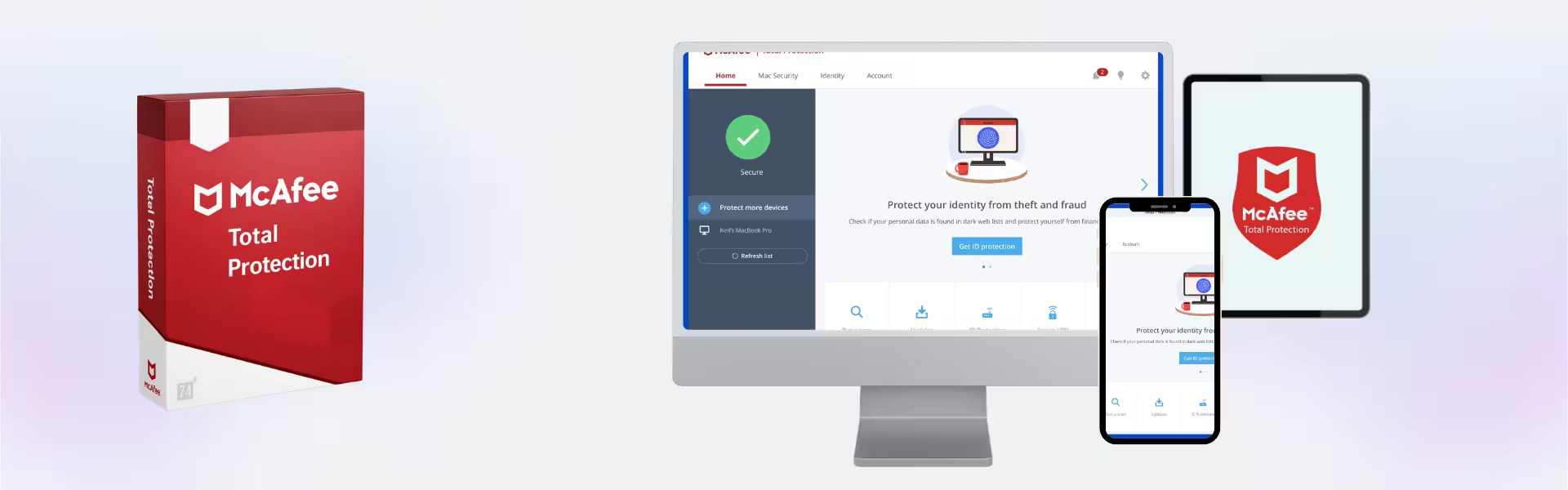
Mcafee Total Protection is a comprehensive cybersecurity solution designed to safeguard your digital life with instant delivery and seamless activation. Built for modern users, it combines powerful protection with flexible subscription options and long-term usability across multiple devices.
Overview of Mcafee Total Protection
- Platform: Windows, Mac, Android, iOS, ChromeOS
- Edition: Total Protection
- License Type: Retail
- Devices: 1 Device/ 3 Devices/ 5 Devices/ 10 Devices
- License Duration: 1 Year / 2 Years/ 3 Years
- Activation Method: Online activation
- Delivery: Instant digital delivery via email
- Support: Email and remote assistance
- Language Support: Multi-language
- Compliance: Genuine software licenses sourced through compliant distribution channels in line with U.S. laws and industry standards
Key Features
- Advanced Antivirus Engine: Detects and removes malware, ransomware, and spyware in real time, ensuring your personal and business data remains protected.
- Multi-Device Coverage: Protects multiple devices under one subscription, allowing seamless security across desktops, laptops, and mobile devices.
- Secure VPN: Encrypts your internet connection, enabling safe browsing on public Wi-Fi and protecting sensitive information from hackers.
- Identity Protection Tools: Monitors personal data and alerts you to potential identity threats, helping prevent fraud and unauthorized access.
- Web Protection & Anti-Phishing: Blocks malicious websites and suspicious links, reducing the risk of scams and data breaches.
- Password Manager: Safely stores and auto-fills login credentials, improving both security and convenience.
- Performance Optimization: Keeps your system running smoothly by minimizing background resource usage.
Main Features Explained
Real-Time Threat Protection
This feature continuously scans your system for viruses and malicious activity. Whether downloading files or browsing the web, it blocks threats instantly, ensuring uninterrupted work and safe personal use.
Secure VPN for Private Browsing
The built-in VPN encrypts your connection, making it ideal for remote work, online banking, or accessing sensitive information on public networks without compromising security.
Identity Monitoring & Protection
Mcafee Total Protection monitors your personal data across the web. It alerts users to suspicious activity, helping prevent identity theft and ensuring peace of mind for professionals and families.
Password Management System
This tool securely stores login credentials and simplifies access to accounts. It is especially useful for users managing multiple platforms, improving both efficiency and security.
Why Choose Mcafee Total Protection?
Mcafee Total Protection is ideal for users who need all-in-one security across multiple devices. From students and families to remote workers and professionals, it offers complete protection without complexity.
Discover more options in the McAfee Licenses collection or compare features with Mcafee Internet Security for a more focused protection package.
For users exploring broader solutions, you can also browse a wide range of antivirus licenses tailored to different needs and budgets.
Mcafee Total Protection vs Alternatives
Compared to Mcafee Internet Security, Mcafee Total Protection includes additional features such as identity monitoring, password management, and broader multi-device support. It is better suited for users seeking a complete security suite rather than basic online protection.
System Compatibility
Mcafee Total Protection works across Windows, Mac, Android, iOS, and ChromeOS platforms. It is optimized for both newer and older devices, ensuring consistent performance without system slowdowns.
Installation & Activation
- Complete your purchase securely
- Receive your activation details instantly via email
- Download the official McAfee software
- Install it on your device
- Activate using your credentials
- Start using full protection immediately
Why Buy From Us
We provide a reliable and secure shopping experience with fast delivery and dedicated support.
- Instant digital delivery
- Authentic software licenses
- Secure payment methods
- 24/7 customer support
- Compliance with U.S. laws and industry standards
Trust & Reliability
All products are sourced from compliant distribution channels, ensuring authenticity and reliability. Our commitment to quality and customer satisfaction guarantees a secure and transparent experience.
FAQ
How do I activate Mcafee Total Protection?
Activation is completed online by entering your credentials after installing the software.
When will I receive my product?
You will receive your activation details instantly via email after purchase.
Can I use it on multiple devices?
Yes, depending on the selected plan, it supports 1, 3, 5, or 10 devices.
Is it compatible with all platforms?
Yes, it works on Windows, Mac, Android, iOS, and ChromeOS.
Is this software genuine?
Yes, all licenses are sourced through compliant channels and are fully authentic.
Do I need to renew the subscription?
Yes, protection is valid for the selected duration and can be renewed afterward.
Is support included?
Yes, 24/7 email and remote assistance support is available.
| Component | Requirement |
| Processor | 1 GHz or faster processor |
| RAM | 2 GB RAM (Windows) / 1 GB RAM (macOS) or more |
| Storage | 500 MB of available disk space |
| Operating System | Windows 10 & 11 (32-bit & 64-bit), macOS (latest 2 versions), Android, iOS |
| Internet Connection | Required for installation, activation, updates, and real-time protection |
| Browser | Latest version of Chrome, Edge, Firefox, or Safari |
| Specifications | Details |
|---|---|
| Activation | 1 Device / 3 Devices / 5 Devices/10 Devices (subscription-based) |
| License validity | 1 Year / 2 Years / 3 Years (renewable annually) |
| Delivery method | By email within 15 minutes |
| Languages | Multilingual |
Additional information
| Devices | 1 Device, 3 Devices, 5 Devices, 10 Devices |
|---|---|
| Subscription period | 1 Year, 2 Years, 3 Years |

1 – Buy
Shop securely with SSL encryption.

2 – Receive
You will receive the license key and download link.

3 – Download
Download and install the software.

4 – Activate
Enter the license key to the software.